Application Label Types
BBP
®
35/37 User’s Manual 150 Rev A
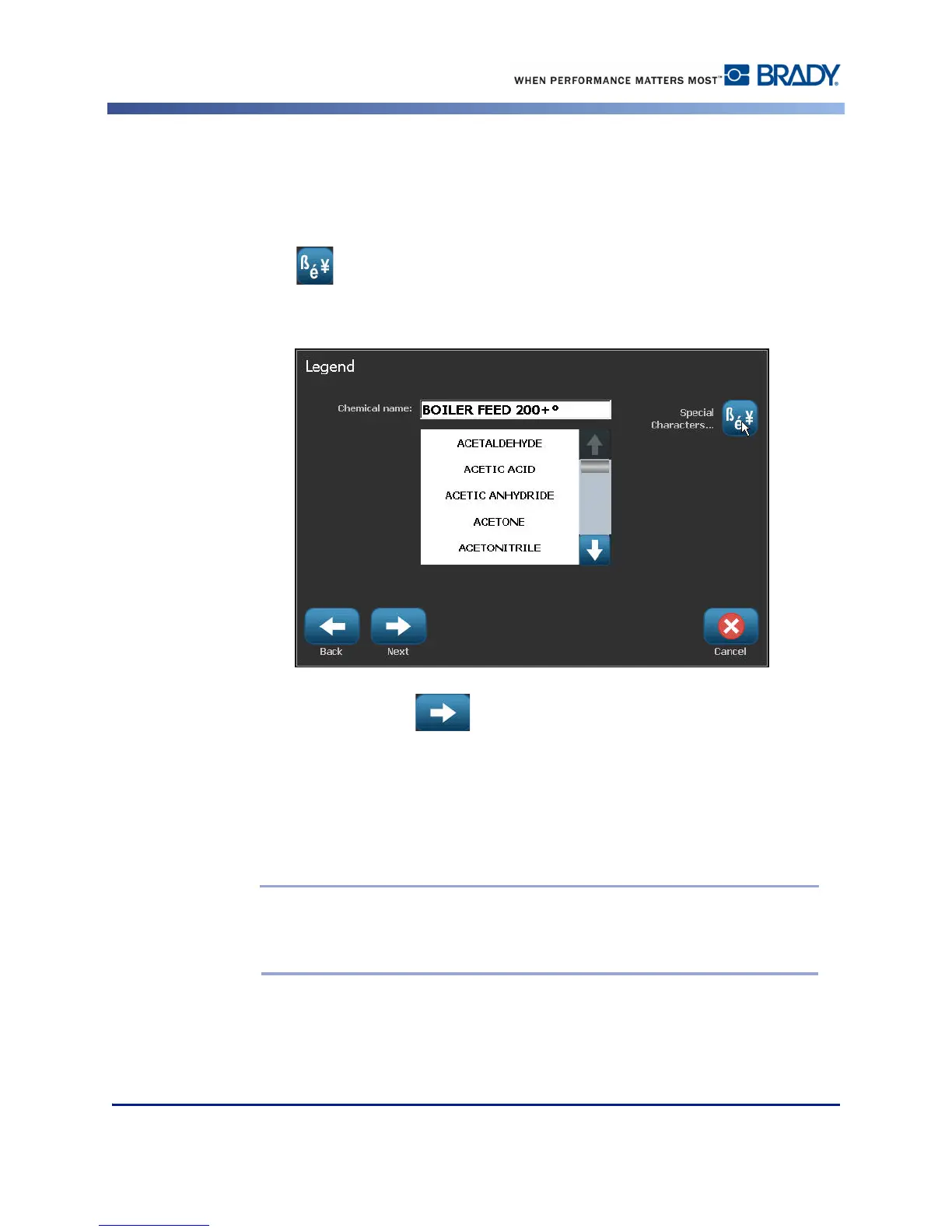
Whether you entered the substance name or selected it from the list, you can add additional
information to the Chemical name field, such as special characters.
8. To enter special characters, touch the Chemical name: field where the special characters
should be placed.
9. Touch , then enter the character(s). See “Typing Special Characters” on page 56 for
more detail.
10. When ready, touch Next .
11. On the Comments screen, touch the option box of the single word you want to display on
the label.
OR, to display more than one word:
Touch Other, then enter the desired word or words in the adjacent field.
Note: Be aware that entering long text strings in the “Other” option field (or the
following Optional Comment: field) may reduce the font size to a point where it no
longer meets the pipe marking standard for the selected color norm.



 To Next Page