3 - 10
Application of Disassembly
Main parts
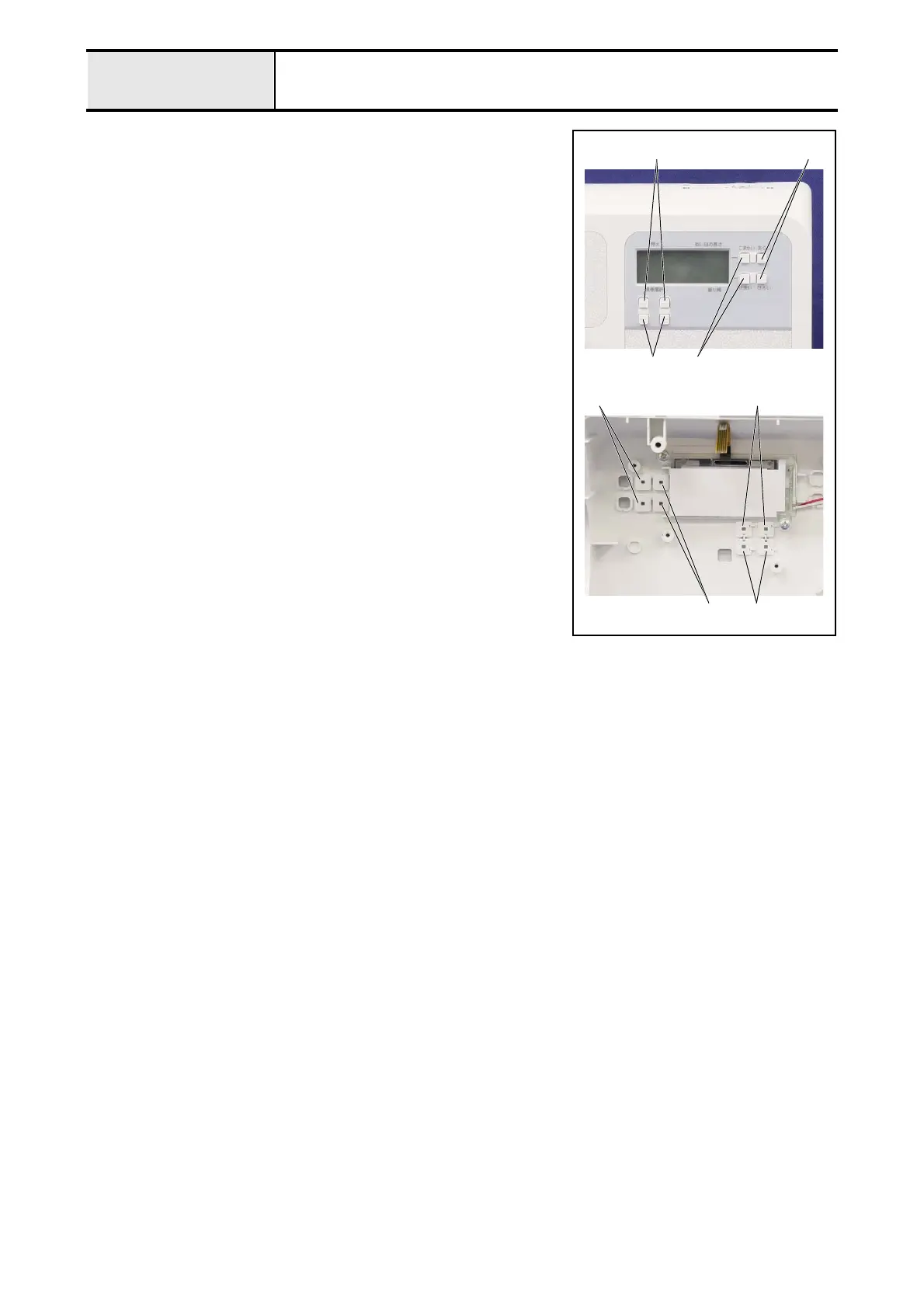
2-8 Removal of Selecting/Manual buttons
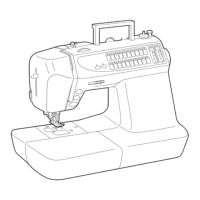
1. Remove the 2 selecting button A 1, the 2 selecting button B 2, the 2
manual button A 3 and the 2 manual button B 4.
*Note
• As for the LCD backlight PCB assy., it is not mounted by the
model.
1
2 3
4
4
3 2
1


 To Next Page
 Loading...