SETUP APPLICATION
Introduction
The Setup Application allows the users
to adjust and save various mixer settings.
The changes made will affect all mixer
memories. The settings of the setup
application are saved on the mixer’s PC
at c:\sigma\cust1\setup.ini. This file must
not be edited using any application other
than the Calrec Setup application.
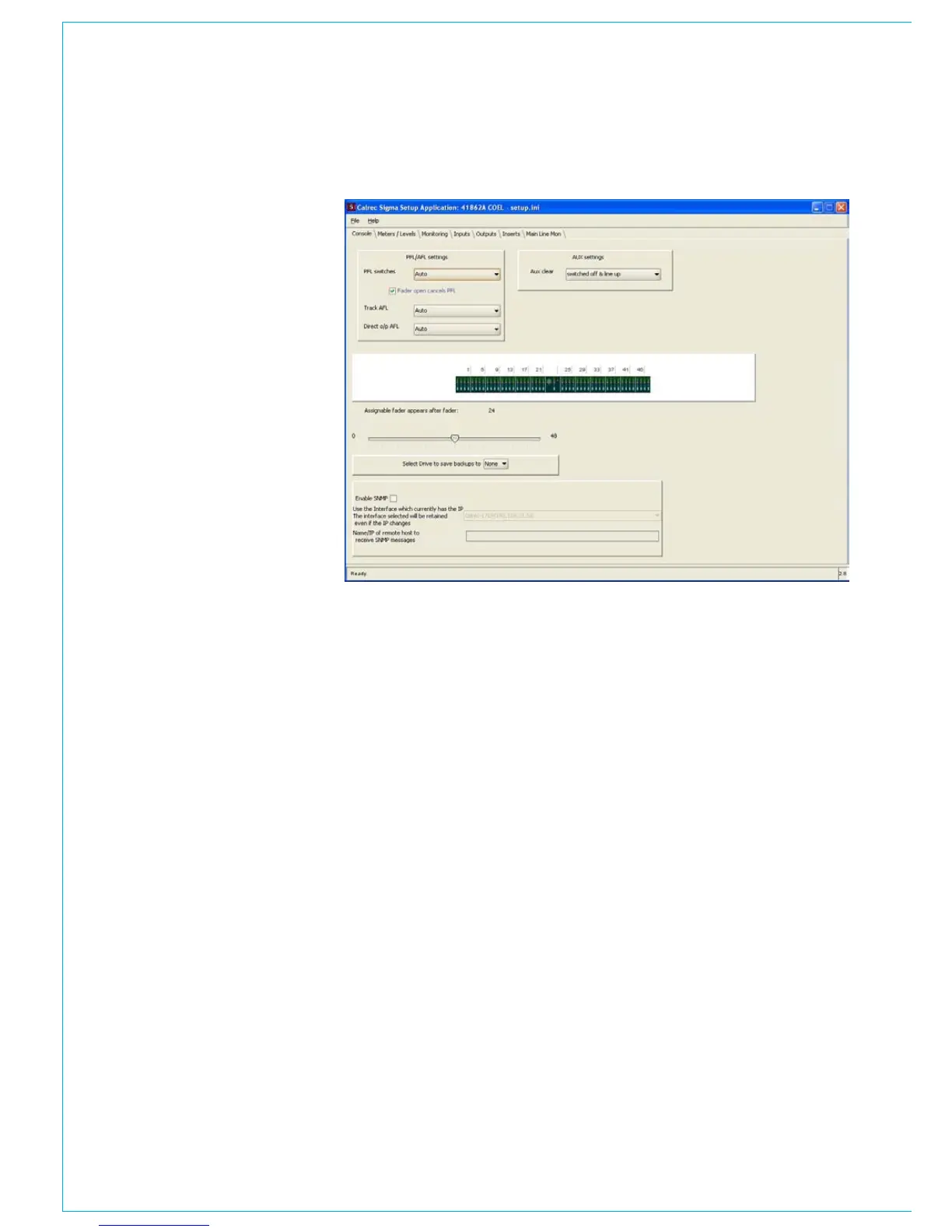
To open the setup application, please go
to the PC’s START button on the task bar,
and then select CALREC SIGMA and then
SETUP APPLICATION. The software will
initially display the console page, as shown
to the right.
To save changes, select ‘save’ from the file
menu. You will also be asked if you wish
to save the settings when you close the
setup application.
Important Note
If changes are made to the setup
application, those changes are not
adopted by the mixer, until they have been
programmed into the mixers processors.
Programming the mixers processors
requires the programming utility. If you are
not familiar with the programming utility
do not edit the setup. If the setup has
been altered but not programmed into the
mixer’s processors a warning message
will be displayed when the PC’s Main
Application is launched.



 To Next Page