94 SIGMA with Bluefin
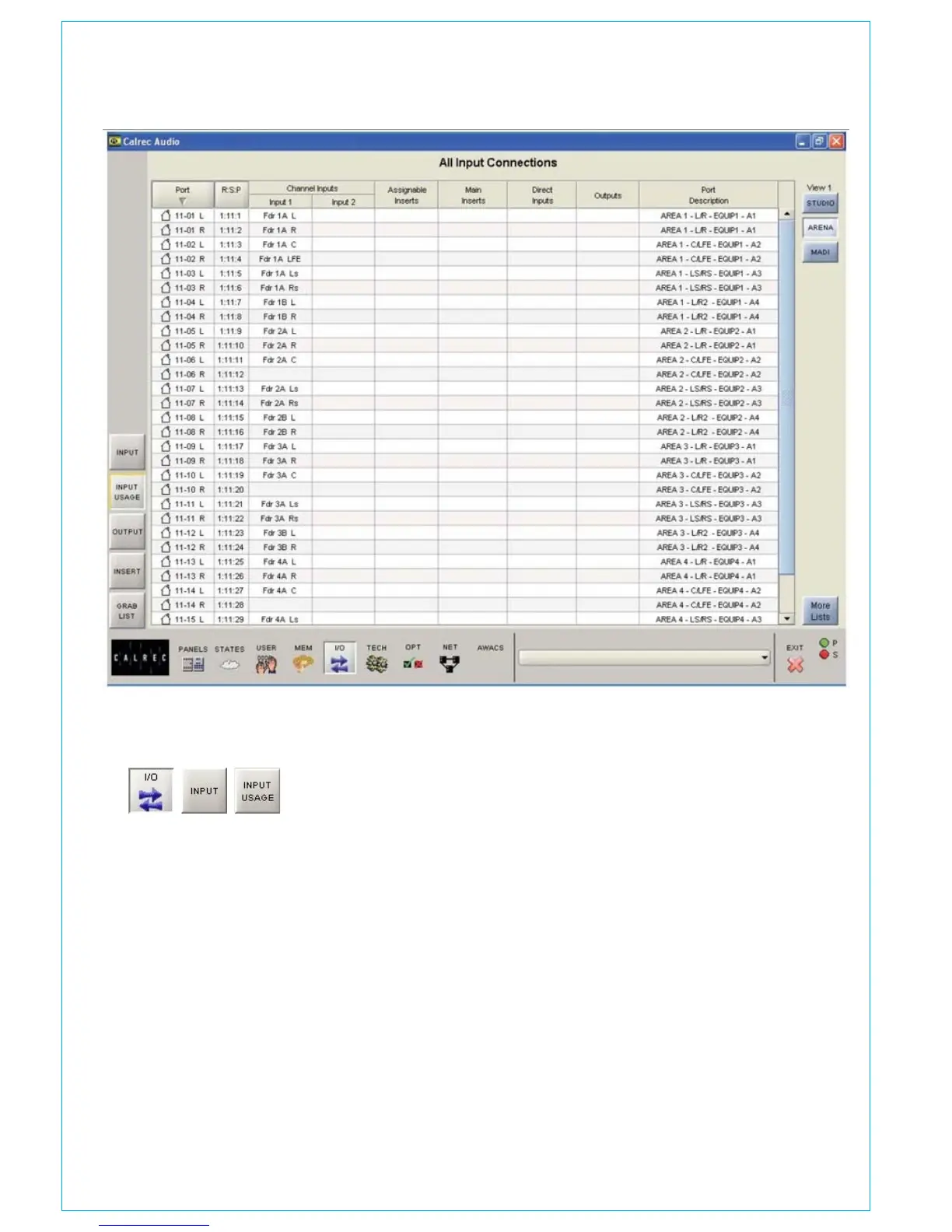
INPUT USAGE SCREEN
Fader, insert, direct input and output
allocations are shown for each input port,
along with any long description entered for
the port during the set up of the console,
or on the Options - Port Lists screens.
The input ports can be viewed by list,
using the selection buttons on the right of
the screen. The “More Lists” button gives
access to lists which have been allocated
to subsequent views.
Lists are set up using the Options - Port
List screens.



 To Next Page