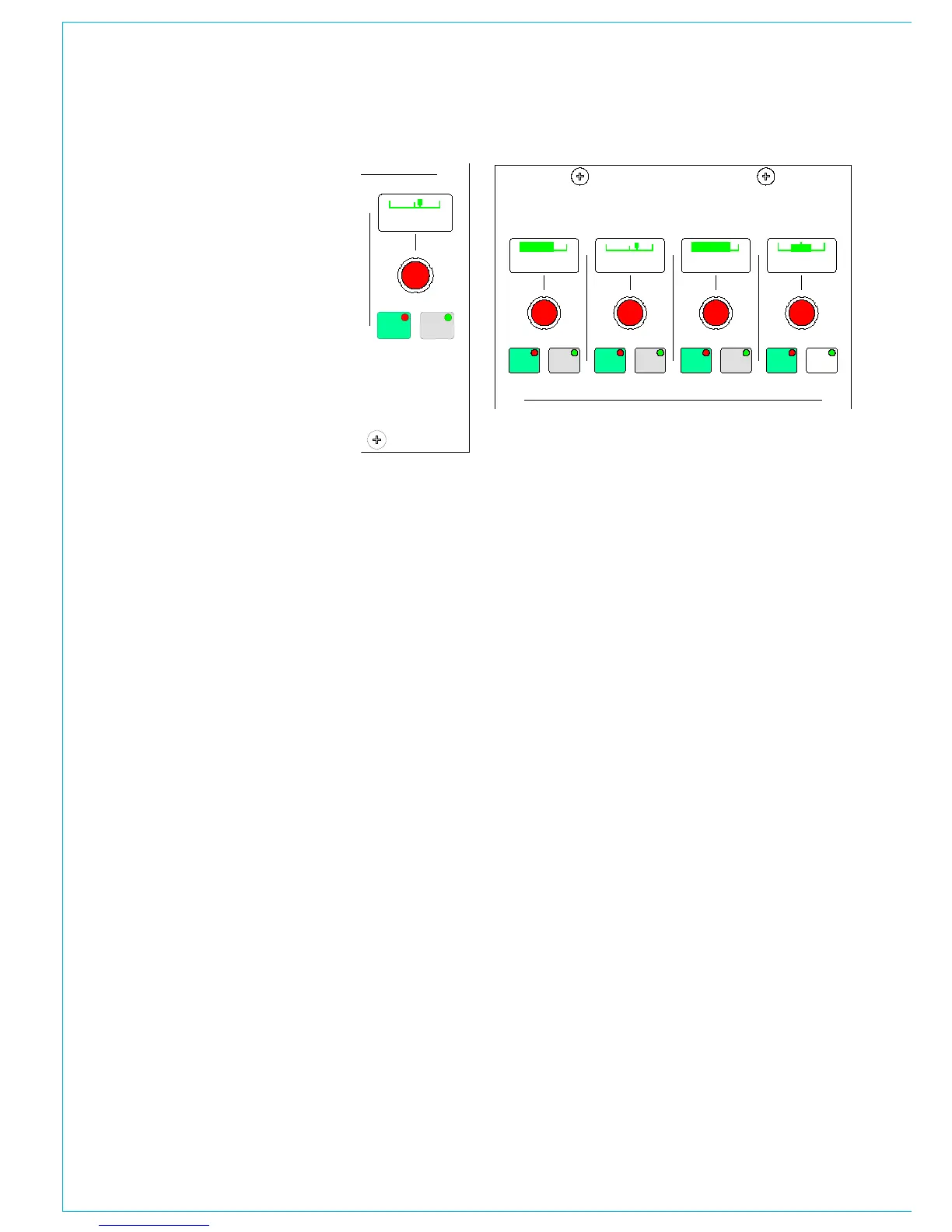
Front Pan
The Front Pan allows the front signal to be
panned from left, through centre, to right.
On stereo channels and groups, the L-R
PAN acts as a balance control.
Front/Back Pan
The Front/Back pan control pans the
signal between Front and Back.
When Rear Level is switched IN, the
levels to the rear and front are controlled
seperately. This allows signal to be fed
to the rear without affecting the balance
of the mix in the front speakers. Also, the
front signal can be turned off and a level
set to the rear which is different to that
being sent to any stereo groups or mains
which the path is feeding.
Rear Pan
The Rear Pan allows the rear signal to be
panned from Ls to Rs.
LFE and 5.0 Level Control
The LFE ON button allows the rotary
control to adjust the level of the LFE
independently of the rest of a surround
signal.
With 5.0 LEVEL selected, the control
adjusts the level of all the surround
legs except for the LFE. The 5.0 level is
independent of the LFE level.
STEREO ANd SURROUNd PANNING
Divergence
On mono channels, the divergence control
sets an amount of the centre signal to also
feed to the left and right.
Divergence is switched in, using the IN
button.
The divergence control on a stereo
channel determines its left, centre and
right contribution to a surround path.
When the divergence shaft is fully anti-
clockwise the signal will be present only
in the centre, and “MONO” is shown in the
display. The pan control balances the mono
mix of left and right into the centre.
As the divergence shaft is rotated
clockwise the level of audio in the left and
right increases and the level in the centre
decreases. The display shows a bar of
increasing width. Adjusting the pan control
shall balance the left and right mix to the
centre, and simultaneously balance the left
and right audio.
When the pan shaft is fully clockwise
the signal will be present only in the left
and right, and “STEREO” is shown in the
display. The pan control acts as a balance
for the left and right levels.
The overall audio level reduces as the pan
position approaches the centre.
When LCR is switched out the divergence
in of a mono channel is switched out.
C Only
The C ONLY button connects the channel
output to the centre bus only. All other
panning controls are disabled. The channel
is fed to both left and right of stereo
busses. On stereo channels and groups,
C ONLY feeds a mono reduction of the
stereo signal to the centre bus only.



 To Next Page