CALREC Putting Sound in the Picture 69
MY5403
MONITOR SEL
MUTE
= CUT
BANK A BANK B BANK C BANK D
BANK E BANK F BANK G
FUNCT
MISC
ASSIGNMENT
SELECTION TYPE
SELECTION
MUTE
= DIM
CUT DIM
CUT L CUT R
STEREO MONO
MISC OP1
L > L + R R > L + R
SURR
MAIN 1
METER 1
CR MON
FOLLOW
METER 2
SURR
MAIN 2
METER 3 METER 4
STEREO
EXT 1
Misc Output Misc Functions
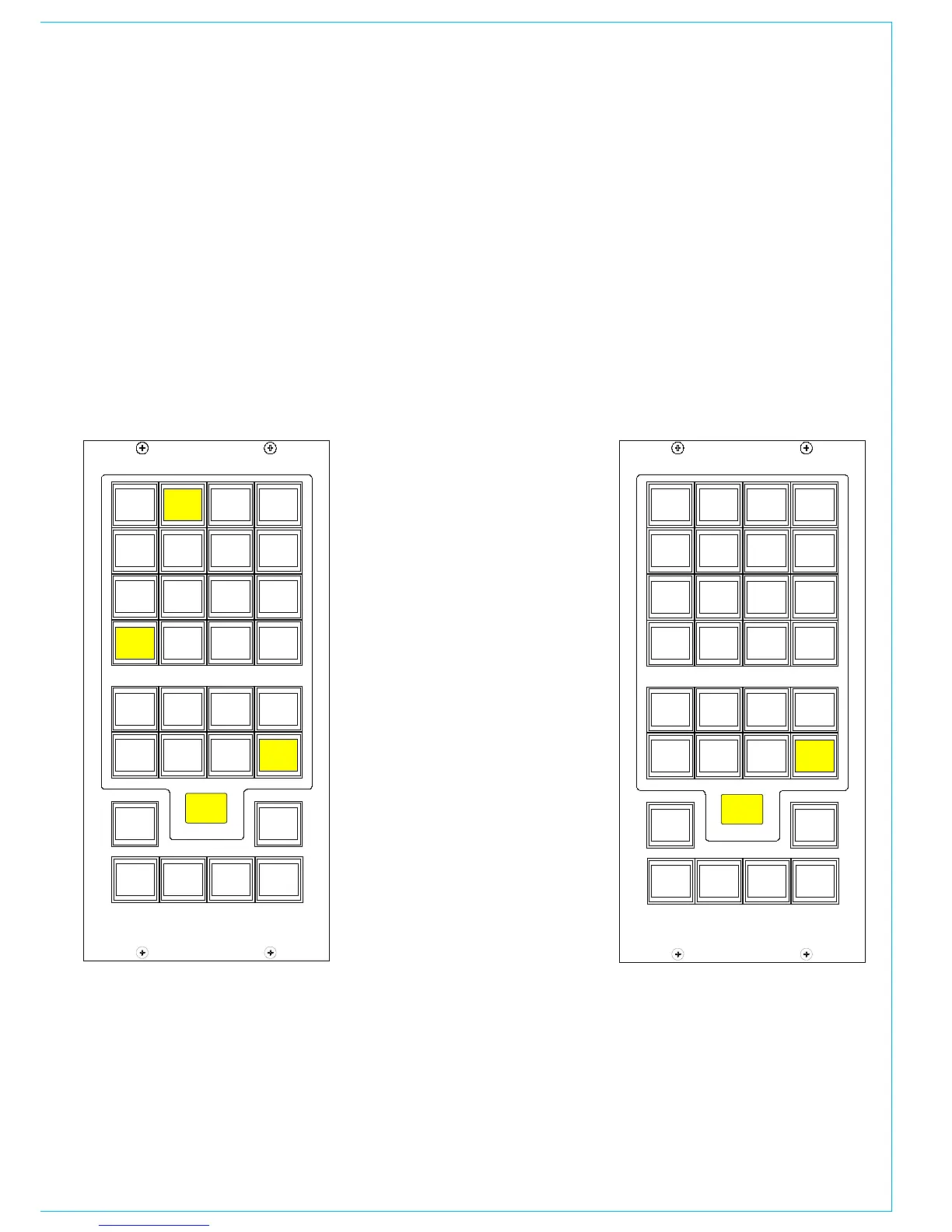
When a misc output is selected, the misc
functions bank allows options for the
mute button, CUT, DIM and mono/stereo
monitoring options to be applied.
The Mute button for each Misc output
can be set to CUT or DIM the selected
monitor source using the MUTE=CUT or
MUTE=DIM buttons. The button will light
red when set to cut, and yellow when set
to dim.
CUT and DIM can be applied using the
buttons here.
MY5403
MONITOR SEL
TONE
BANK A BANK B BANK C BANK D
BANK E BANK F BANK G
FUNCT
MISC
ASSIGNMENT
SELECTION TYPE
SELECTION
M/S
METER 1
SURR
MAIN 1
METER 1
CR MON
FOLLOW
METER 2
SURR
MAIN 2
METER 3 METER 4
STEREO
EXT 1
MISC OUTPUT ANd METERS
CUT L and CUT R allow the left or right leg
of the selected monitor output to be cut.
Stereo or mono buttons allow the misc
output to monitor the source in stereo or
mono.
L > L + R and R > L + R allows either the
left or the right leg to be sent to both the
left and right of the stereo output.
Meter 1-4 Misc Functions
When meters 1-4 are selected, the misc
functions bank allows Tone and M/S (L-R
sum/difference) to be selected for that
meter.



 To Next Page