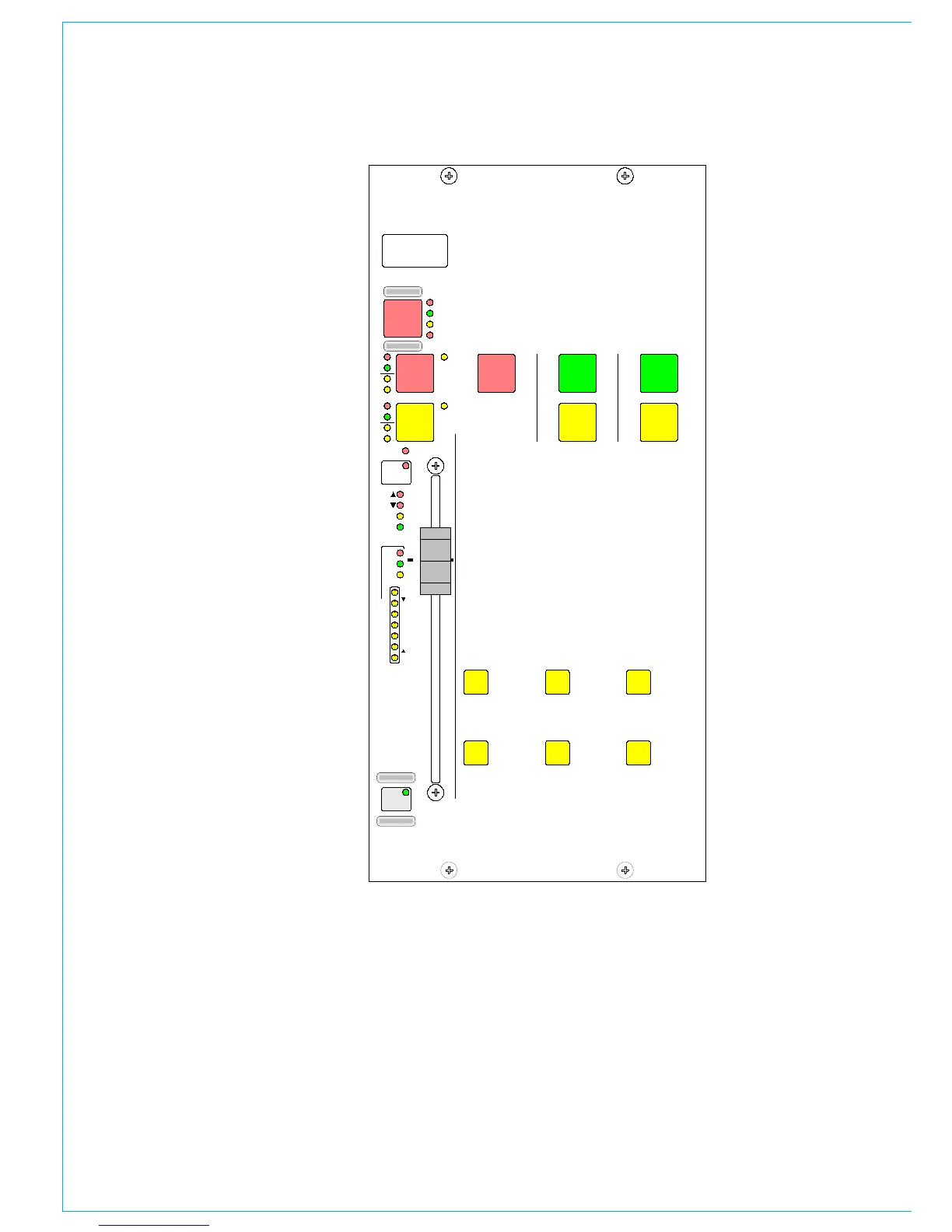
The assignable fader can follow a spill
fader, but cannot be locked to it. It can
however be locked to a surround master.
All A/B Viewing
The ALL A and ALL B buttons switch all
the channel faders to display either their
A path or their B path. Buttons allow the
left and right hand side to be switched
seperately for each path. Using the ALL
A and ALL B buttons is like moving to a
different section of a single layer design.
Buttons on the Options - Misc screen set
the functionality of the All A and All B
buttons when using a short press.
If set to change layer, a short press on the
ALL A and ALL B buttons will switch all
the channel faders to display either their A
path or their B path permanently.
If set to “Latch View”, a short press of an
All A or All B button will display the paths
on the control surface until the button is
pressed again. This is so that the console’s
A/B display pattern is not lost. The
console will revert back to the previously
displayed layer on each fader.
A long press on the ALL A and ALL B
buttons will switch all the channel faders
to display either their A path or their B path
permanently.



 To Next Page