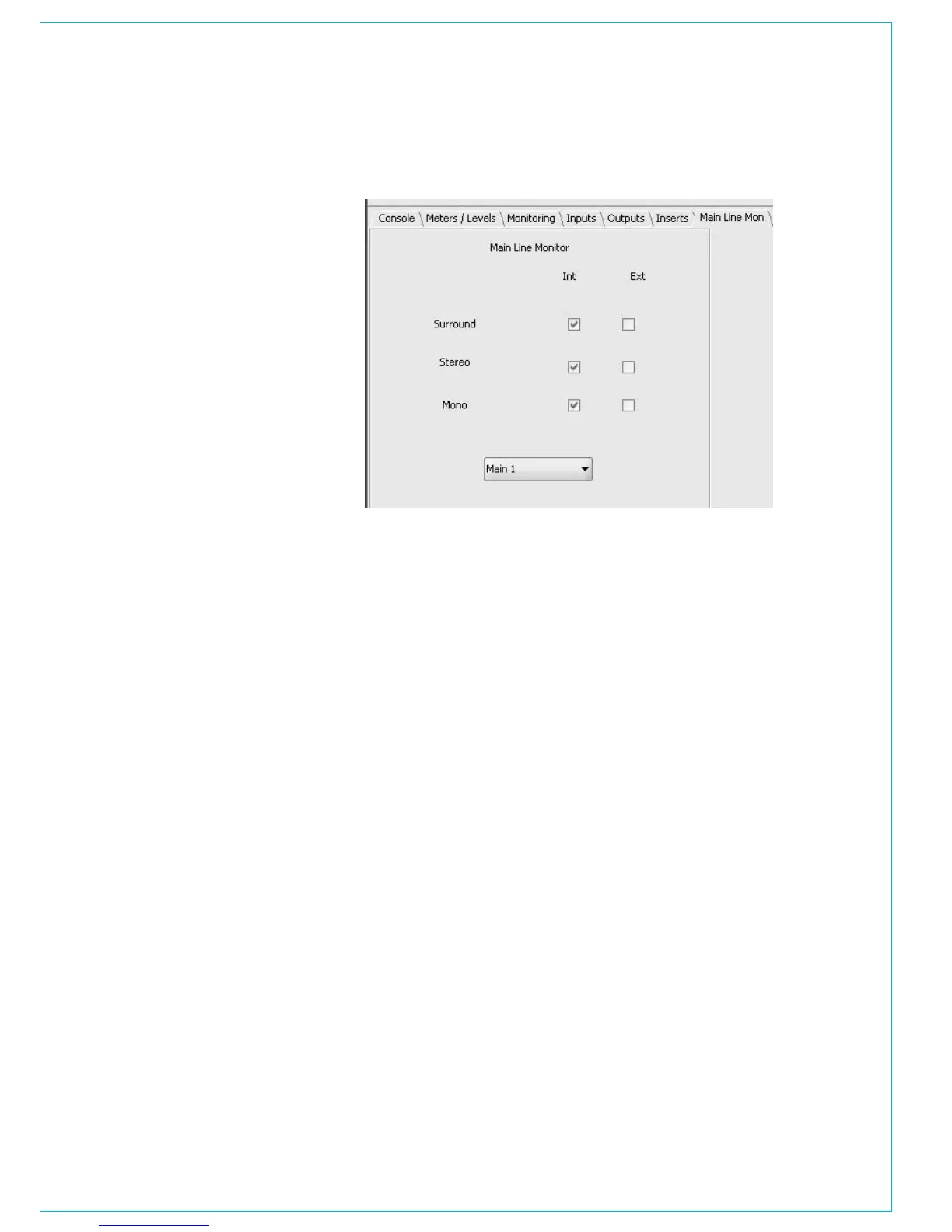
The monitoring of the main outputs
can be the output of the mixer, or an
external input. For example, a user may
wish to monitor the output of the studio
or even an off air receiver, as oppose to
the mixer’s internal signal. The current
settings can be changed using the page
to the right.
To change the main monitoring of a
main output, select the relevant output
from the pull down box. Then ‘check’ the
relevant box for each main output format
(surround, stereo or mono).
Please be aware that the mixer has the
ability to handle many external signals.
This allows the users to monitor the
internal main outputs and also use
external monitor inputs to listen and
meter the main outputs from the studio
distribution amplifier and an off air
receiver.
MAIN LINE MON



 To Next Page