168 SIGMA with Bluefin
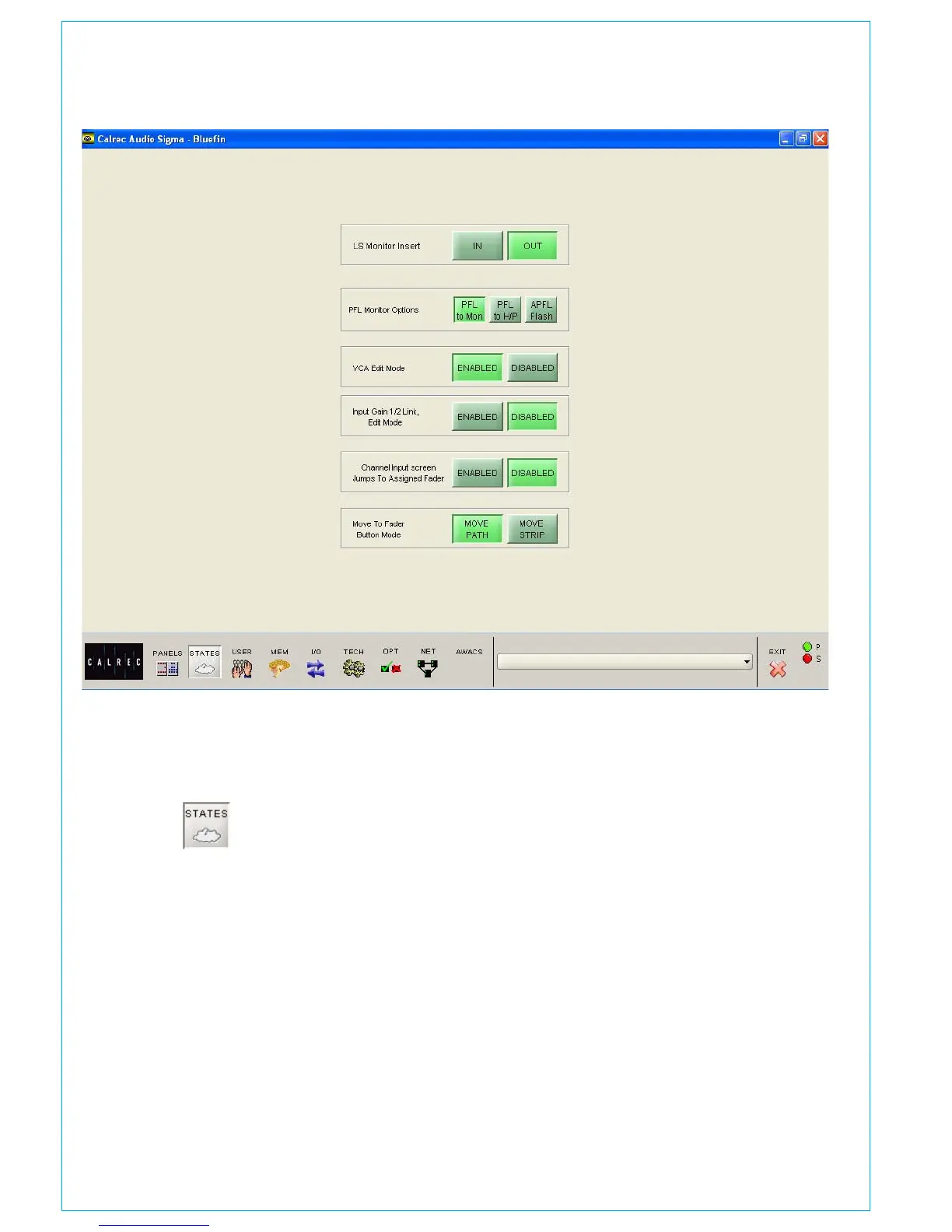
If your console uses the traditional style
monitor panels, there are the following
additional controls available on the States
screen:
LS Monitor Insert (Only Visible When
Traditional Style Monitor Panels are
Used)
In addition to the monitor panel button,
the LS monitor insert can be switched in
and out on this screen. The send ports are
patched on the I/O - Output - Mon, TB &
Osc screen. The return ports are patched
on the Options - Mon I/P & TB - Mon Sel
(EXT I/P) screen.
STATES SCREEN
PFL Monitor Options (Only Visible
When Traditional Style Monitor
Panels are Used)
PFL TO MON feeds PFL to the Control
Room Loudspeaker outputs (post surround
panning controls), overriding the LS
Selector. PFL to H/P feeds the PFL signal
to the headphones. The APFL Flash will
enable or disable the flashing of the APFL
indicator on the Broadcast Facilities panel.



 To Next Page