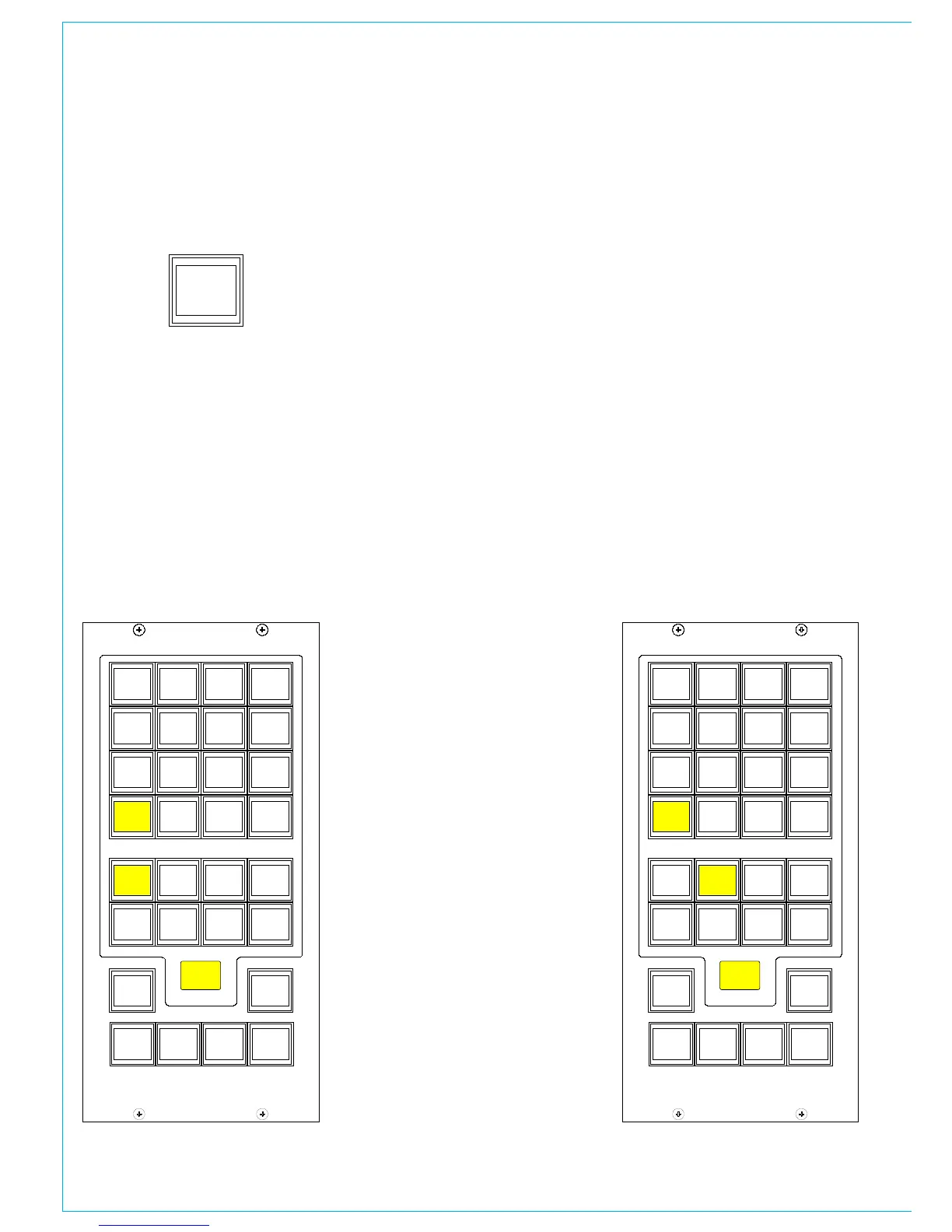
Pressing this button gives access to
functions displayed on the Monitor
Selections panel. The Listen Modes and
APFL functions are located in two seperate
banks, and are chosen in the same way as
monitor sources.
Listen Modes
The default listen mode is mono, stereo 3
stereo or full surround depending on the LS
arrangement set in the Set up application.
The selection buttons are as follows:
CONTROL ROOM MISC fUNCTIONS
Selection buttons to switch PHAN
CENTRE on, and LFE off.
6 solo buttons allow solo monitoring of
each component of a surround signal.
4 stereo option buttons: L+R to L, L to
L+R, R to L+R and PH REV R. These will
work in any mode, but are really designed
for use in stereo mode or when monitoring
stereo sources.
4 Listen mode selection buttons, allow
the Control Room to monitor its selected
source signal in Full surround, 3 STEREO,
STEREO or MONO.
3 STEREO with Phan Centre ON is the
same as STEREO except the LFE is
optional.
If the source being monitored is surround,
the STEREO button will create a stereo
downmix of that source. If the source is
stereo, the surround monitor buttons for
that main output will have no effect.
MONO feeds L, C, R, LS and RS to Center.
APFL
There are selection buttons for:
PFL to override each misc output 1-6
PFL to MON - Feeds the Control Room LS
outputs overriding the current LS selection.
PFL clear and AFL clear, clear any latched
buttons.
APFL Flash sets the APFL light to flash
when any of the AFL or PFL buttons are
latched.
PFL from surround mains is a stereo
downmix of the surround signal.
If PFL to MON is not selected, PFL
can override the small LS (if it has been
set to do this in the setup application).
Alternatively, there can be a separate
stereo PFL LS output. An external RTB
input can mix with PFL to the PFL LS
output.



 To Next Page