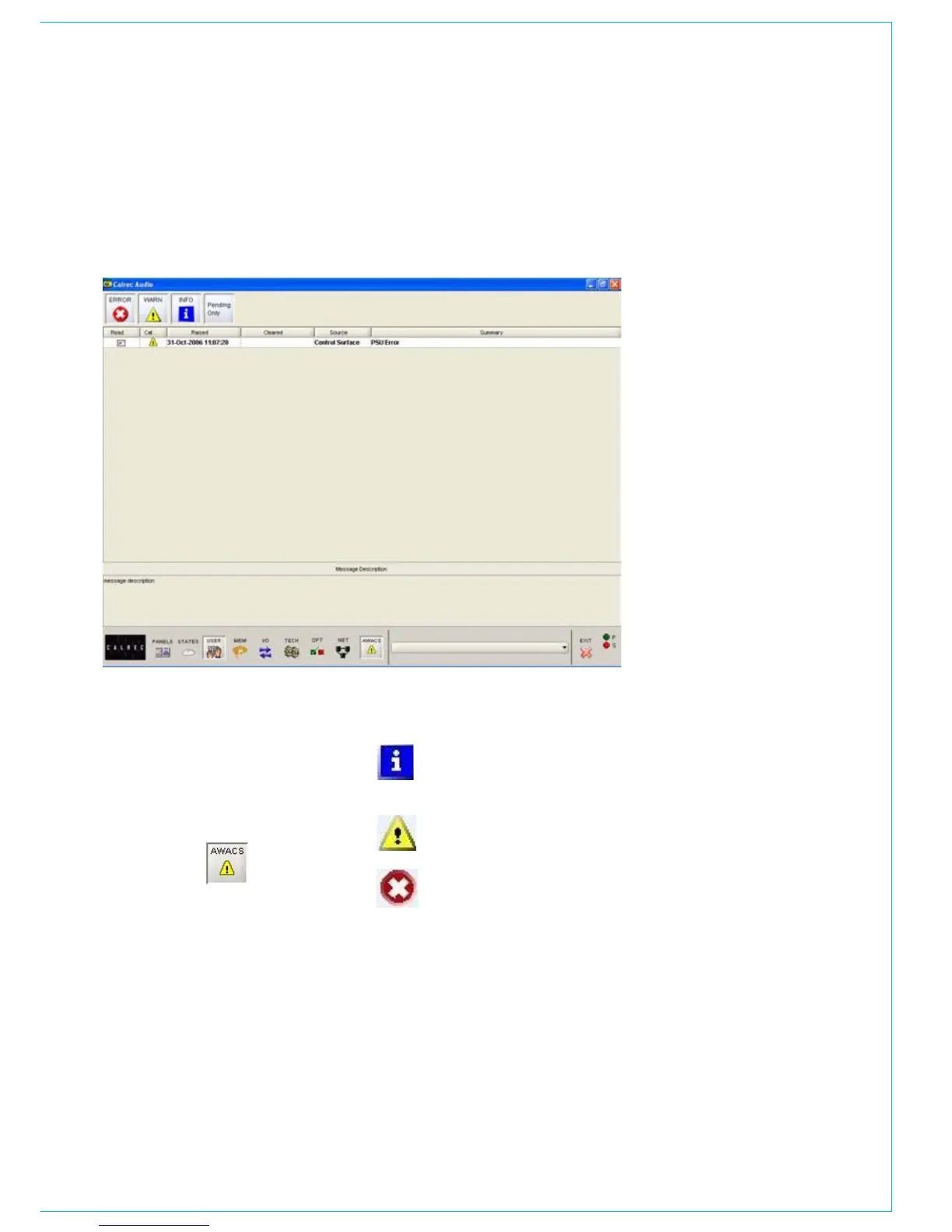
The AWACS button at the bottom of the
screen will flash to alert the user that a
message has been reported. Selection
of this button will open the AWACS page,
where messages can be viewed.
Selecting a message will reveal a more
detailed description. Message history
is saved to the PC’s hard disk for future
analysis.
ERROR MESSAGES (AwACS)
Three types of messages are reported:
Information messages, eg “Control
Surface UN4806 processor
started successfully”
Warning messages, where the
system back-up has taken over
Fatal Error messages, where the
system cannot recover by itself
(perhaps because the back-up is
already in use)
Because the system has many back-up
features, it is possible to continue operating
after errors are reported. If un-cleared
errors are still present, an icon will flash in
the AWACS button. Selecting this button
at any time will switch back to the AWACS
screen.
Information messages can be cleared
by selecting them and then leaving the
AWACS screen. Warning and Fatal
Error messages can only be cleared
by clearing the error and restoring the
system to its normal operational state.
It is possible to set the PSU Fail
Indicator button on the Broadcast
Facilities panel, to flash when an error
message is reported. This is set up on
the Options - GPO screen.



 To Next Page