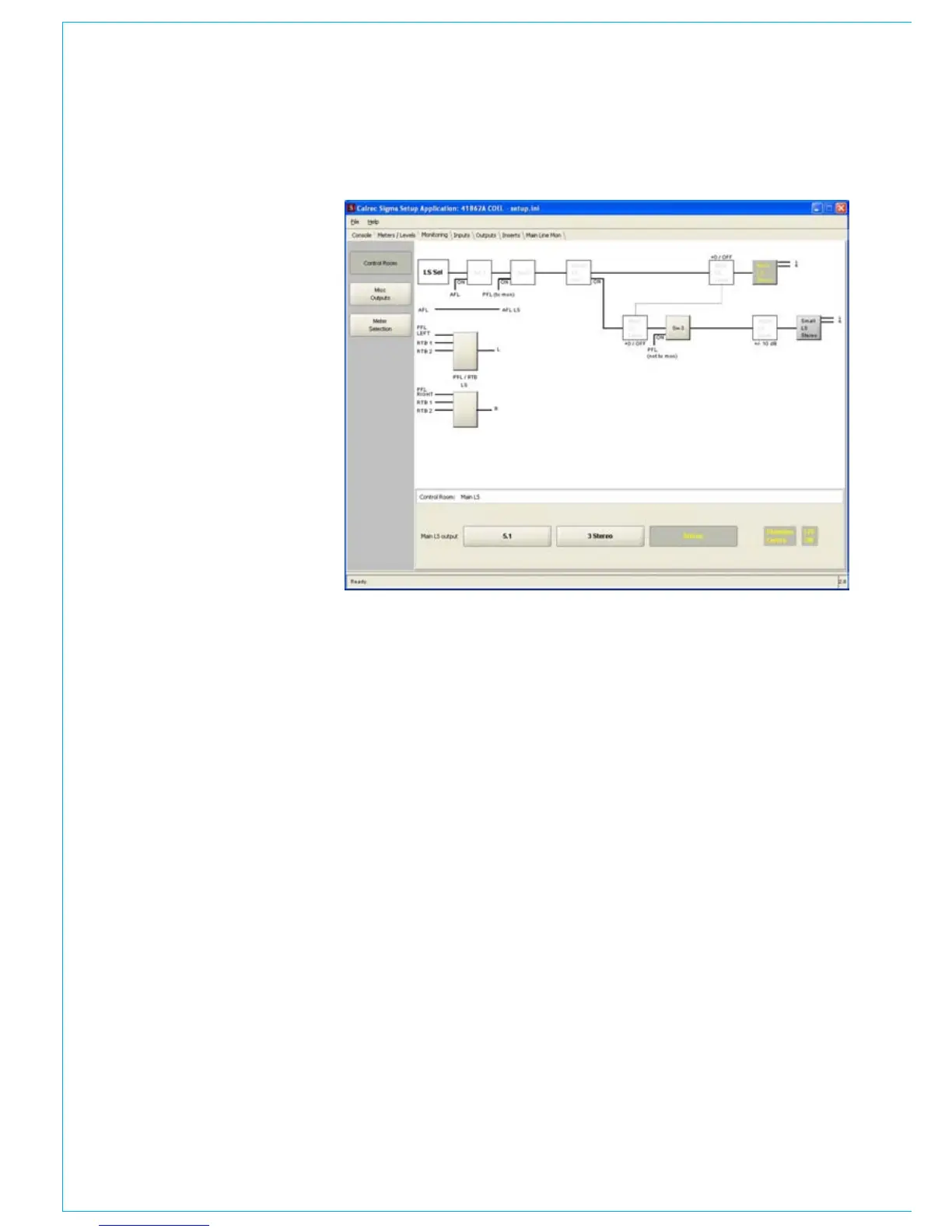
Control room
The page to the right allows the user to
set the required format of the main and
small loudspeaker outputs. To change
the settings, click on the grey box on
the loudspeaker output. Then, using
the option buttons at the bottom of the
window, select the required loudspeaker
outputs. The following options are
available:-
Stereo
•
Stereo 3, where a centre channel is •
also available.
Surround 5.1
•
Surround 5.0, where the LFE output is •
not used.
4 track surround (ProLogic), no LFE
•
and mono rear channel.
If no centre speaker is available, there is
an option for a phantom centre speaker,
where the centre channel will be shared
between the front left and right speakers
at -6dB.
There also an option to enable the PFL
loudspeaker output to appear on the
small loudspeaker output, even if it is
not switched on. The purpose of this is
to share the small and PFL loudspeaker
outputs, as oppose to having two sets of
speakers. To enable this option, click on
the grey ‘SW3’ and switch on the function
using the boxes at the bottom of the
screen.
The same page also allows the user
to setup the PFL loudspeakers,. It is
possible to connect one PFL loudspeaker
and set the output to mono, or use two
loudspeakers. If the user is using the
mixer’s reverse talkback (RTB) feature,
where which RTB output appears (left or
right PFL speaker) can also be set here.
To setup either of the two above options,
simply click on the grey PFL loudspeaker
output boxes and choose the relevant
settings at the bottom of the screen.
MONITORING



 To Next Page