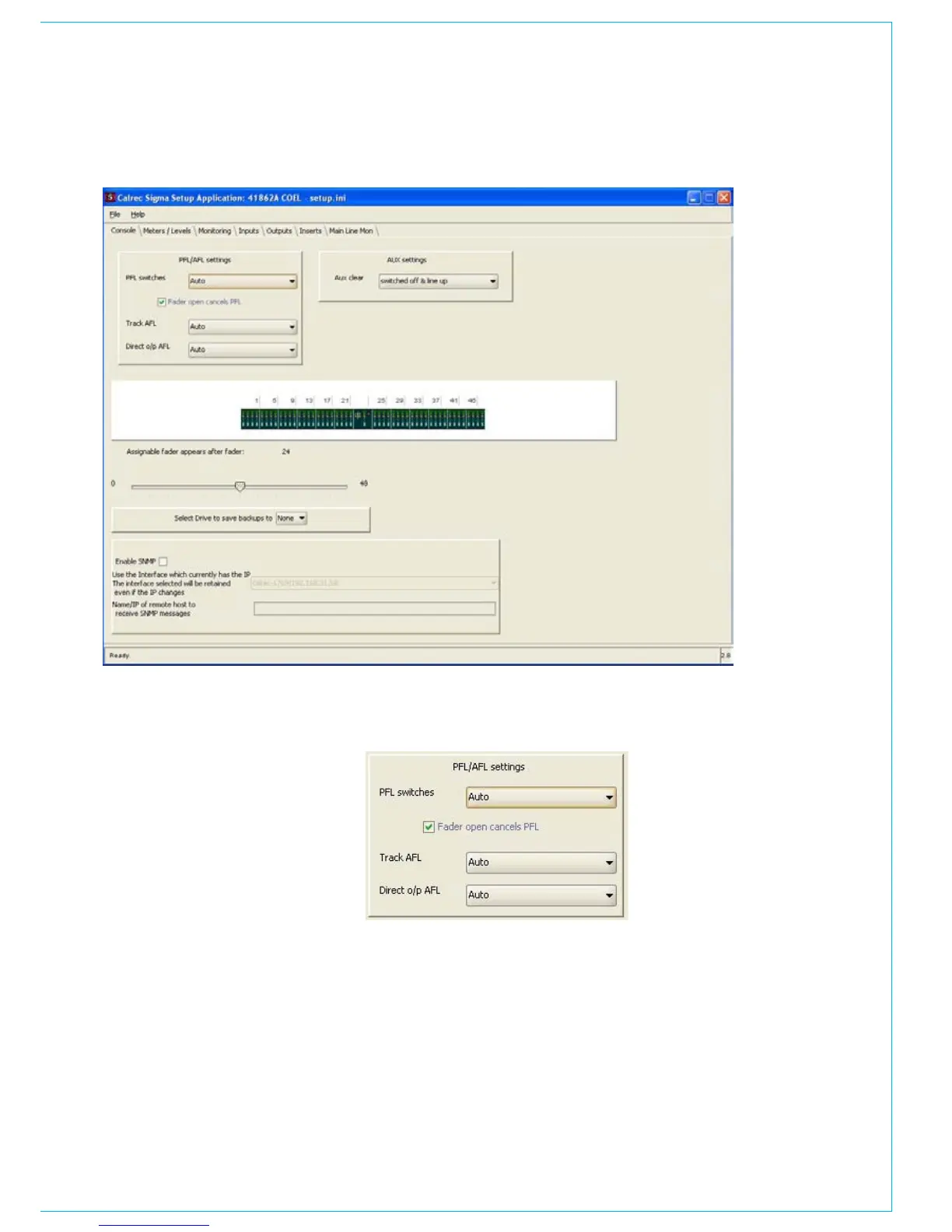
PFL / AFL buttons
The options shown on the right allow the
function of the PFL, Track AFL and Direct
output AFL buttons to be adjusted. Using
the pull down box the function can be
changed between momentary, latching
and auto. Auto allows the function of the
button to be both momentary and latching,
where the function is determined by the
length of time that the button is pressed.
PFL is often used to check that an audio
source is present before begin faded up.
If the check box is selected the PFL is
automatically de-selected when the fader
is opened.
CONSOLE SETTINGS



 To Next Page