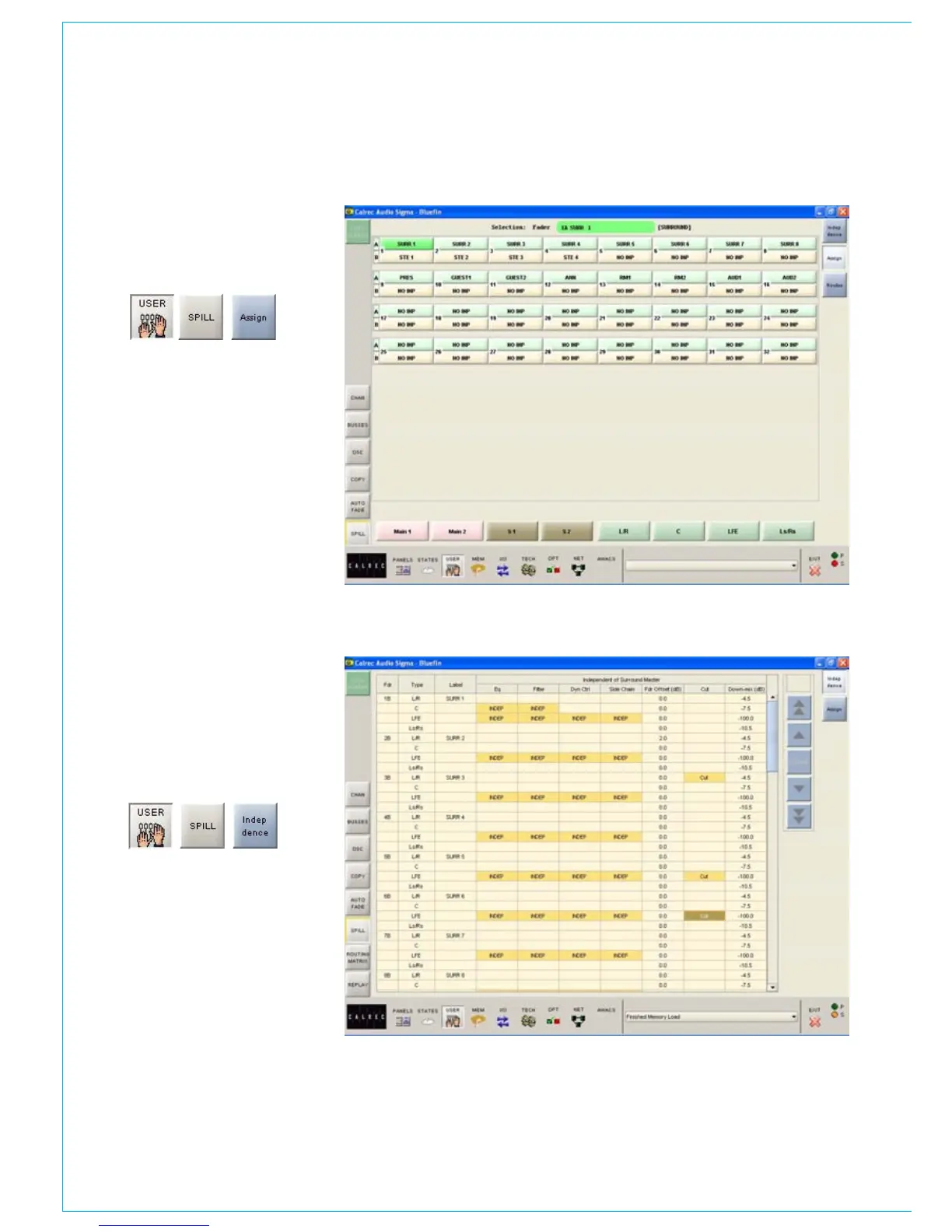
User - Spill Assign Screen
This screen provides alternative selection
controls for the surround channels, groups
or mains and their individual spill paths.
Spill Independence Screen
Independence can also be activated for
the spill paths of each surround channel
using the User-Spill screen, by selecting
the relevant cells. The fader level can also
be adjusted from here, by selecting the
required cell in the FDR OFFSET column,
and using the nudge buttons.



 To Next Page