3-36
Loading Paper in the Multi-purpose Tray
Paper Loading and Output Tray
3
7
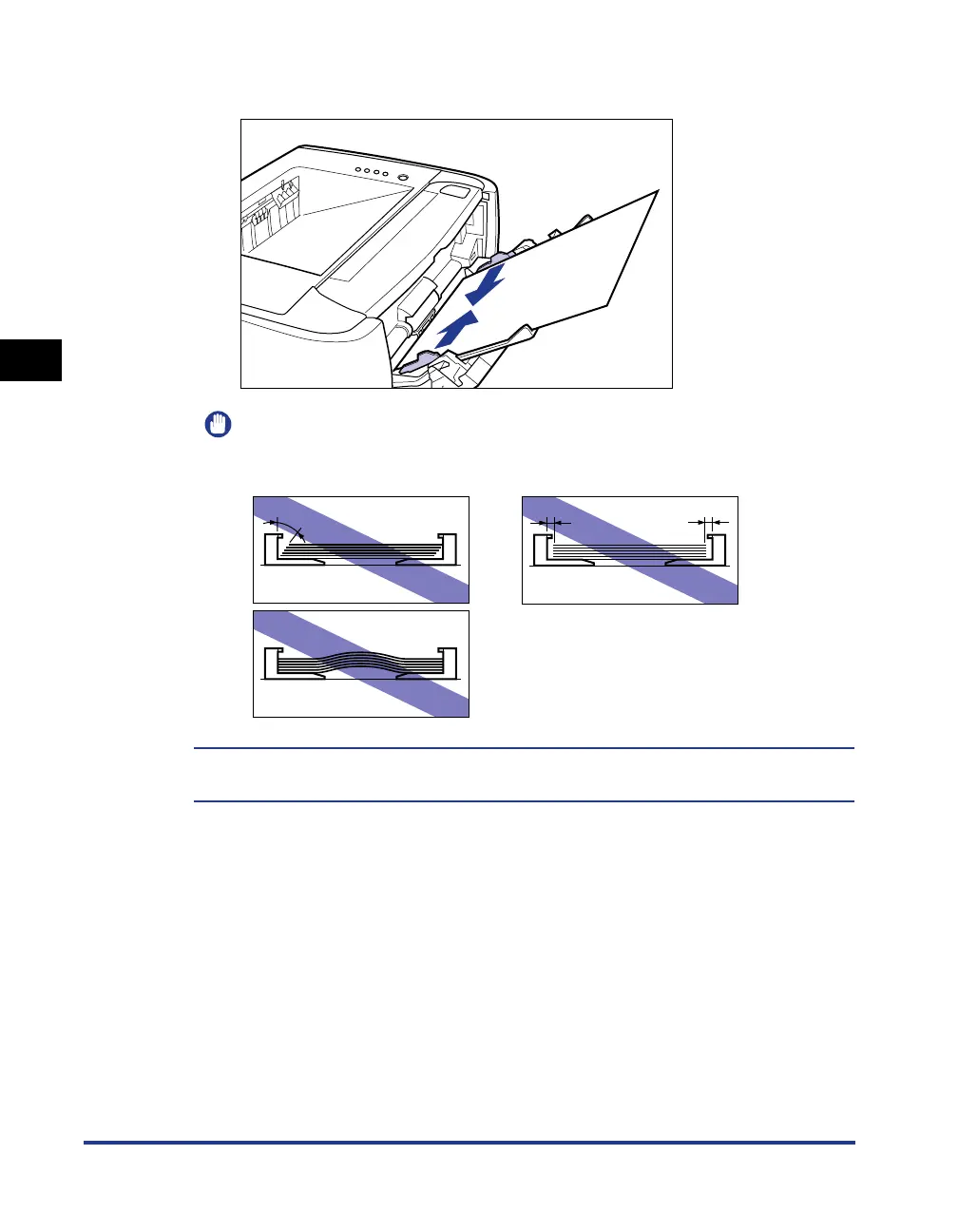
Align the paper guides with the width of the paper.
IMPORTANT
Be sure to align the paper guides with the width of the paper. If the paper guides
are too loose or too tight, this may result in misfeeds or paper jams.
Loading paper is now completed.
For details on the procedure for printing, see "Printing from an Application," on p. 5-2.



 To Next Page