5-23
Basic Usage of the Printer
5
Canceling a Print Job
Canceling a Print Job Using the Cancel Job Key
When you cannot print because an error is occurring with another user's job (when
you cannot delete another user's job in the Printer Status Window on your
computer), use the
(Cancel Job) key to cancel the job.
1
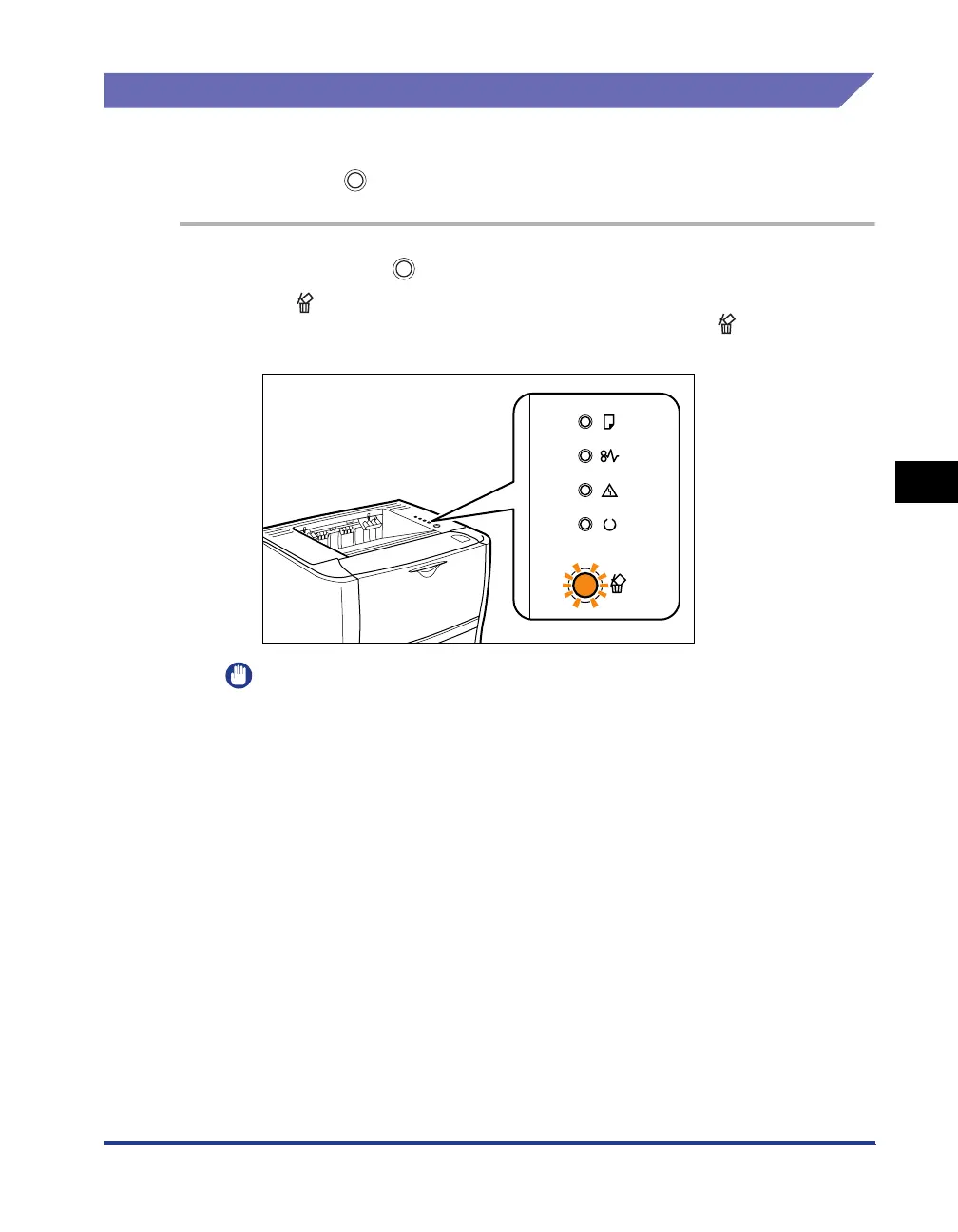
Pressing the (Cancel Job) key cancels the job.
The (Cancel Job) indicator (orange) is on while you are pressing the key, and
the job cancel process starts after you release the key. The
(Cancel Job)
indicator (orange) blinks while a job is in the cancellation process.
IMPORTANT
•
You cannot cancel the following pages or jobs.
-Pages of which data has been received already
- Jobs of which print copy is one sheet of paper
•
If the job when the key is pressed and the job when the key is released are
different, both the jobs cannot be canceled.
•
Depending on the settings for the [Settings of the Cancel Job Key] dialog box in the
Printer Status Window, you may not be able to cancel a job. For more details, see
"[Device Settings] Menu," on p. 5-37.



 To Next Page