9-19
Installing the Optional Accessories
9
Network Board
Installing the Network Board
Install the network board in the expansion slot of the printer using the following
procedure.
NOTE
A Phillips screwdriver is required for installing the network board. Have a screwdriver
ready in advance that matches the size of the screws.
1
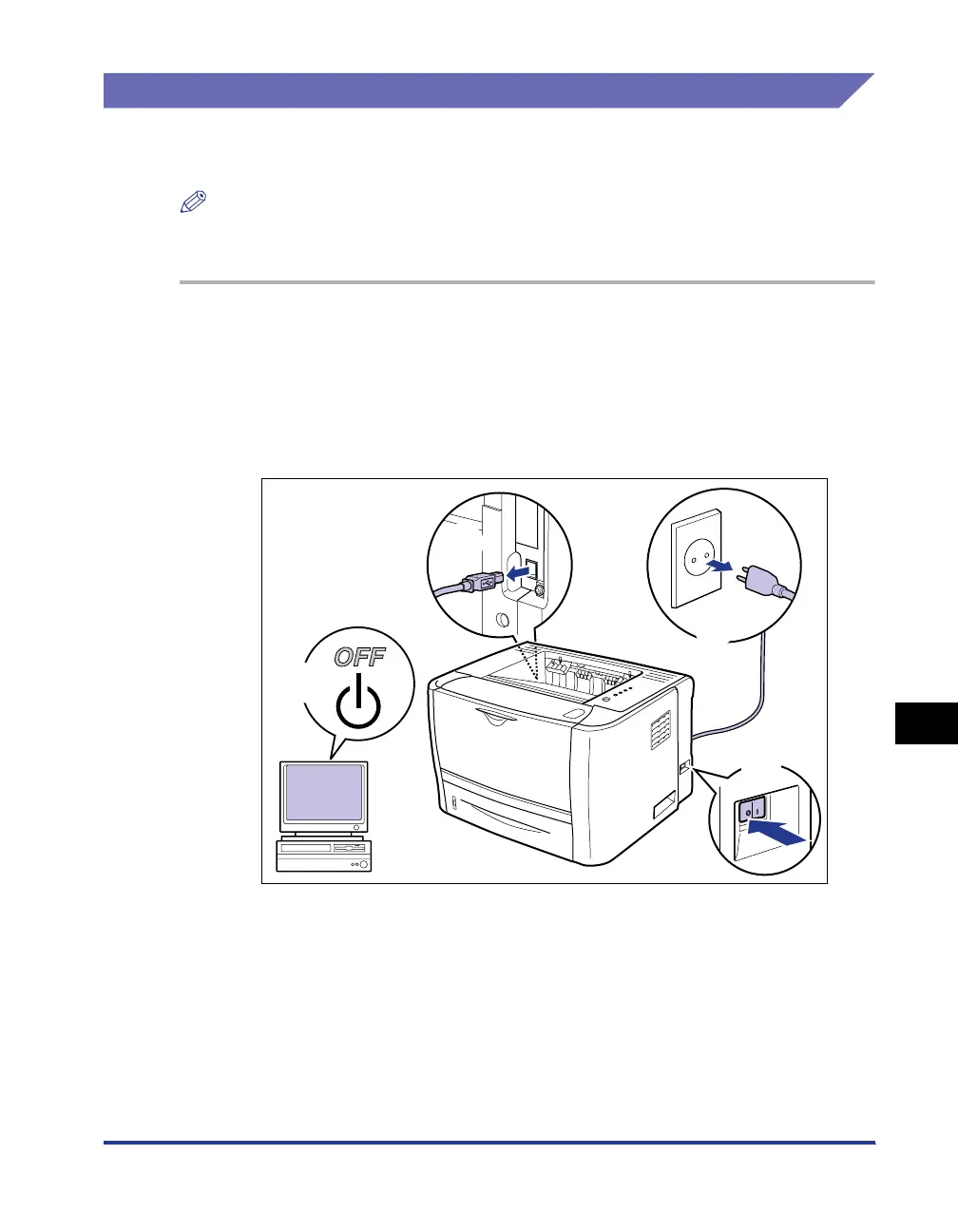
Turn the printer OFF, then disconnect the cables from the
printer.
Turn the printer OFF a.
If a USB cable is connected, turn the computer off b, and then disconnect the
USB cable from the printer c.
Disconnect the power plug from the AC power outlet d.
2
Remove the power cord from the printer.
If there is insufficient space to install the network board, move the printer to a
place where you can work easier.
b
c
d
a



 To Next Page