10-9
Confirming the Setting for [Spooling at Host]
10
Appendix
Confirming the Setting for [Spooling at Host]
You can confirm the setting for [Spooling at Host] (whether the jobs are processed
in the computer) using the following procedure.
1
Display the [Printers and Faxes] folder or the [Printers] folder.
From the [Start] menu, select [Settings] ➞ [Printers].
From the [Start] menu, select [Printers and Faxes].
From the [Start] menu, select [Control Panel], and then click [Printers and Other Hardware]
➞ [Printers and Faxes].
From the [Start] menu, select [Control Panel], and then click [Printer].
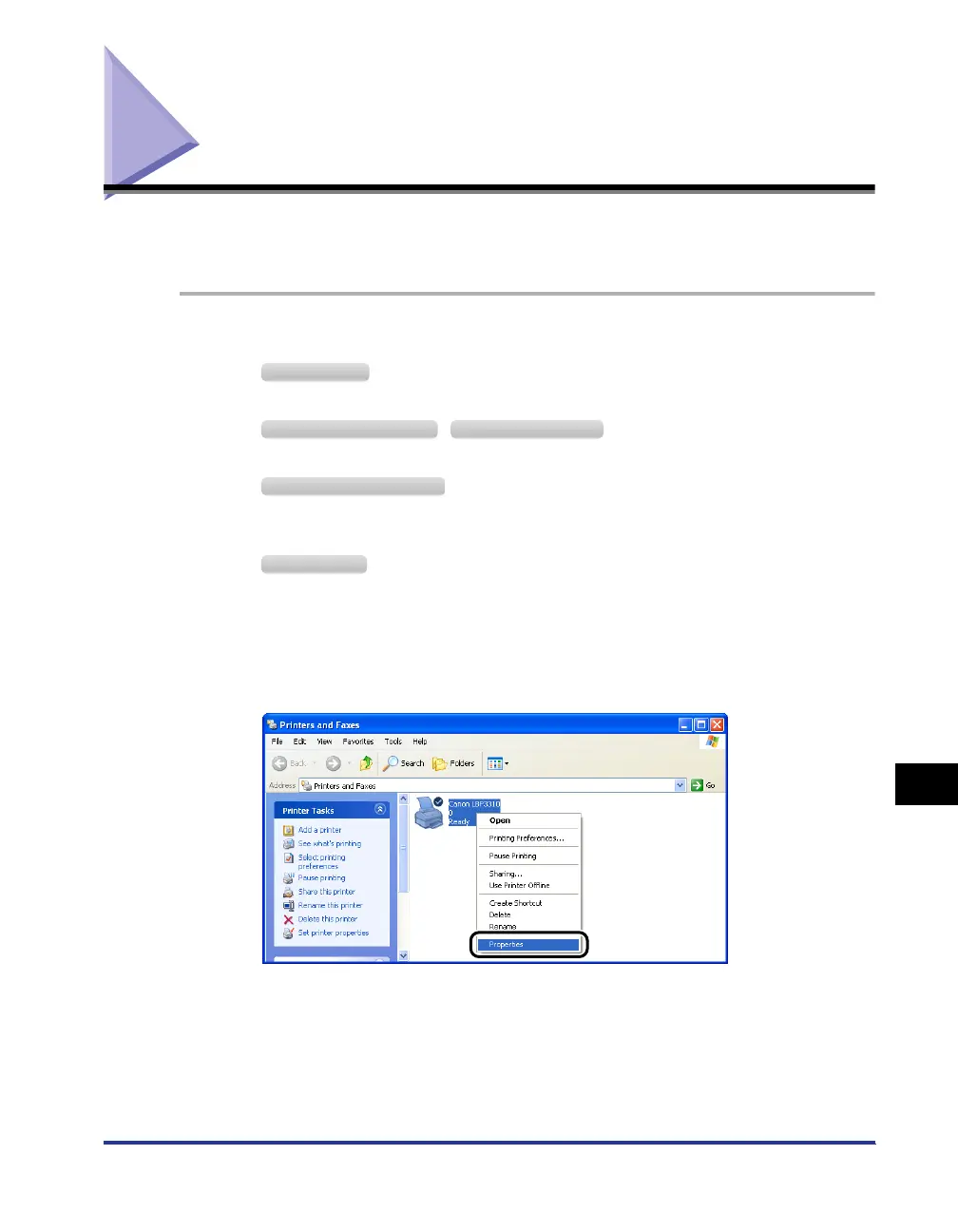
2
Right-click the icon for this printer, then select [Properties]
from the pop-up menu.
Windows 2000
Windows XP Professional Windows Server 2003
Windows XP Home Edition
Windows Vista



 To Next Page