2-23
Installing the Printer
2
Removing the Packing Materials of the Paper Cassette and Loading Paper
Removing the Packing Materials of the Paper Cassette
and Loading Paper
IMPORTANT
•
For details on handling the paper cassette, see "Precautions for Handling the
Multi-purpose Tray or Paper Cassette," on p. 3-12.
•
The removed packing materials are required when transporting the printer for relocation
or maintenance. Be sure not to misplace them.
NOTE
The packing materials may be changed in form or placement, or may be added or
removed without notice.
1
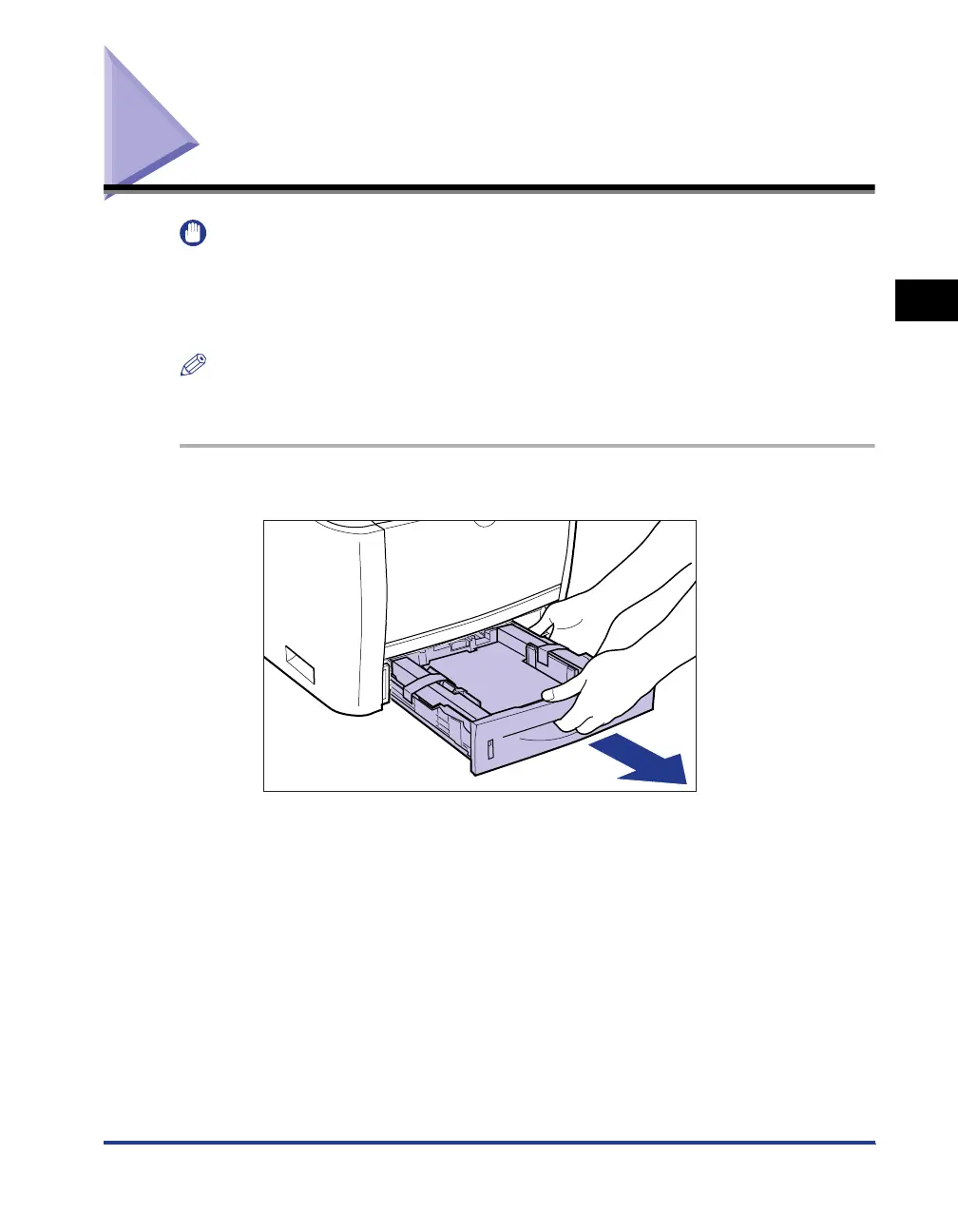
Pull out the paper cassette.



 To Next Page