Removing the Packing Materials Inside the Printer and Installing the Toner Cartridge
2-22
Installing the Printer
2
12
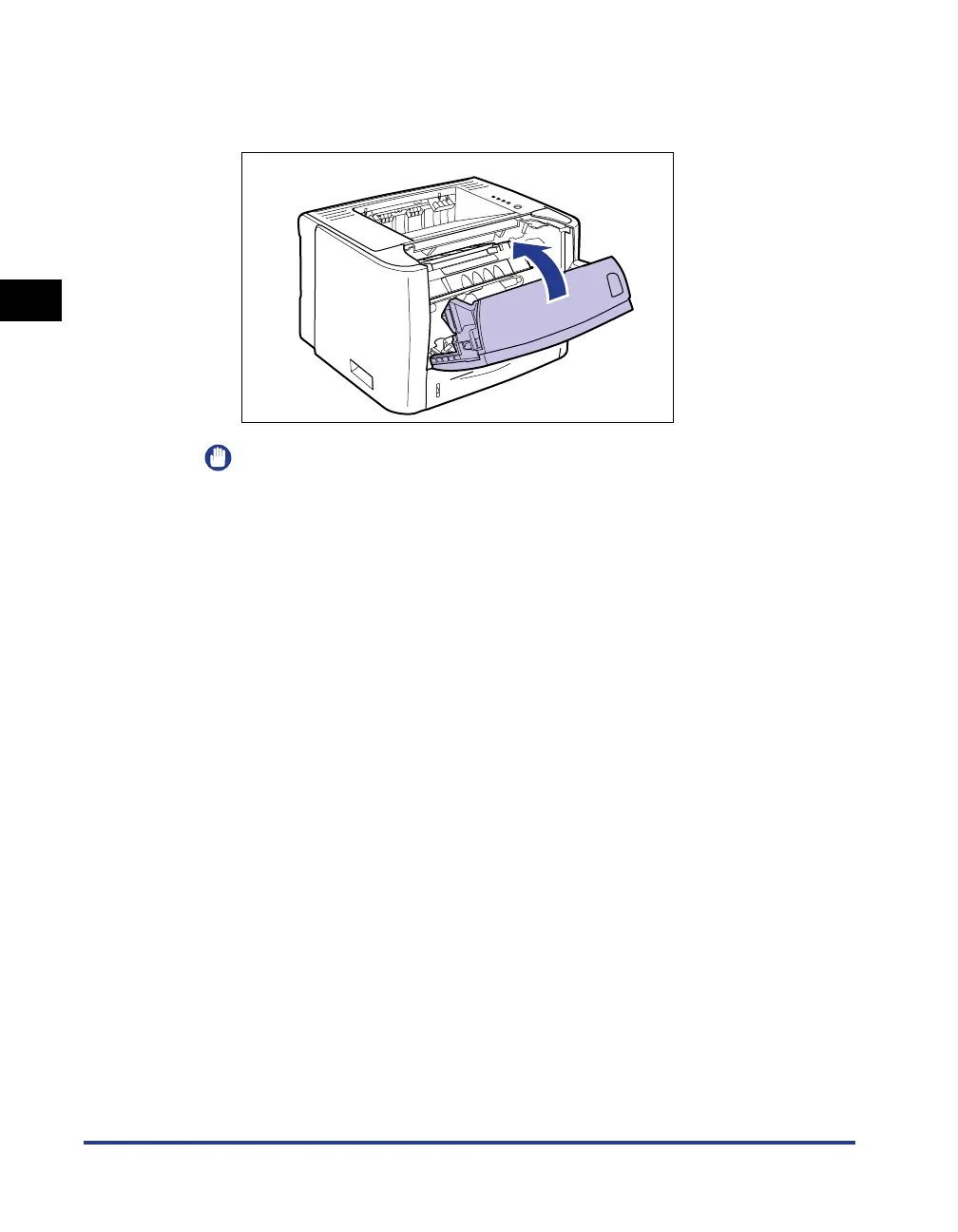
Close the front cover.
Close the front cover gently and firmly.
IMPORTANT
•
If you cannot close the front cover, make sure that the toner cartridge is installed
properly. If you try to close the front cover forcefully, this may result in damage to
the printer.
•
Do not leave the front cover open for a long time after installing the toner cartridge.
This may result in deterioration in print quality.



 To Next Page