1-10
Before You Start
1
Parts and Their Functions
Control Panel
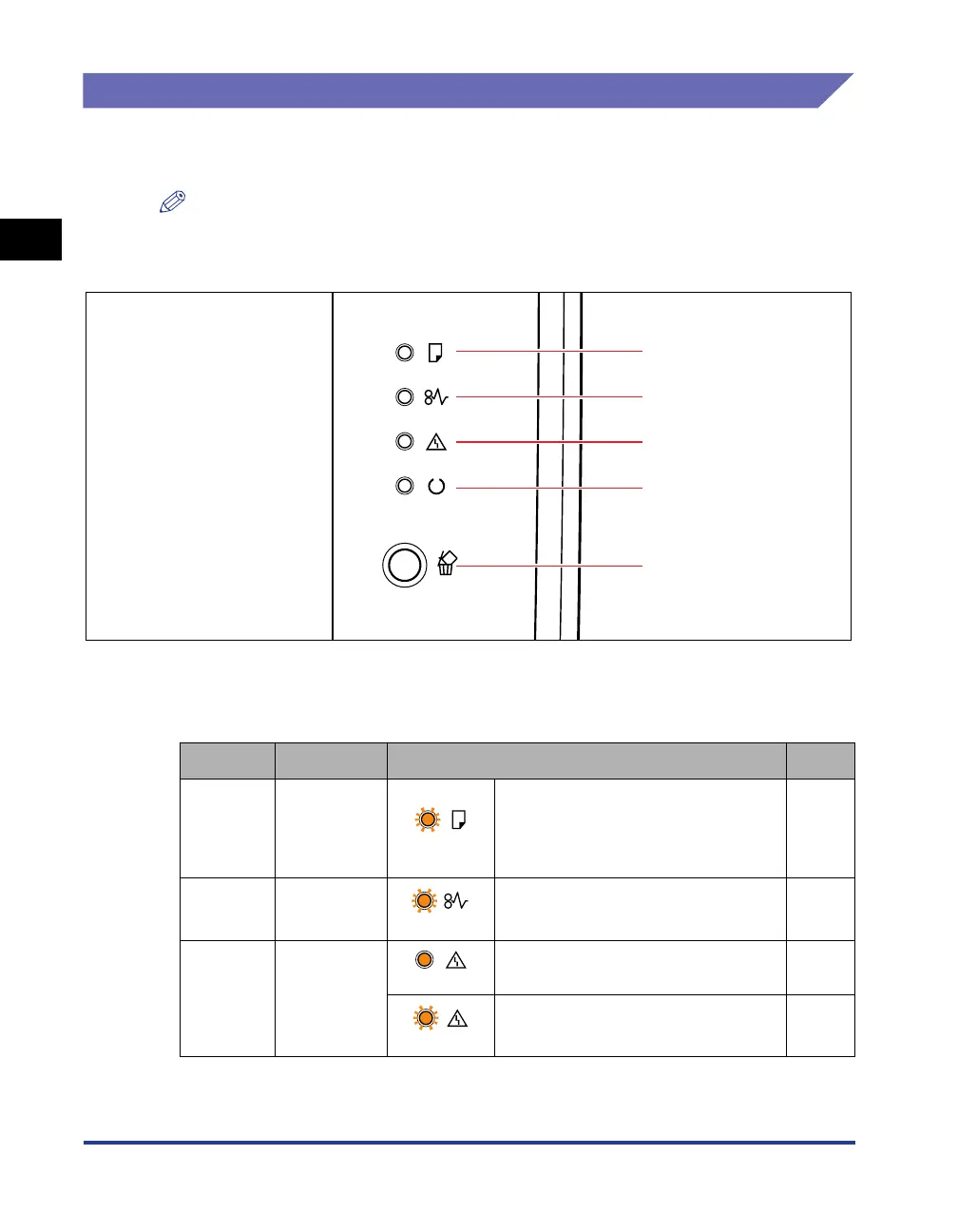
The control panel has the indicator lights which show the printer status and the
button which can cancel a job.
NOTE
You can check detailed information about the printer status using the Printer Status
Window from the computer you are using. For details on the Printer Status Window, see
"Printer Status Window," on p. 5-34.
*Though not shown in the above illustration, the control panels are labeled with names in certain
countries or regions.
■
Indicators
Number
Name Status See
a
Load Paper
Indicator
(Blinking)
Printing cannot be performed
because no paper is loaded, or
paper of an inappropriate size is
loaded.
p. 3-17,
p. 3-31
b
Paper Jam
Indicator
(Blinking)
A paper jam is occurring, disabling
printing.
p. 8-3
c
Alarm
Indicator
(On)
A service error is occurring. p. 8-26
(Blinking)
An error is occurring, disabling
printing.
p. 8-29
a
b
c
d
e



 To Next Page