1-11
Before You Start
1
Parts and Their Functions
■ Key
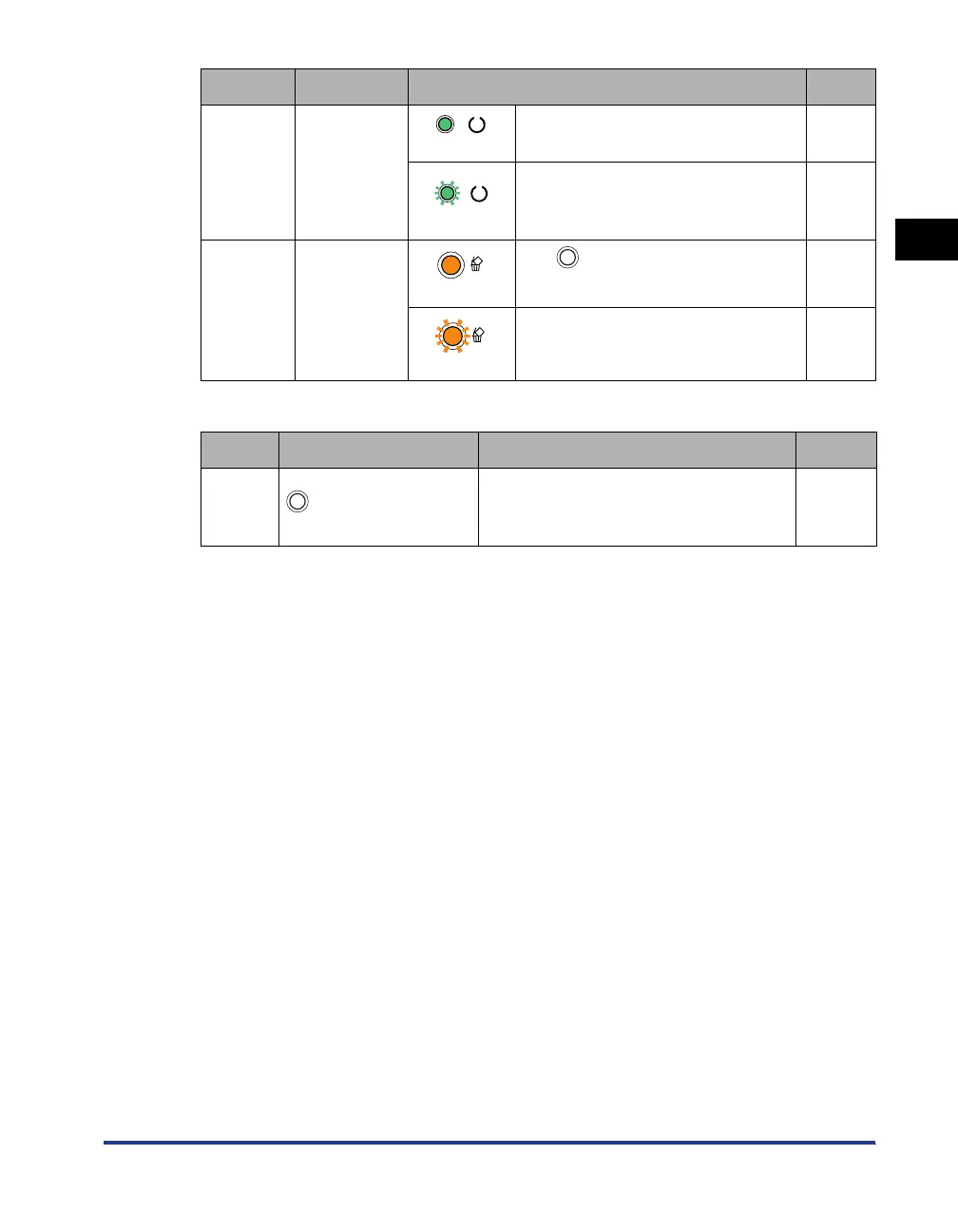
d
Ready
Indicator
(On)
The printer is ready to print. -
(Blinking)
The printer is busy performing some
kind of processing or operation, such
as printing, warming up, or cleaning.
-
e
Cancel Job
Indicator
(On)
The (Cancel Job) key is being
pressed.
p. 5-23
(Blinking)
A job cancel process is being
performed.
p. 5-23
Number Name Function See
e Cancel Job Key
Pressing this key cancels the job in
which an error is occurring and that in a
printing process.
p. 5-23
Number Name Status See



 To Next Page