4-46
Setting Up the Printing Environment
Printing from a Network Computer by Sharing the Printer on a Network
4
10
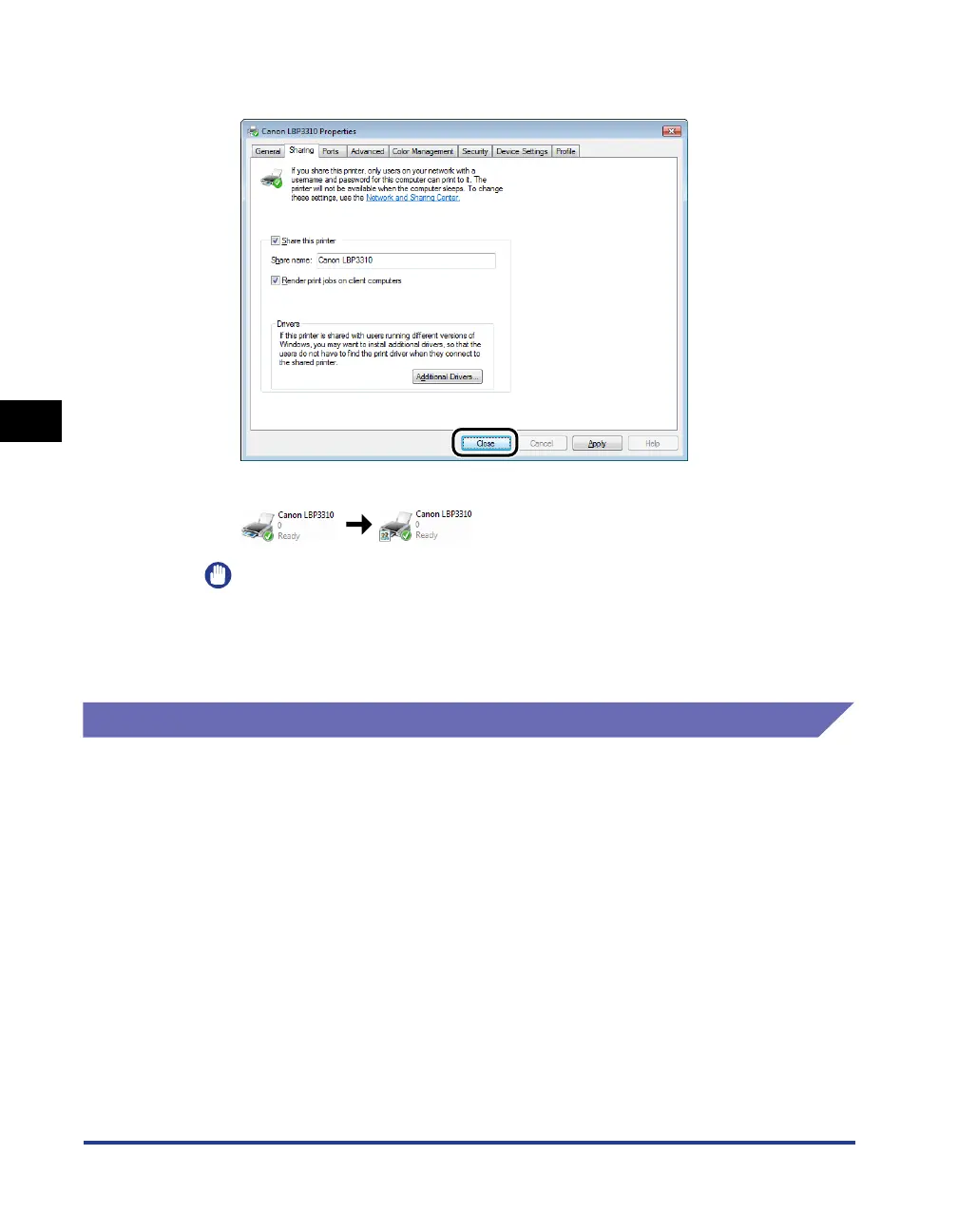
Click [Close] or [OK].
The printer icon changes to the shared printer icon.
IMPORTANT
To clear the printer sharing settings, clear the [Share this printer] check box in the
[Sharing] sheet. (If [Change sharing options] appears, click [Change sharing
options] to display the [User Account Control] dialog box, and then click
[Continue].)
Installation on Clients
There are two ways to install the printer driver on client computers: local installation
and download installation.
■ Local Installation (See p. 4-47)
You install the printer driver using the supplied CD-ROM.
■ Download Installation
You install the printer driver without using the supplied CD-ROM, but by downloading the
printer driver from the print server. There are the following two ways to download and
install the printer driver.
• Installing from the [Printers and Faxes] Folder or the [Printers] Folder (See p. 4-53)
• Installing from [Windows Explorer] (See p. 4-66)



 To Next Page