x
Displays Used in This Manual
Displays used in this manual may differ from those shown on your computer display,
depending on the system.
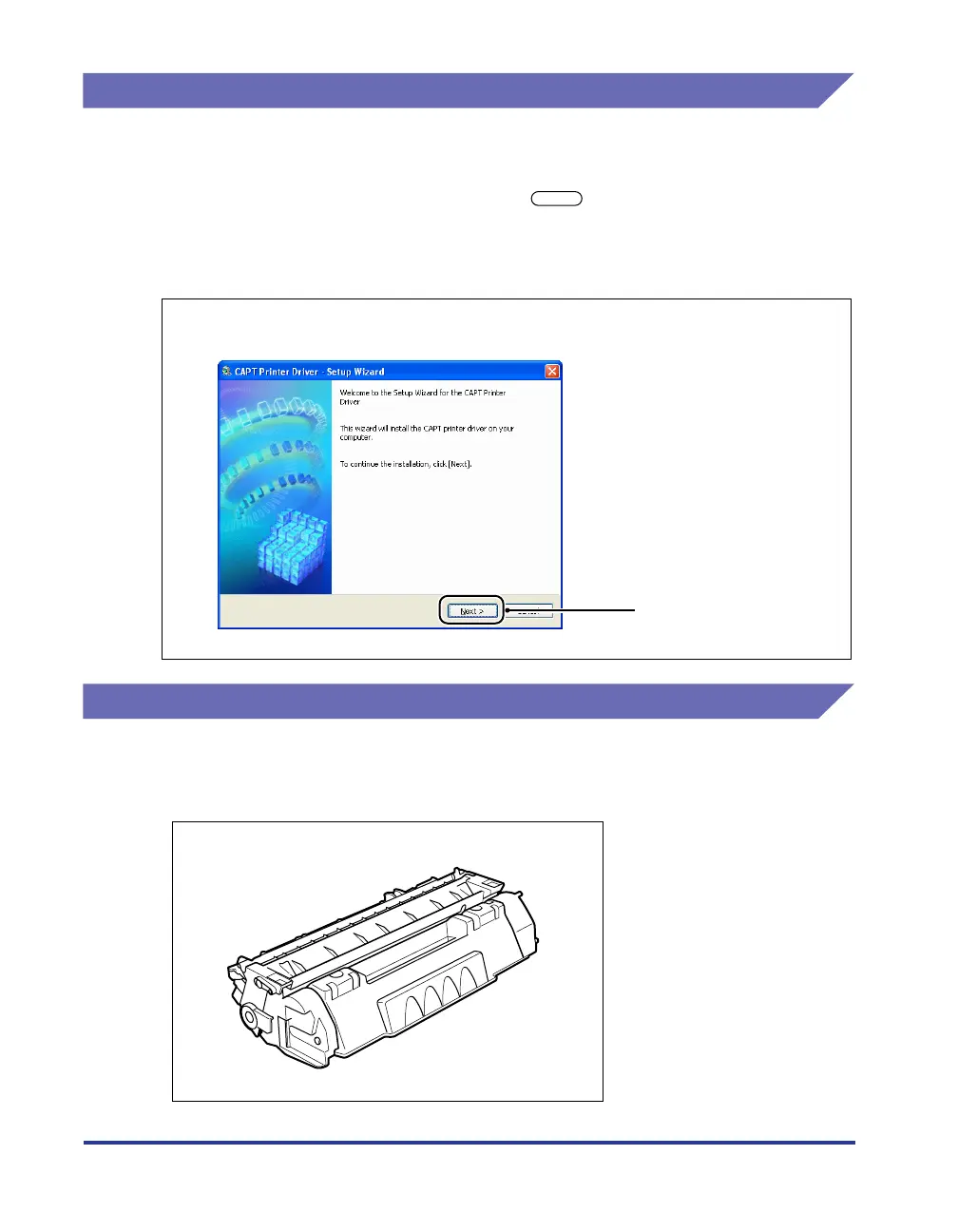
The buttons to be clicked are marked with a as shown below.
If multiple buttons can be clicked for a procedure, all such buttons will be marked on
the illustration. Select the appropriate button.
Illustrations Used in This Manual
• The illustrations of the toner cartridge used in this manual mean the toner
cartridge (Canon Genuine Cartridge) of which printable pages are approximately
3,000 pages.
10
Click [Next].
Click this button for operation.



 To Next Page