8-3
Paper Jams
8
Tr oubleshooting
Paper Jams
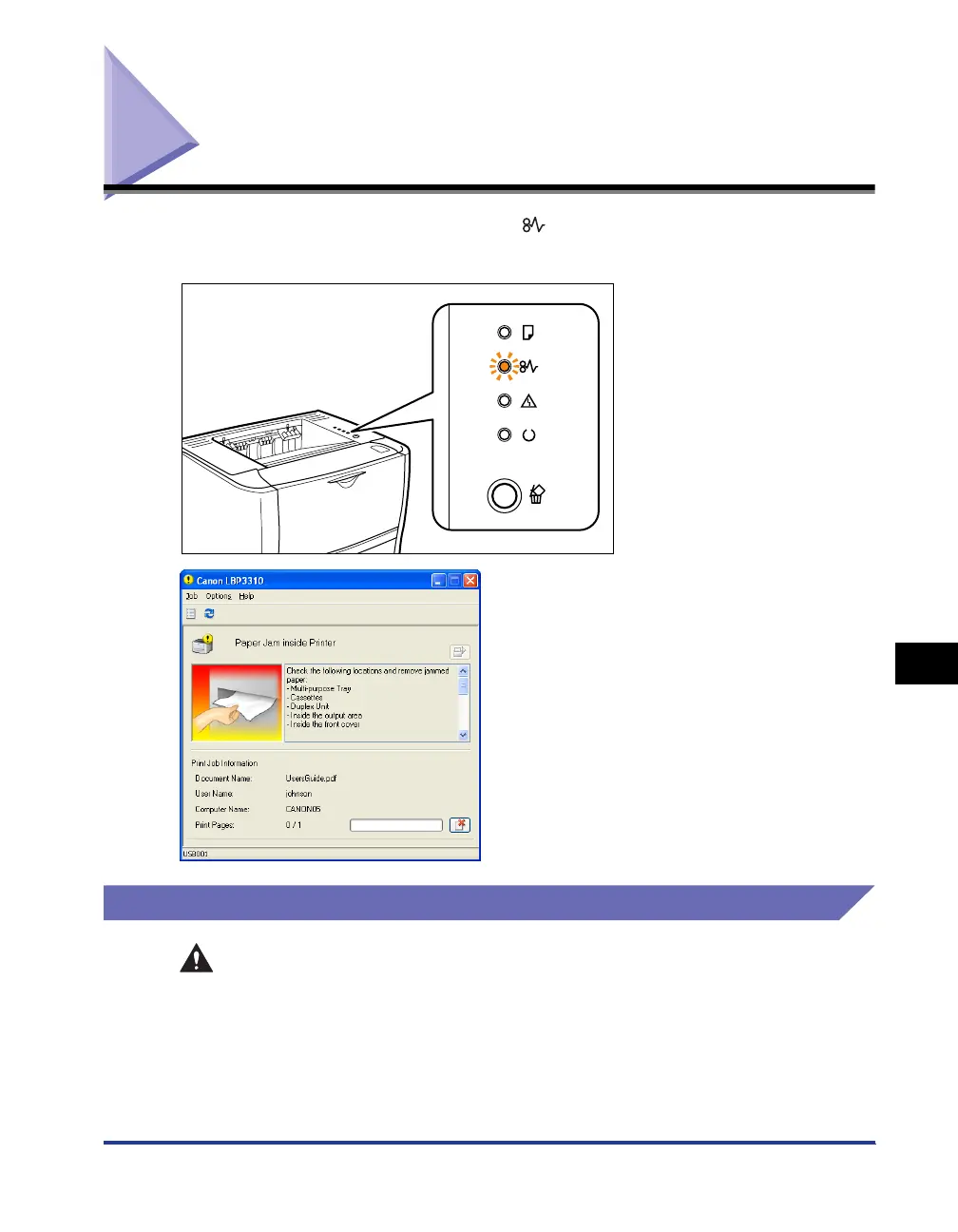
If a paper jam occurs during printing, the (Paper Jam) indicator (orange) blinks,
and the following messages appear in the Printer Status Window.
Precautions on Clearing Paper Jams
WARNING
There are some areas inside the printer which are subject to high voltages.
When removing jammed paper or when inspecting the inside of the printer, do
not allow necklaces, bracelets, or other metal objects to touch the inside of the
printer, as this may result in burns or electrical shock.



 To Next Page