3-16
Output Tray
Paper Loading and Output Tray
3
Selecting an Output Tray
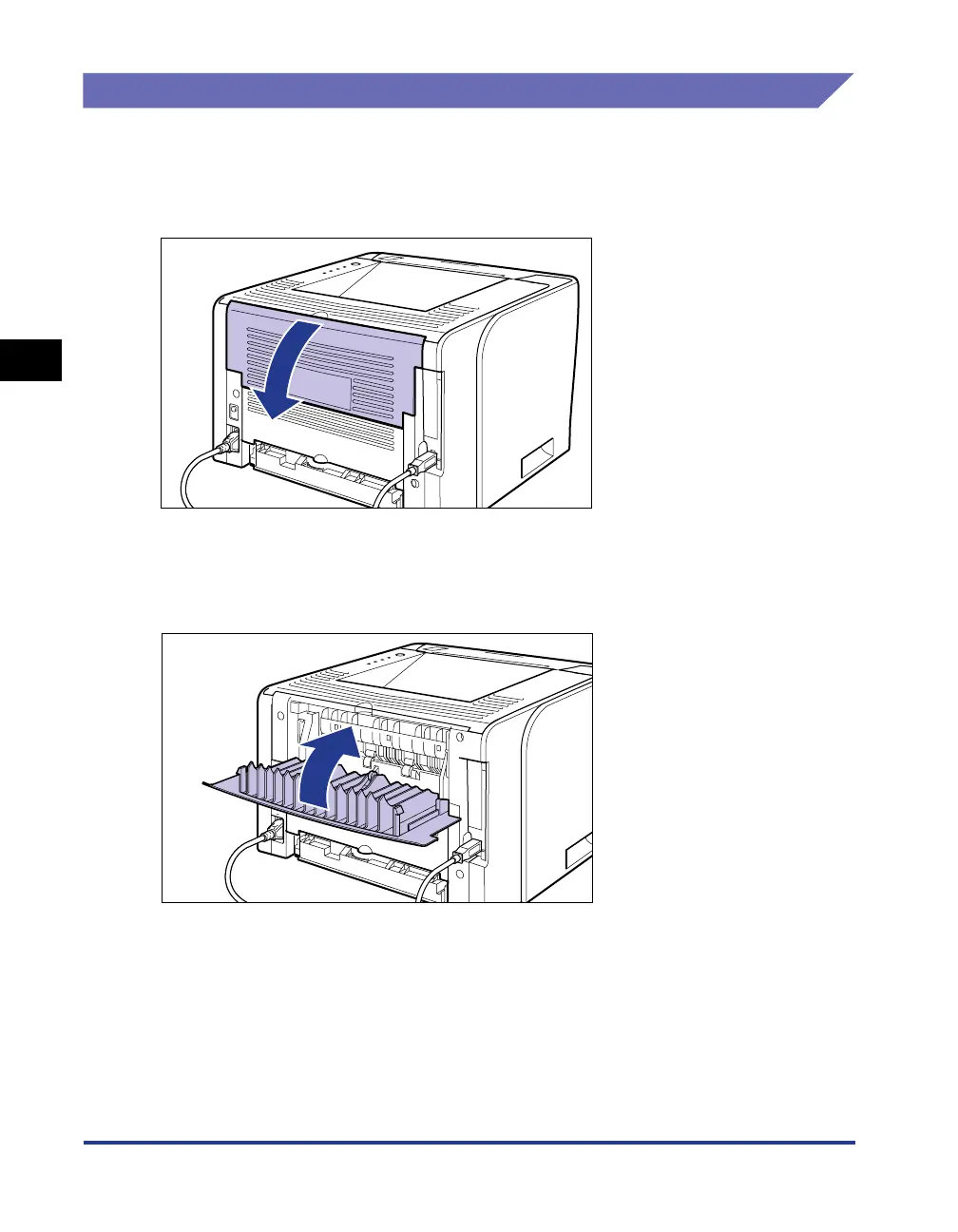
Switching to the Face-up Output Slot
When switching to the face-up output slot, open the output selection cover as
shown in the figure.
Switching to the Face-down Output Tray
When switching to the face-down output tray, close the output selection cover as
shown in the figure.



 To Next Page