6-56
Using the Various Printing Functions
6
Using "Profiles"
4
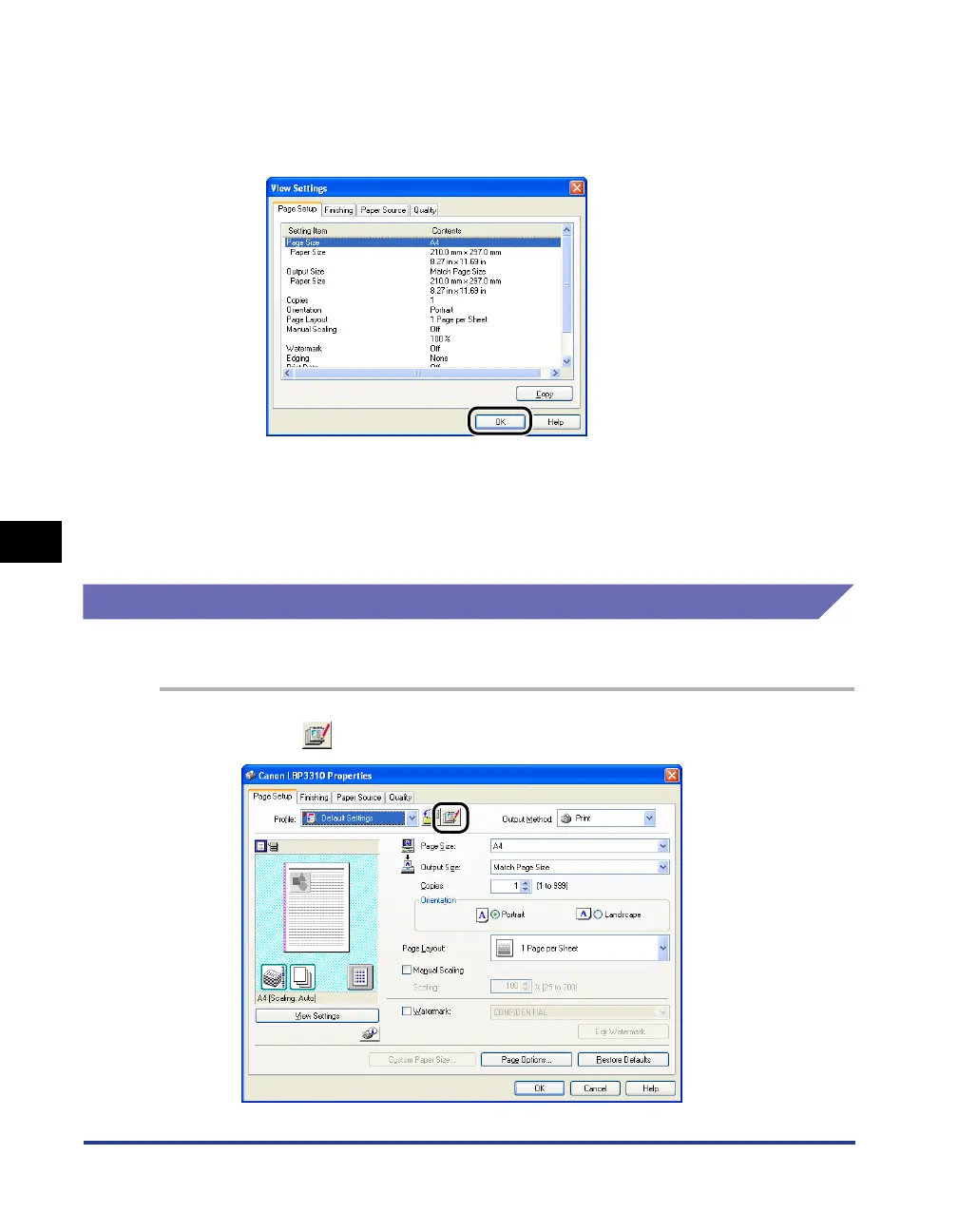
Confirm the printer settings in each sheet as needed.
1. Click [View Settings].
2. When [OK] is clicked, the [Add Profile] dialog box reappears.
5
Click [OK].
The Properties dialog box reappears.
Make sure that the name of the added "Profile" is in [Profile].
Editing a "Profile"
You can change information about an added "Profile" or export a "Profile" as a file.
1
Click [ ] (Edit Profile).



 To Next Page