Connecting to a Computer
2-30
Installing the Printer
2
Connecting a USB Cable
1
Make sure that the printer and computer are OFF.
2
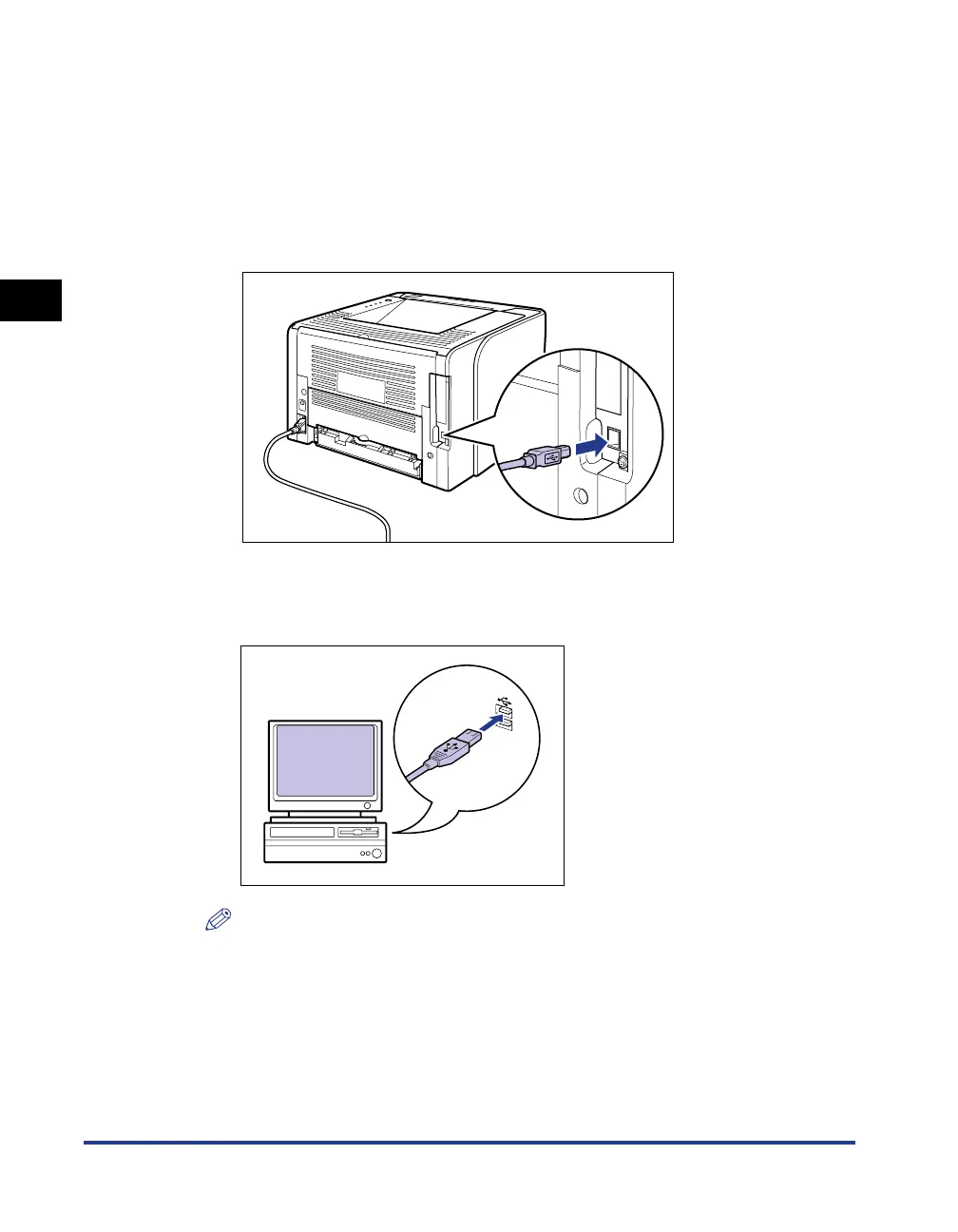
Connect the B-type (square) end of the USB cable to the USB
connector on the printer.
3
Connect the A-type (flat) end of the USB cable to the USB port
on the computer.
NOTE
If a Wizard or dialog box appears after connecting the USB cable through the Plug
and Play automatic setup, install the printer driver for this printer using either one of
the following procedures.
- Clicking [Cancel] and installing the printer driver from CD-ROM Setup
- Installing with Plug and Play
For more details, see "Installing the Printer Driver," on p. 4-4.



 To Next Page