2-8
Installing the Printer
2
Confirming the Contents of the Box
Confirming the Contents of the Box
Make sure that all the following items are contained in the box before installing the
printer. If any items are missing or damaged, please contact your local authorized
Canon dealer.
NOTE
•
This printer includes two "LBP3310 User Software" CD-ROMs.
You can use either CD-ROM.
•
The life of the supplied toner cartridge is approx. 3,000 pages on the basis of "ISO/IEC
19752"* when printing A4 size paper with the default print density setting.
* "ISO/IEC 19752" is the global standard related to "Method for the determination of toner cartridge yield for
monochromatic electrophotographic printers and multi-function devices that may contain printer
components" issued by ISO (International Organization for Standardization).
•
The following two types of replacement toner cartridges with different lifetimes are
available.
- The one with the same lifetime as that of the included toner cartridge
- The one with a longer lifetime than that of the included toner cartridge
For details on the replacement toner cartridges, see "Replacing the Toner Cartridge," on
p. 7-2.
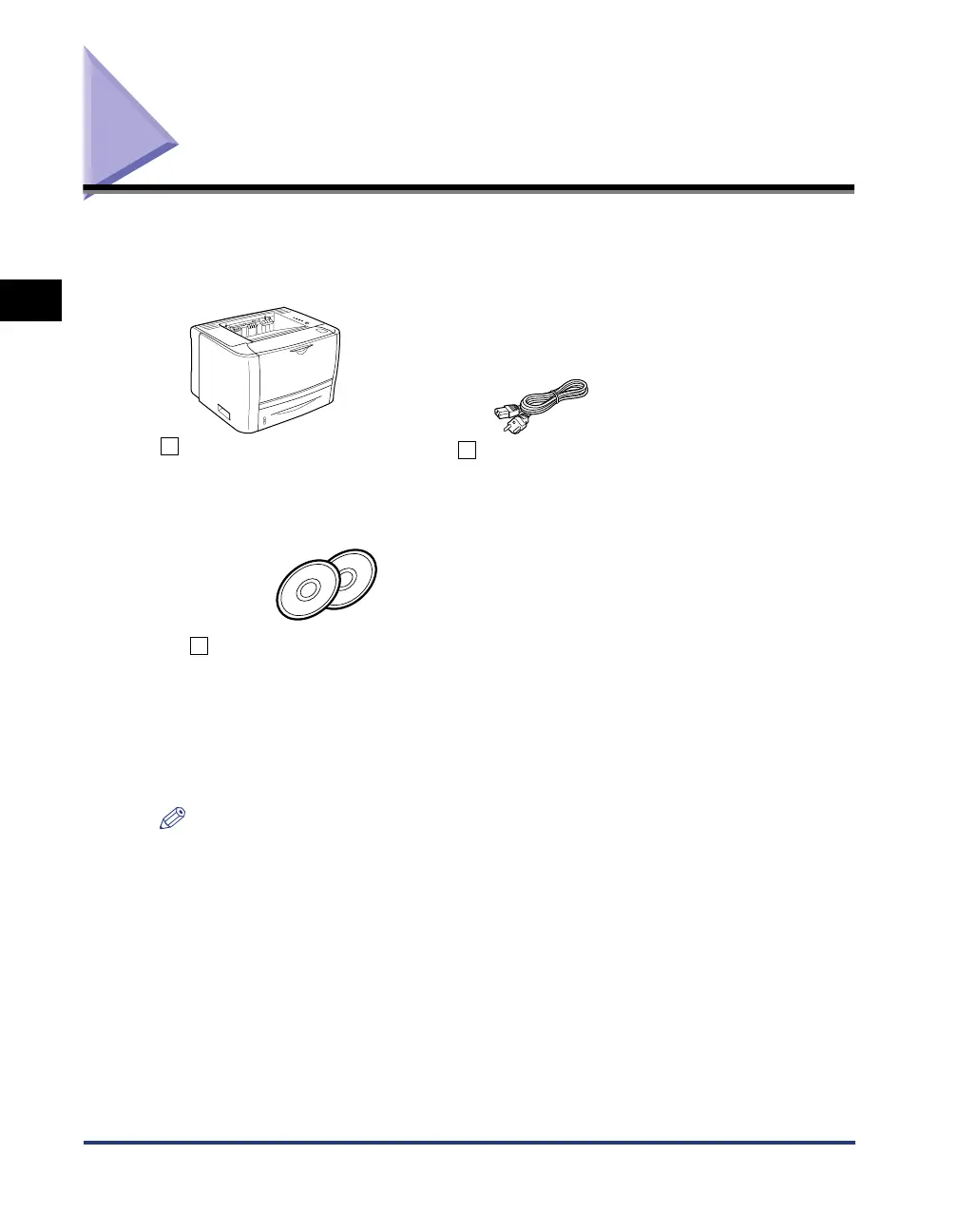
Power cord
(The form of the supplied power
cord may differ from the one in
the above illustration.)
CD-ROM "LBP3310 User Software"
• Printer Driver
• NetSpot Device Installer
• User's Guide
• Network Guide
• Remote UI Guide
• NB-C2 Firmware
Printer
The following parts are already
installed.
• Paper cassette
• Toner cartridge



 To Next Page