Turning the Printer ON/OFF
2-34
Installing the Printer
2
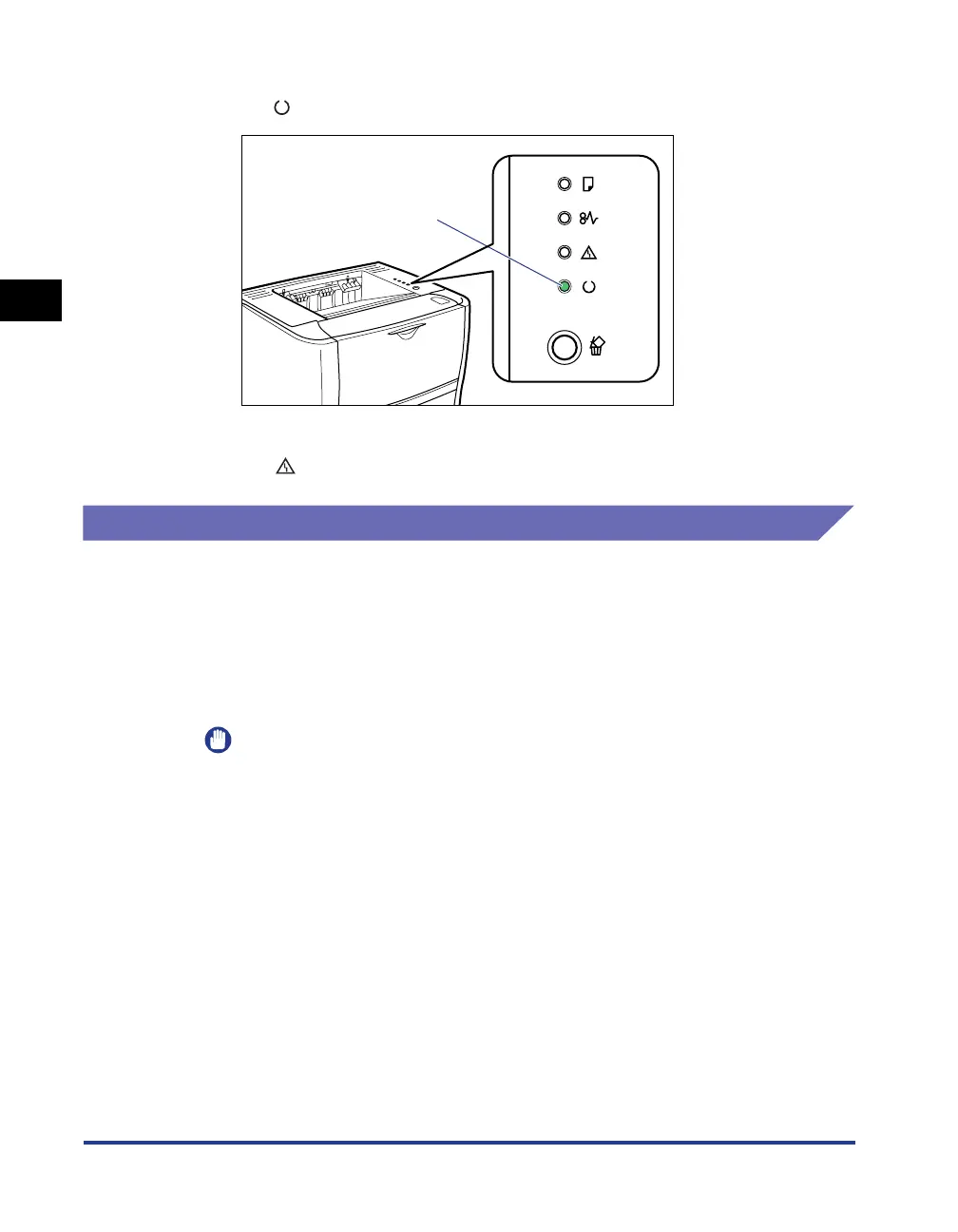
● If the self-diagnostic test result is normal
The (Ready) indicator (green) comes on, and the printer is ready to print.
● If the self-diagnostic test result is not normal
The (Alarm) indicator (orange) comes on/blinking (See p. 8-25).
Turning the Printer OFF
1
Make sure that the printer is not in any of the following states
before turning it OFF.
• While the printer is in the middle of printing
• While the printer is running a self-diagnostic test immediately after turning the
power ON (All the indicators are blinking)
IMPORTANT
If you turn the printer OFF, all print data remaining in the printer memory will be
erased.
On



 To Next Page