1-13
Before You Start
1
Optional Accessories
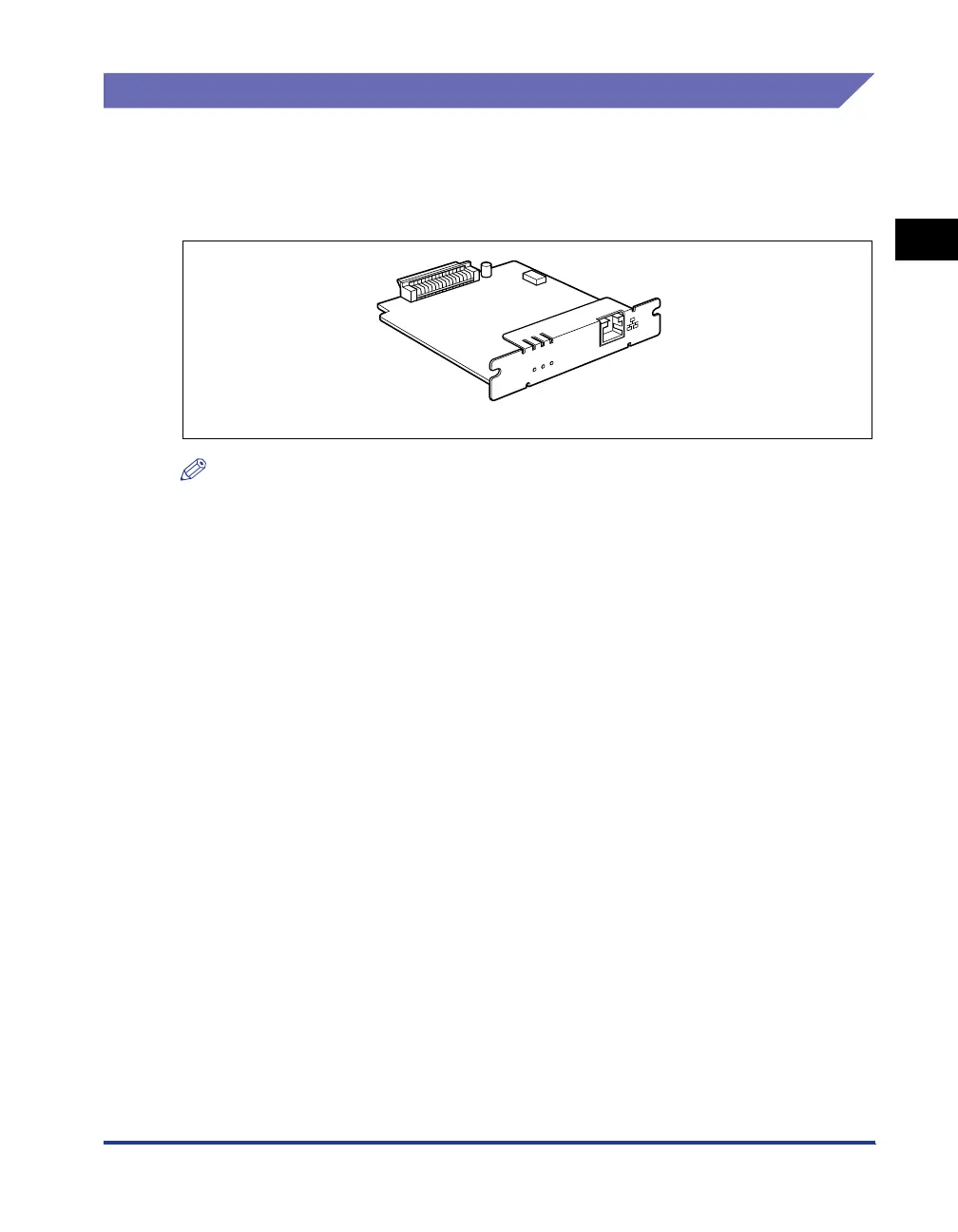
Network Board
By installing the optional network board (NB-C2), the printer can be connected
directly to the network using a LAN cable.
The network board allows you to specify the printer settings and manage them
through a built-in web browser "Remote UI".
NOTE
•
For details on "Remote UI", see "Remote UI Guide".
•
For details on the procedure for installing the network board, see "Network Board," on p.
9-15.
E
R
R
L
N
K
1
0
0
Network board (NB-C2)



 To Next Page