4-19
Setting Up the Printing Environment
4
Installing the Printer Driver
For Windows XP/Server 2003
NOTE
The screenshots used in this section are from Windows XP Professional.
1
Make sure that the printer and computer are OFF.
2
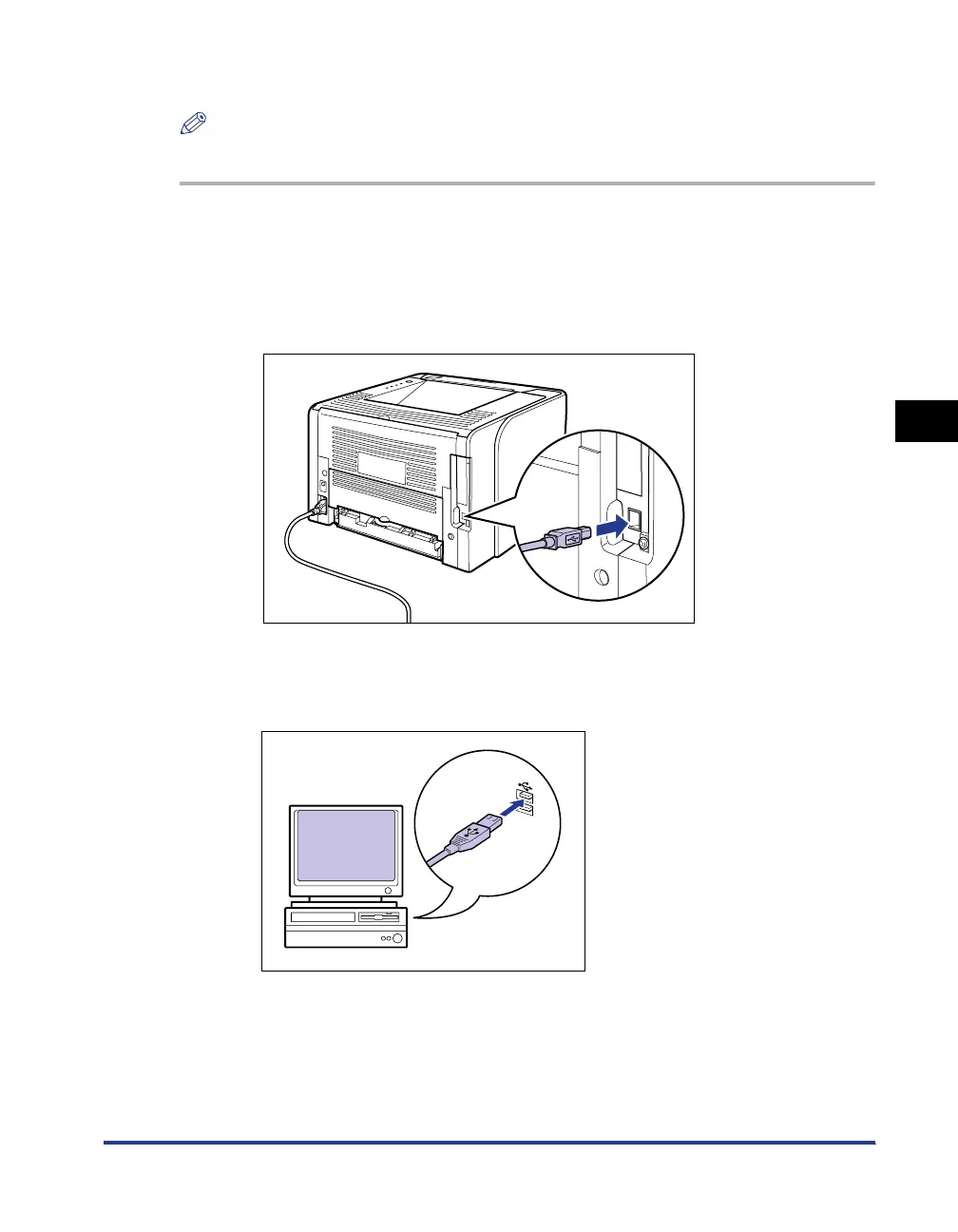
Connect the B-type (square) end of the USB cable to the USB
connector on the printer.
3
Connect the A-type (flat) end of the USB cable to the USB port
on the computer.



 To Next Page