6-29
Using the Various Printing Functions
6
Watermark Printing
Editing Watermarks
1
Perform the following procedure.
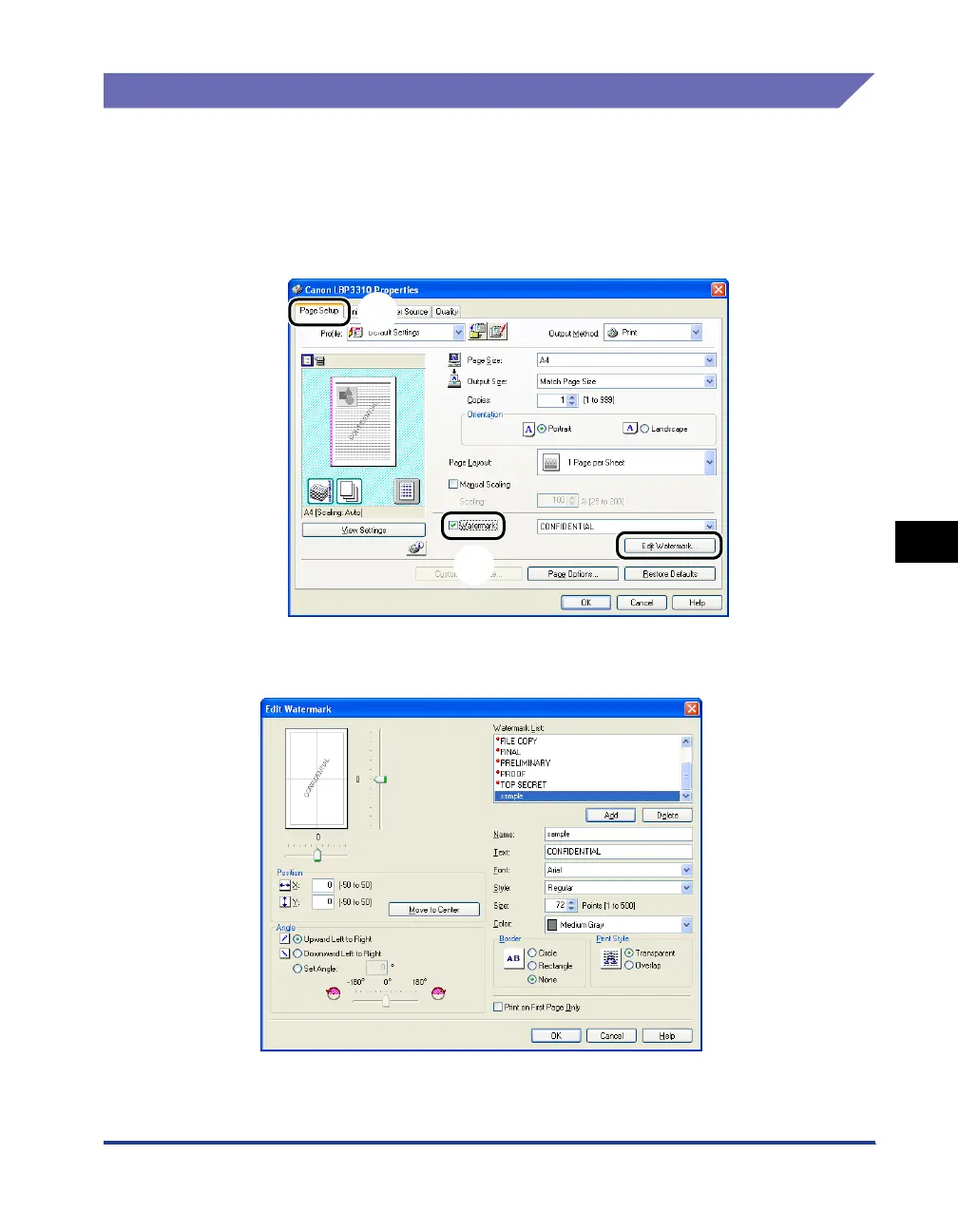
a Display the [Page Setup] sheet.
b Select the [Watermark] check box.
c Click [Edit Watermark].
2
Specify the options as needed.
a
b
c



 To Next Page