6-28
Using the Various Printing Functions
6
Watermark Printing
3
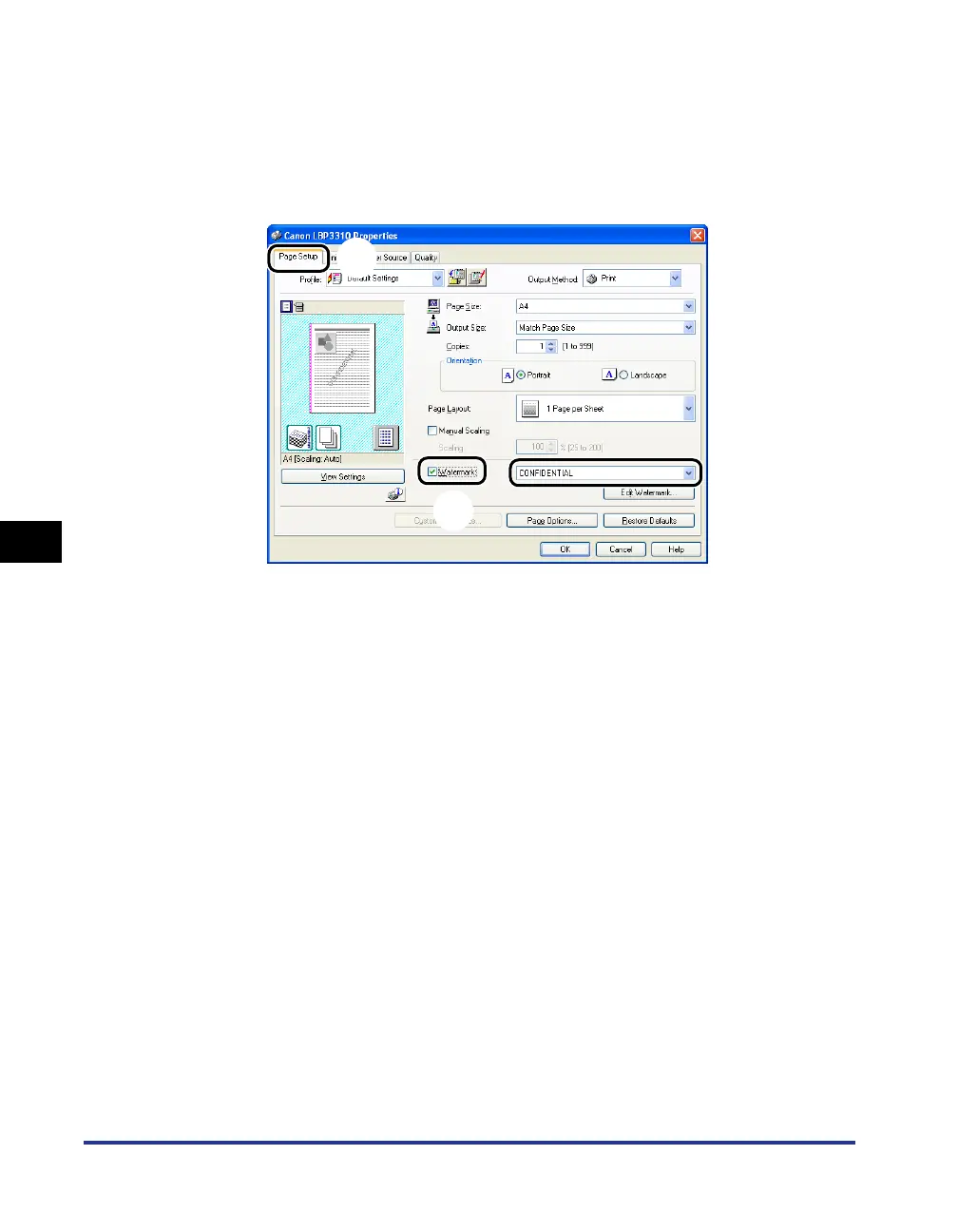
Perform the following procedure.
a Display the [Page Setup] sheet.
b Select the [Watermark] check box.
c Select the character string to print as a watermark from the list on the right side of
[Watermark] .
4
Confirm the settings, then click [OK].
The [Print] dialog box reappears.
5
Click [OK] or [Print].
The printer starts printing.
a
b
c



 To Next Page