8-37
Installation Problems
8
Tr oubleshooting
Installation Problems
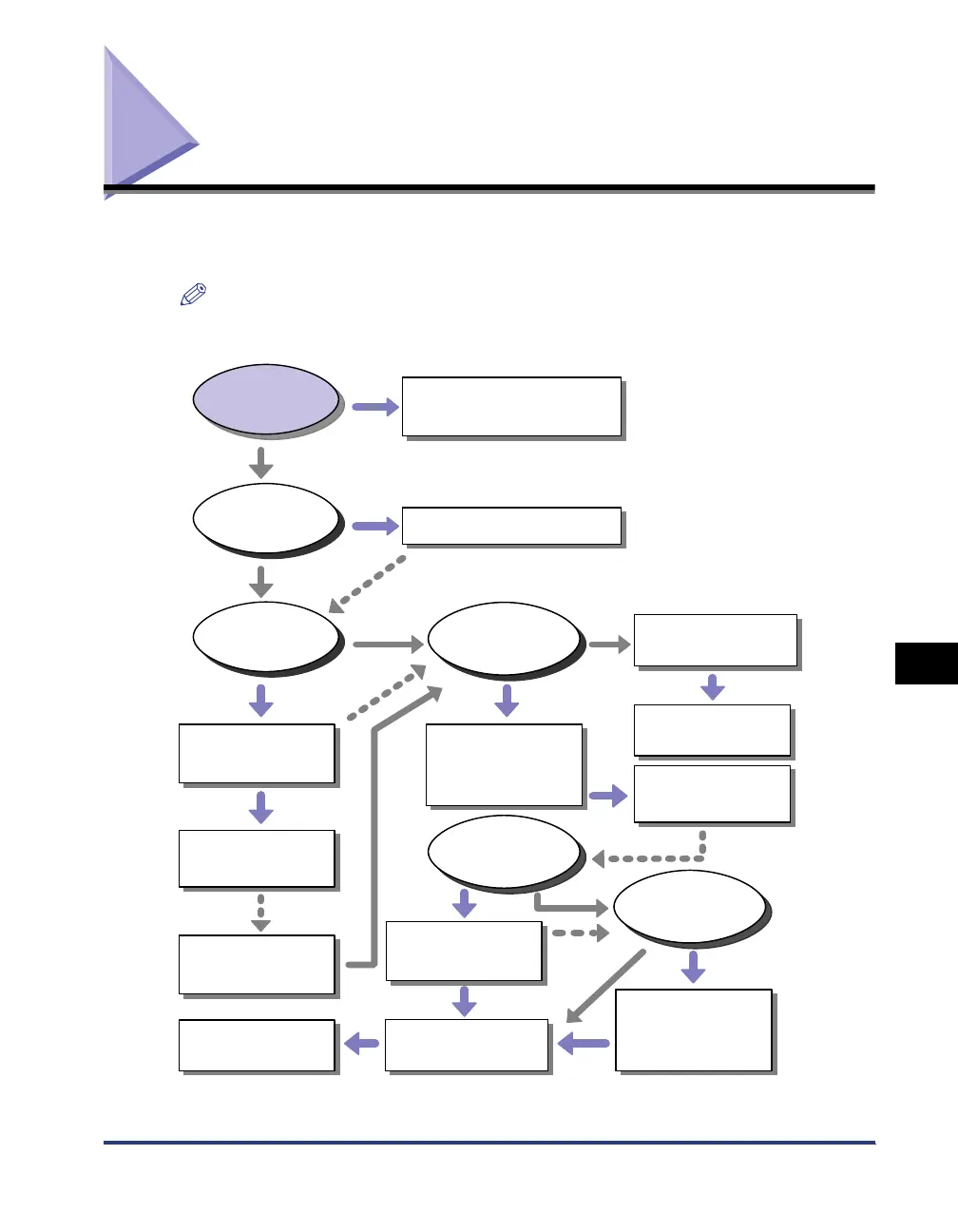
If the printer driver cannot be installed properly, perform the following procedure to
check problems.
NOTE
For details on problems on the network installation, see "Chapter 4 Troubleshooting" in
Network Guide.
*
1
[Programs] for Windows 2000
*
2
[Add/Remove Programs] for Windows 2000; [Uninstall a program] for Windows Vista
[Canon Printer Uninstaller] is
displayed in [All Programs]*
1
from the [Start] menu.
[Canon LBP3310] is displayed in
[Add or Remove Programs]*
2
.
Yes
No
No
Cannot
uninstall
Cannot print
Cannot
uninstall
Cannot install
Cannot install
The icon for this printer is
displayed in the
[Printers and Faxes] or
[Printers] folder after the
installation is completed.
No
Yes
Yes
A problem has occurred
during the installation.
No
Yes
Yes
No
No
Yes
[Canon Printer Uninstaller] is
displayed in [All Programs]*
1
from the [Start] menu.
[Canon LBP3310] is displayed in
[Add or Remove Programs]*
2
.
Uninstall the USB class driver.
(See "Uninstalling the USB Class
Driver," on p. 8-45)
Uninstall the printer driver with
Uninstaller.
(See "Uninstalling the Printer
Driver," on p. 4-67)
Uninstall the printer driver with
Uninstaller.
(See "Uninstalling the Printer
Driver," on p. 4-67)
Uninstall the printer driver with
Uninstaller.
(See "Uninstalling the Printer
Driver," on p. 4-67)
Delete [Canon LBP3310] from
[Add or Remove Programs]*
2
.
(See "If Uninstallation Fails," on p.
8-42)
Delete [Canon LBP3310] from
[Add or Remove Programs]*
2
.
(See "If Uninstallation Fails," on p.
8-42)
Install the printer driver again.
(See "Installing the Printer Driver,"
on p. 4-4)
Install the printer driver again.
(See "Installing the Printer Driver,"
on p. 4-4)
Uninstall the USB class driver.
(See "Uninstalling the USB Class
Driver," on p. 8-45)
Print a test page.
(See "Printing a Test Page," on p. 8-41)
Check the power supply, cables, etc.
(See "Problems with Local Installation," on p. 8-38)
(See "Installation Problems When the Printer Is
Shared on a Network," on p. 8-39)
Install the printer driver again.
(See "Installing the Printer Driver,"
on p. 4-4)
Install the printer driver again.
(See "Installing the Printer Driver,"
on p. 4-4)



 To Next Page