4-3
Checking Your Printing Environment
Setting Up the Printing Environment
4
Checking Your Printing Environment
The procedure for installing the printer driver varies depending on the system
environment. See the following according to your system environment.
*Only if the optional network board is installed
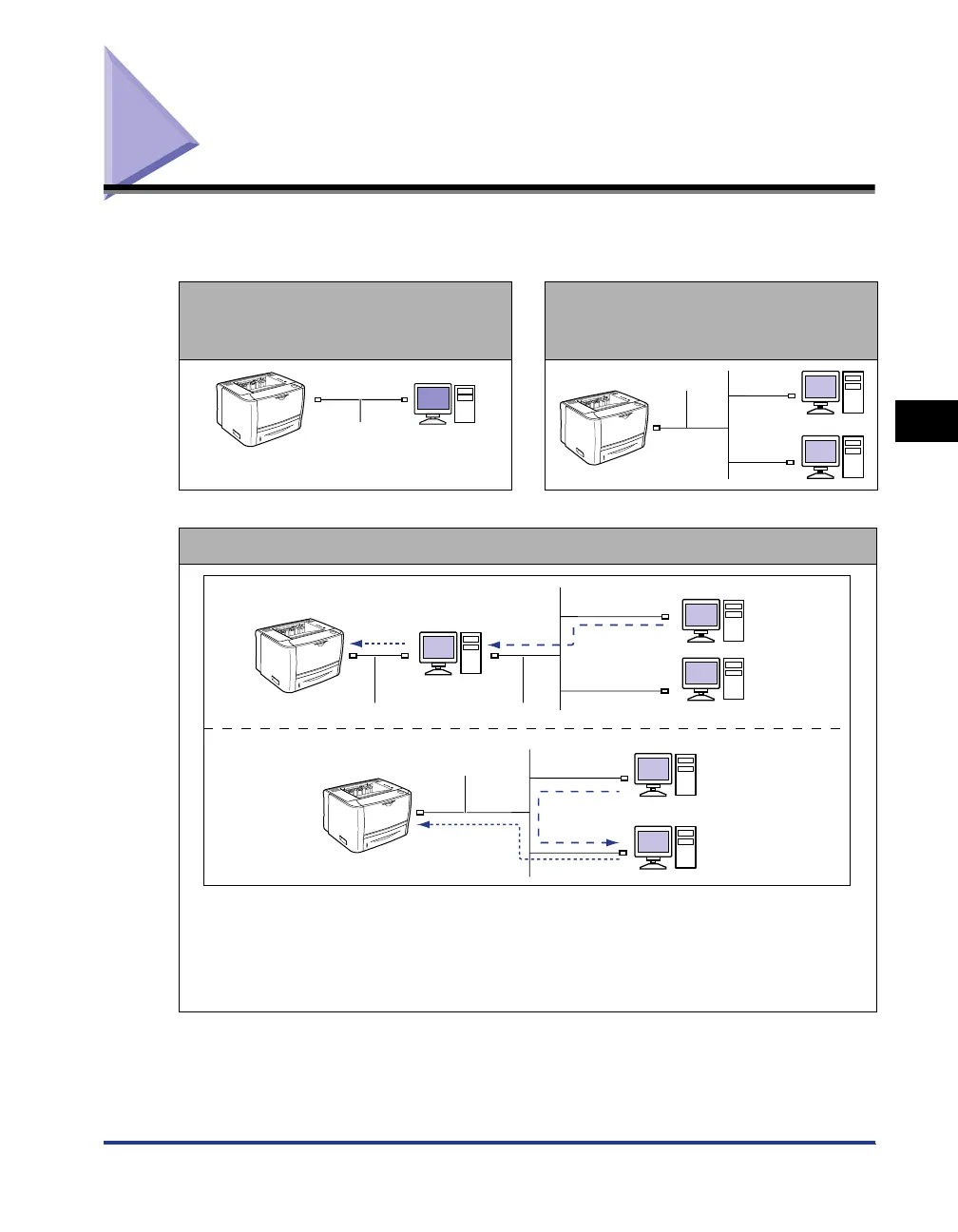
If the printer and computer are
connected by a USB cable (See p. 4-4)
If the printer and computer are
connected by a LAN cable*
(See Network Guide)
Using a Print Server
● If your computer is the print server
- If the printer and print server are connected by a USB cable (See p. 4-4)
- If the printer and print server are connected by a LAN cable* (See Network Guide)
*Only if the optional network board is installed
● If your computer is a client computer (See p. 4-46)
USB Cable
LAN Cable
USB Cable
LAN Cable
LAN Cable
Client
Client
Print Server
Print Server



 To Next Page