7-30
Handling the Printer
Routine Maintenance
7
Handling the Printer
This printer consists of various electronic and precision optical parts. Read the
following section so that you can handle the printer properly.
IMPORTANT
•
For details on handling the printer, also read "Important Safety Instructions" (See p. xviii).
•
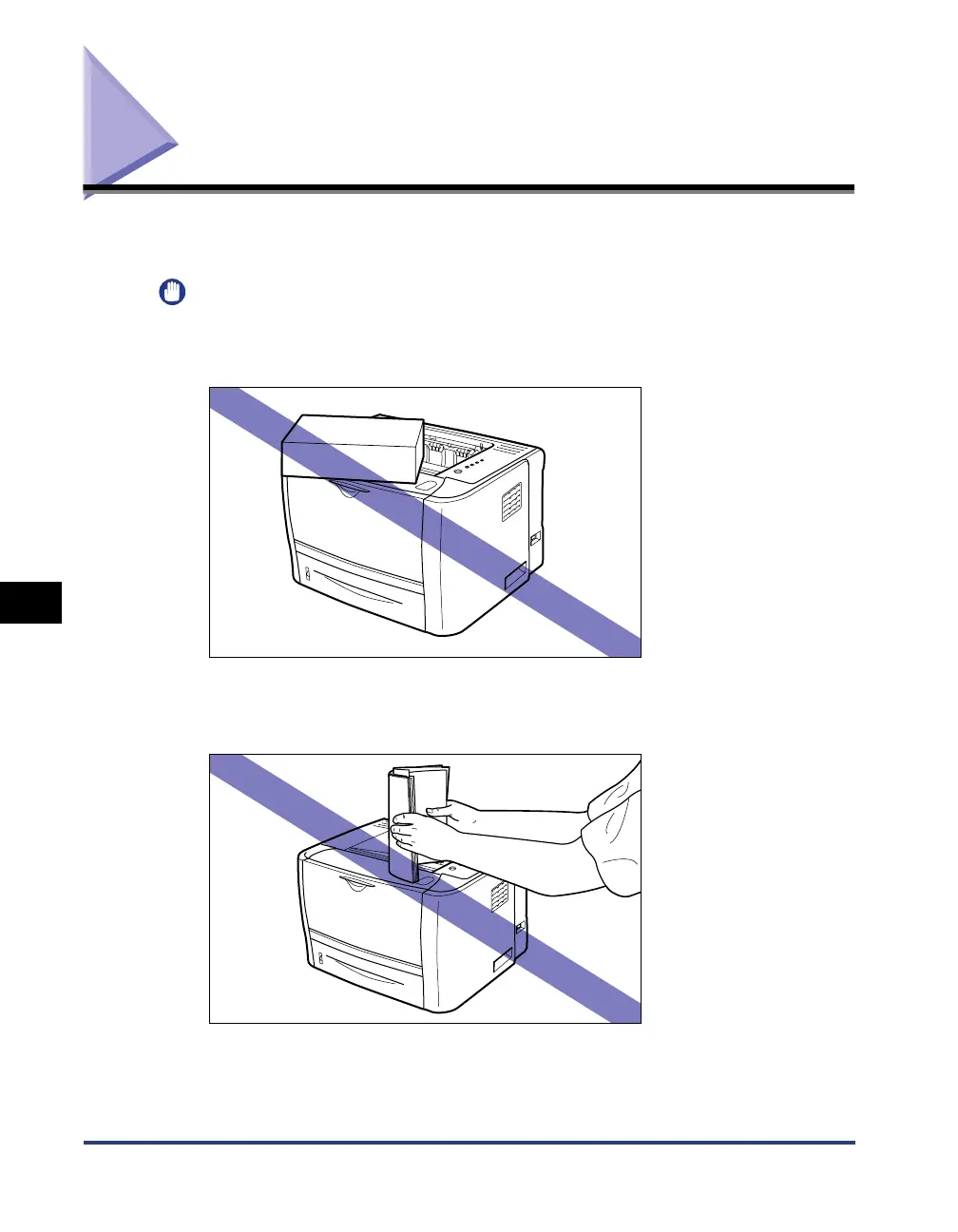
Do not place any objects other than printing paper on the printer, trays, or covers. This
may result in damage to the printer.
•
Do not leave any covers open longer than required. Exposing the printer to direct sunlight
or strong light may result in deterioration in print quality.
•
Avoid shaking the printer. This may result in poor print quality or damage to the printer.
•
Do not open the covers on the printer during printing. This may result in damage to the
printer.



 To Next Page