7-31
Routine Maintenance
7
Handling the Printer
•
Handle each cover gently when opening or closing it. Failure to do so may result in
damage to the printer.
•
If you want to put a cover on the printer to prevent dust from entering the printer, turn the
power OFF and allow the printer to cool down sufficiently before covering the printer.
•
If you do not plan to use the printer for a long period of time, unplug the power plug from
the AC power outlet.
•
Do not use or store the printer in a room where chemicals are used.
•
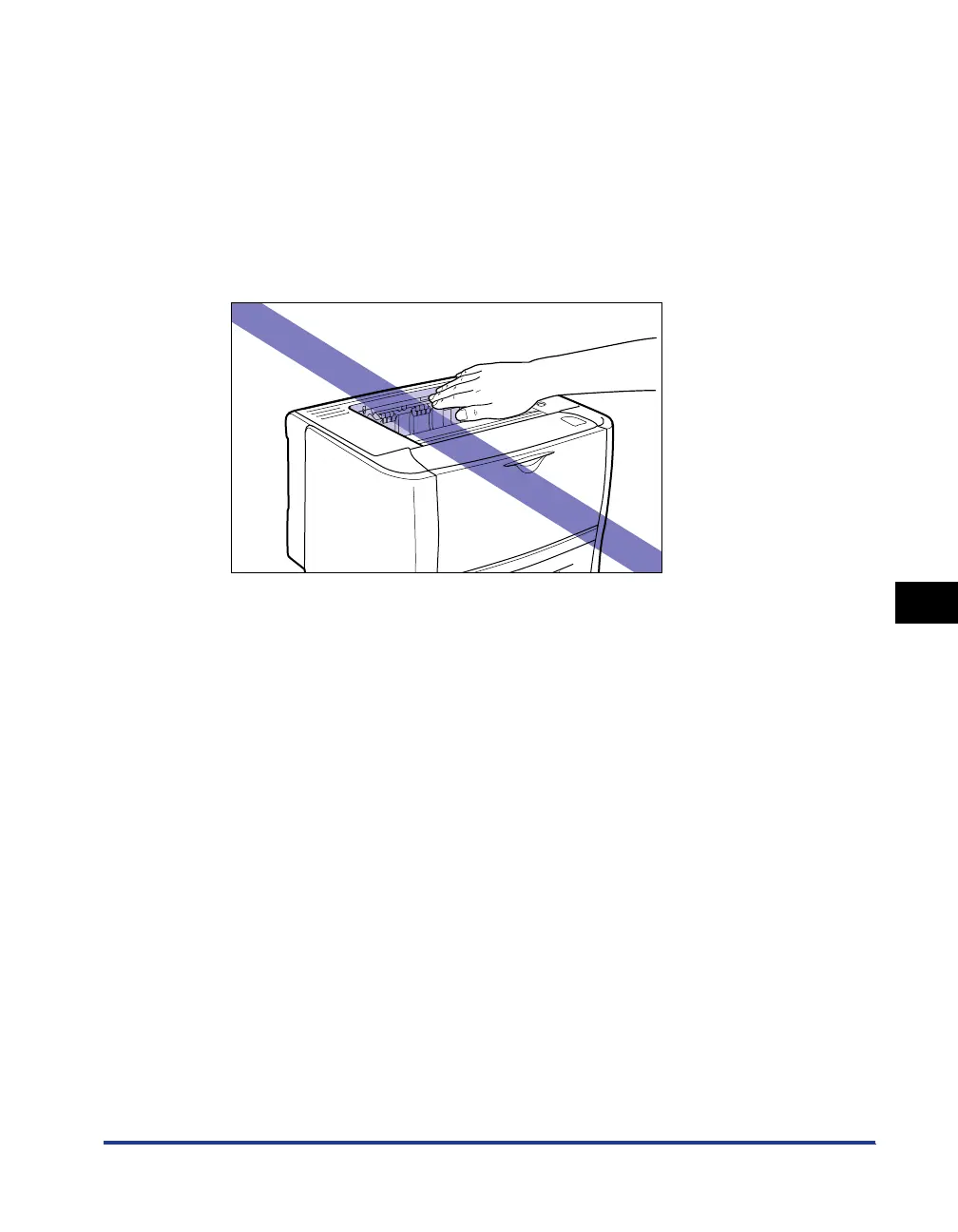
The face-down output tray and its surroundings become hot during or immediately after
using the printer. Do not touch the face-down output tray and its surroundings when
removing the jammed paper or performing the related operation.



 To Next Page