8-56
Confirming the Printer Features
Tr oubleshooting
8
Confirming the Printer Features
This printer is provided with a function of Configuration Page Print that allows you to
confirm the following current printer status.
• The optional settings of the printer
• The settings for [Device Settings] in the [Options] menu in the Printer Status
Window
• [Number of Total Printed Pages]
Use these functions when required after installing and connecting the printer, for
example when you want to check the operation.
NOTE
•
Configuration Page Print is designed to be printed on A4 size paper. Load A4 size paper.
•
For details on Network Status Print that allows you to check the version of the optional
network board as well as the TCP/IP settings, see "Chapter 4 Troubleshooting" in
Network Guide.
1
Display the Printer Status Window.
For details on methods for displaying the Printer Status Window, see "Displaying
the Printer Status Window," on p. 5-35.
2
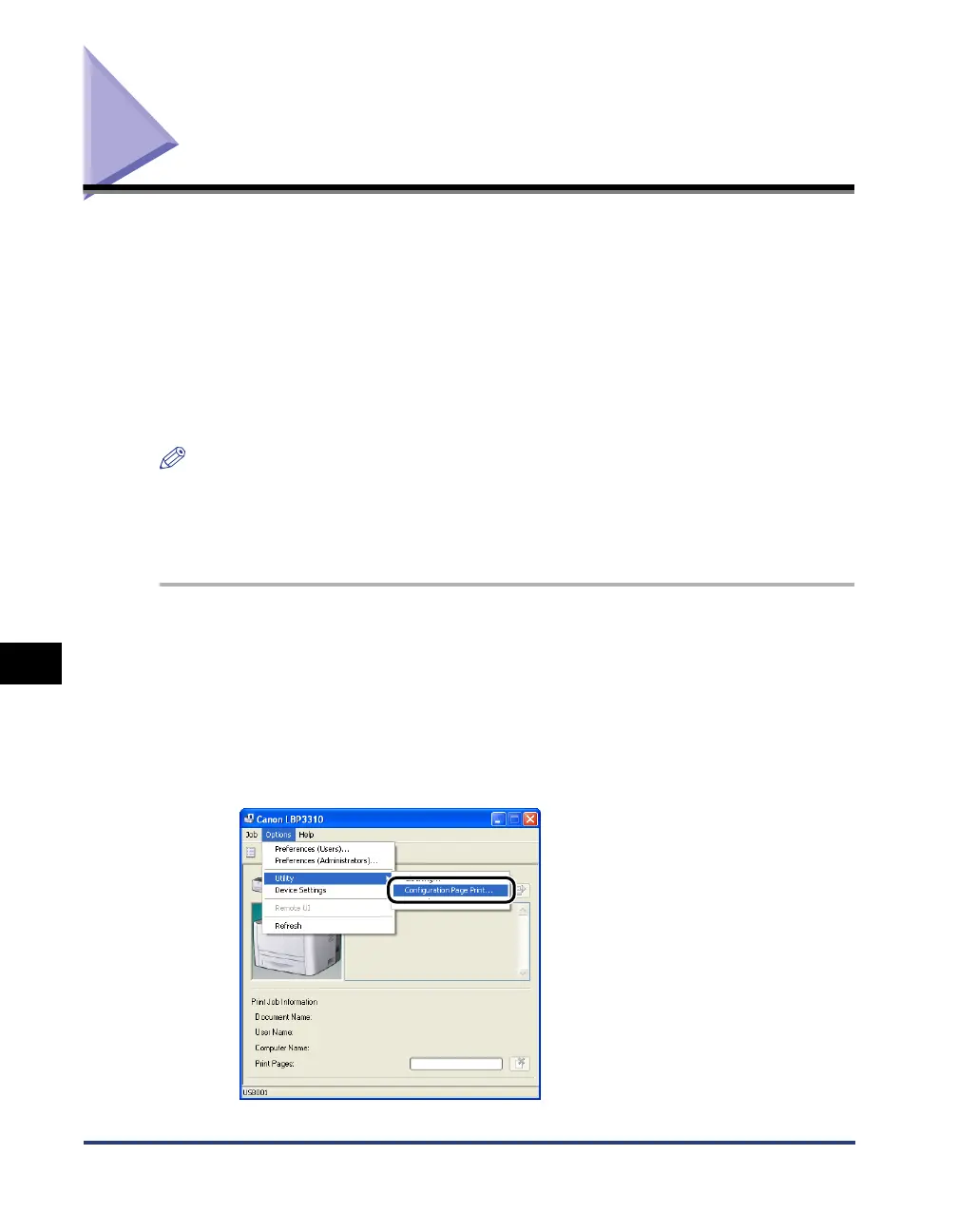
From the [Options] menu in the Printer Status Window, select
[Utility] ➞ [Configuration Page Print].



 To Next Page