2-26
Installing the Printer
2
Connecting the Power Cord
Connecting the Power Cord
When connecting the power cord, see "Important Safety Instructions," on p. xviii.
IMPORTANT
•
Do not plug the power plug into the auxiliary outlet on a computer.
•
One AC power outlet should be reserved exclusively for the printer.
•
Do not connect this printer to an uninterruptible power source. This may cause printer
malfunction or breakdown in the event of a power failure.
1
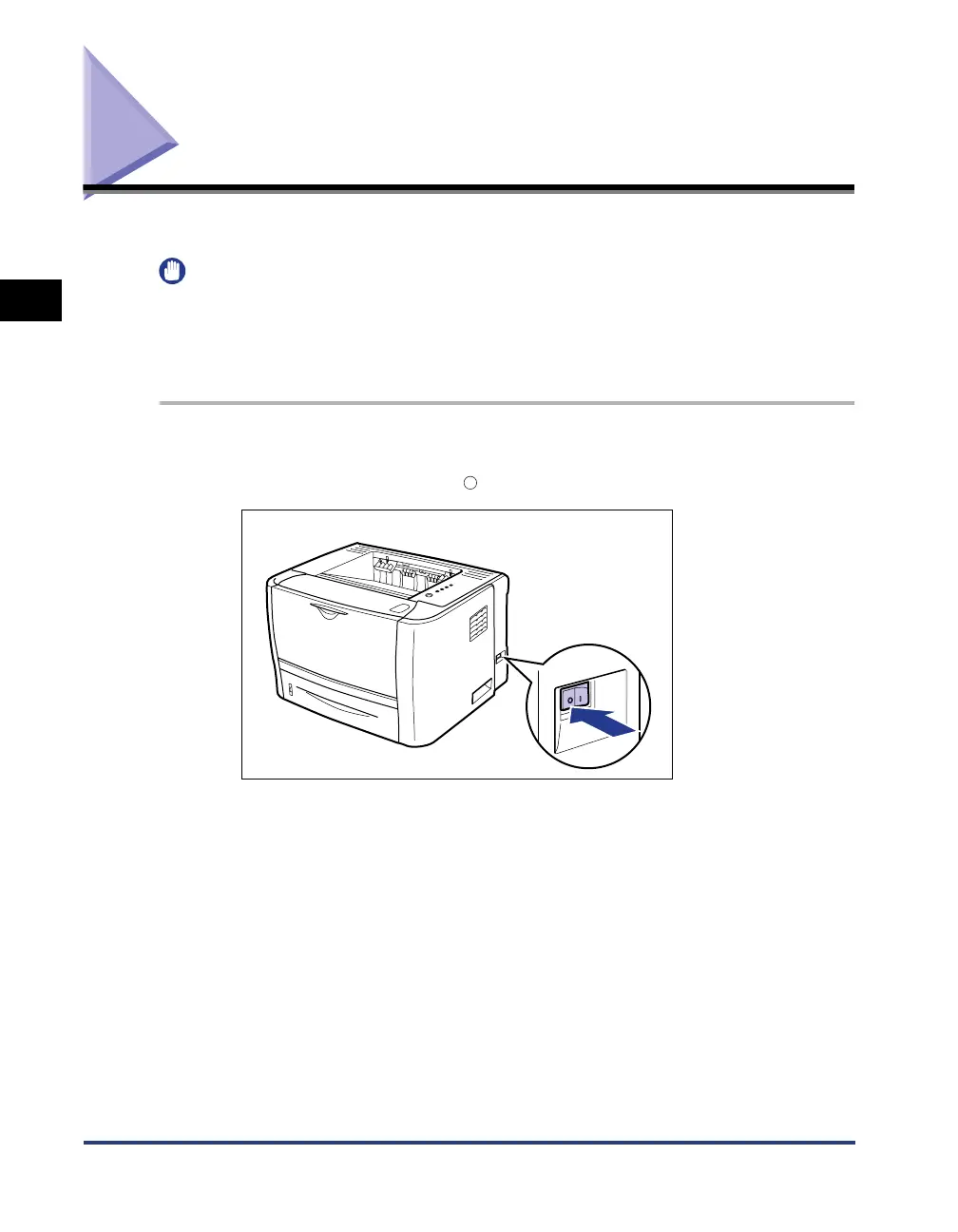
Make sure that the printer is OFF.
The printer is OFF when the " " side of the power switch is pressed.



 To Next Page