2-25
Installing the Printer
2
Removing the Packing Materials of the Paper Cassette and Loading Paper
5
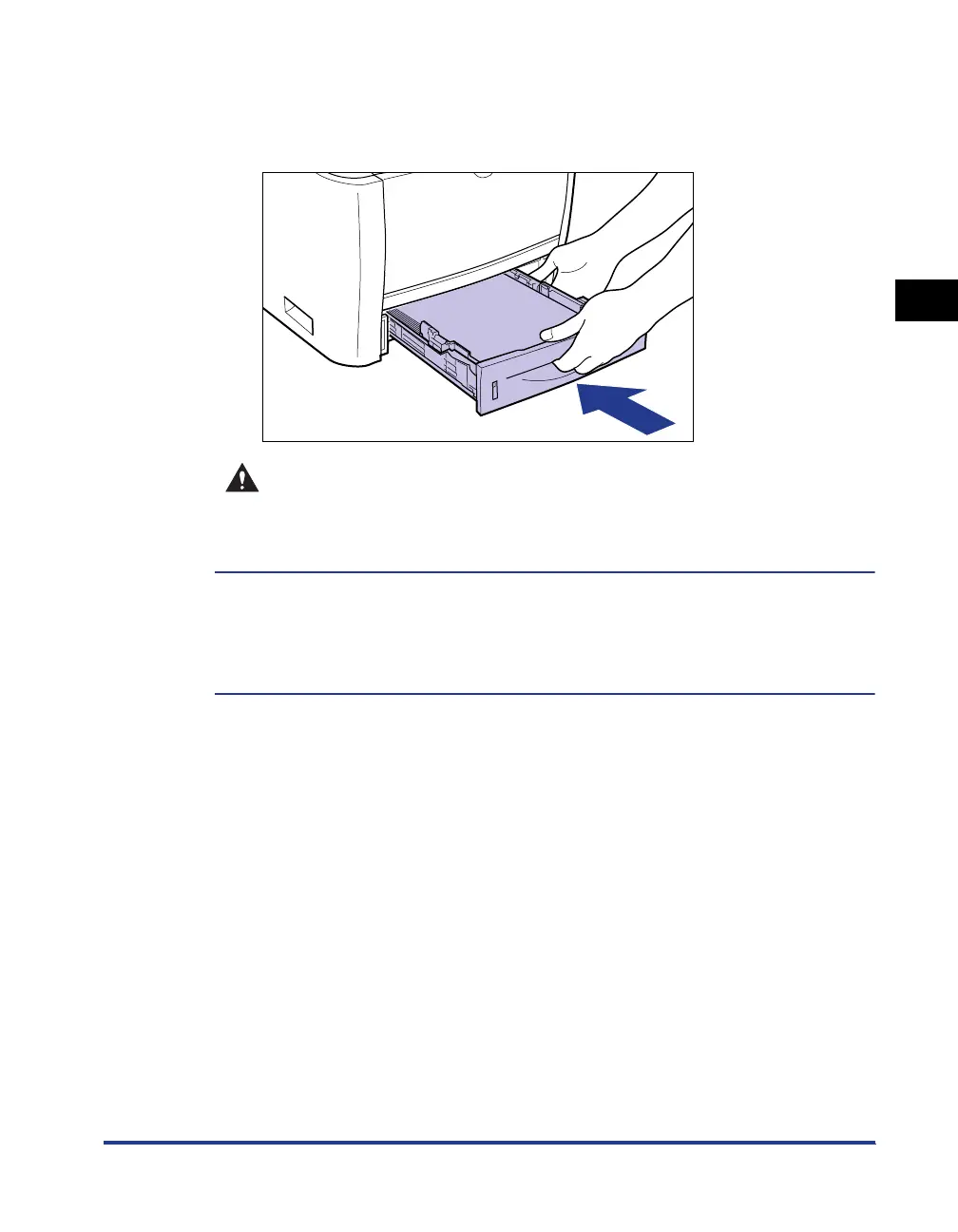
Set the paper cassette in the printer.
Push the paper cassette into the printer firmly until the front side of the paper
cassette is flush with the front surface of the printer.
CAUTION
When setting the paper cassette in the printer, be careful not to catch your
fingers.
This printer's paper cassette cannot automatically detect the paper size. Therefore, you
need to register the size of the loaded paper.
Install the printer driver (See p. 4-1), then register the paper size.
For details on the procedure for registering a paper size, see Step 6 and subsequent
steps of "Loading Paper in the Paper Cassette," on p. 3-17.



 To Next Page