Removing the Packing Materials of the Paper Cassette and Loading Paper
2-24
Installing the Printer
2
2
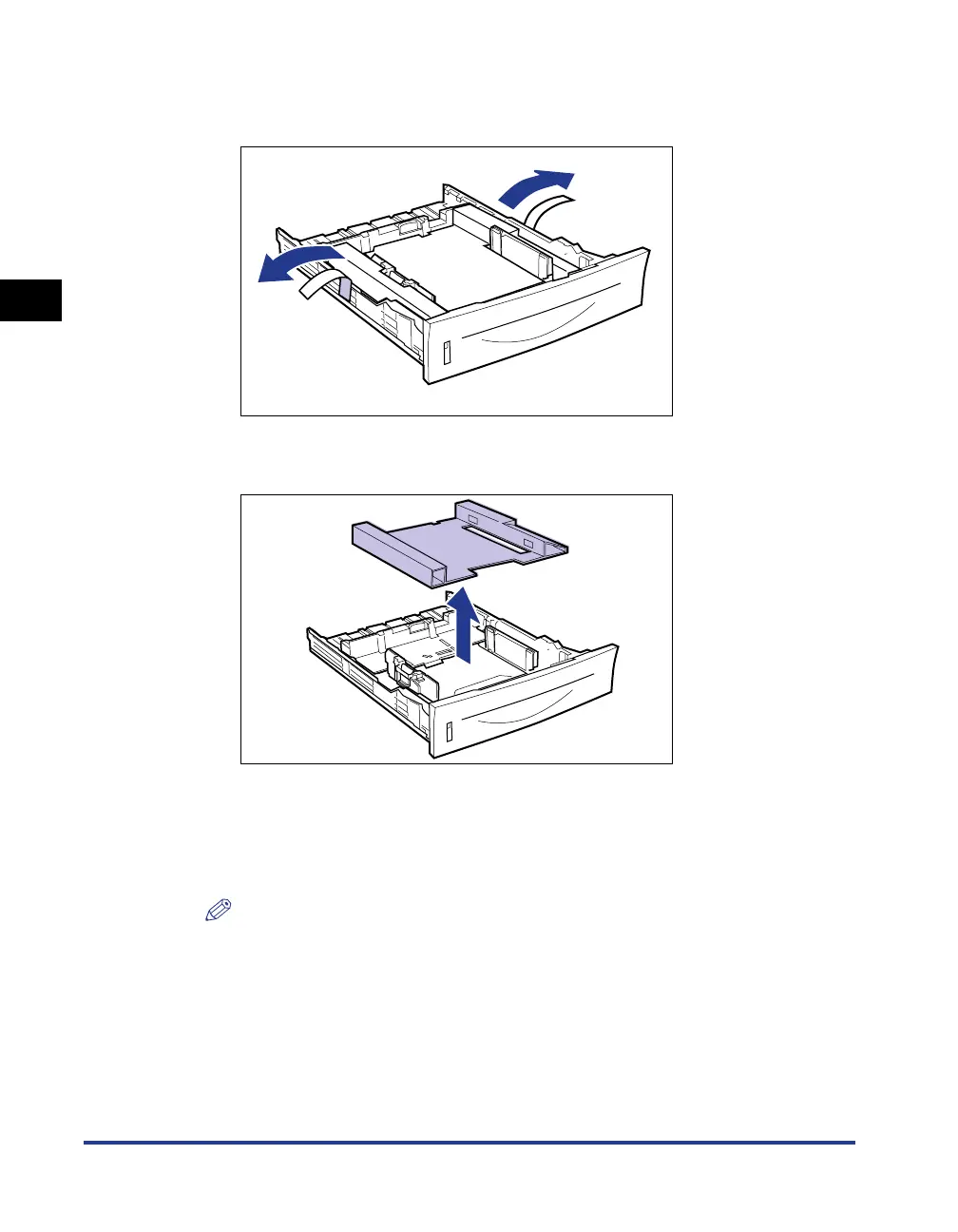
Remove the tape that is securing the packing material in the
paper cassette (2 locations).
3
Remove the packing material in the paper cassette.
4
Load paper in the paper cassette.
For details on the procedure for loading paper in the paper cassette, see
"Loading Paper in the Paper Cassette," on p. 3-17.
NOTE
If you want to load paper in the multi-purpose tray, load the paper after Step 5.
For details on the procedure for loading paper in the multi-purpose tray, see
"Loading Paper in the Multi-purpose Tray," on p. 3-31.



 To Next Page