3-11
Paper Source
Paper Loading and Output Tray
3
Selecting a Paper Source
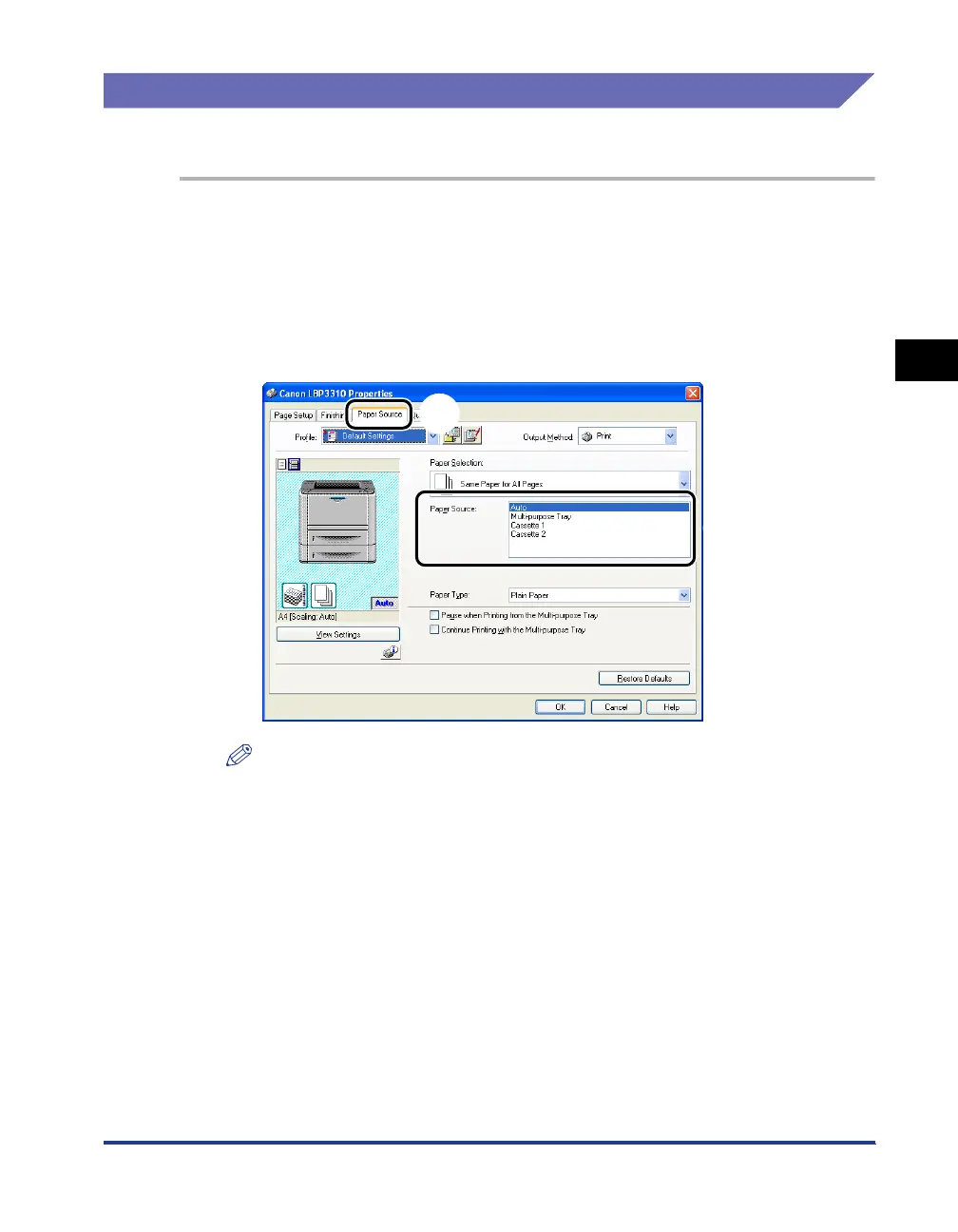
A paper source can be selected in the [Paper Source] sheet in the printer driver.
1
Display the [Paper Source] sheet aa
aa
, then select [Paper
Source]
bb
bb
.
For details on the procedure for displaying the [Paper Source] sheet in the printer
driver, see the following.
• "Printing from an Application" (See p. 5-2)
• "Changing the Default Values for Printing Preferences" (See p. 5-8)
NOTE
If [Paper Selection] is set to a setting other than [Same Paper for All Pages], the
setting for [Paper Source] is changed as follows. Specify the same setting as for
[Paper Source].
- [First Page]
- [Second Page]
- [Cover Page]
- [Other Pages]
- [Last Page]
2
Click [OK].
a
b



 To Next Page