6-10
Various Sheets in the Printer Driver
Using the Various Printing Functions
6
Various Sheets in the Printer Driver
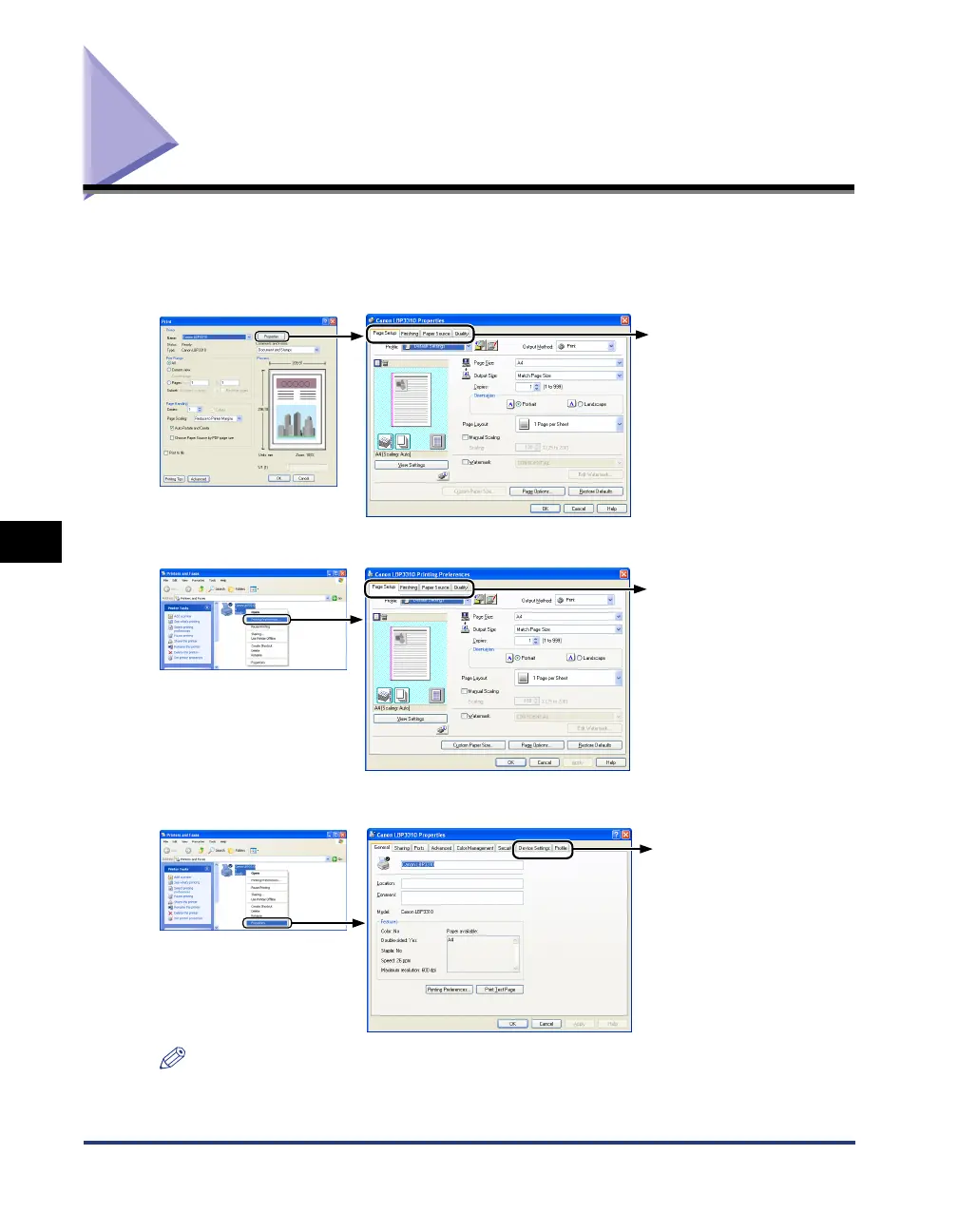
You can switch among the sheets in the printer driver by clicking the tabs across the
top of the dialog box.
This section describes the sheets to be displayed.
NOTE
The [General], [Sharing], [Ports], [Advanced], [Color Management], and [Security] sheets
in the printer driver are displayed by Windows. For details on these sheets, see Windows
Help.
- [Page Setup] Sheet (See p. 6-11)
- [Finishing] Sheet (See p. 6-12)
- [Paper Source] Sheet (See p. 6-13)
- [Quality] Sheet (See p. 6-14)
Displaying from an application
- [Page Setup] Sheet (See p. 6-11)
- [Finishing] Sheet (See p. 6-12)
- [Paper Source] Sheet (See p. 6-13)
- [Quality] Sheet (See p. 6-14)
Displaying from the printer icon
(If selecting [Printing Preferences])
- [Device Settings] Sheet (See p. 6-15)
- [Profile] Sheet (See p. 6-16)
Displaying from the printer icon
(If selecting [Properties])



 To Next Page