5-22
Basic Usage of the Printer
5
Canceling a Print Job
4
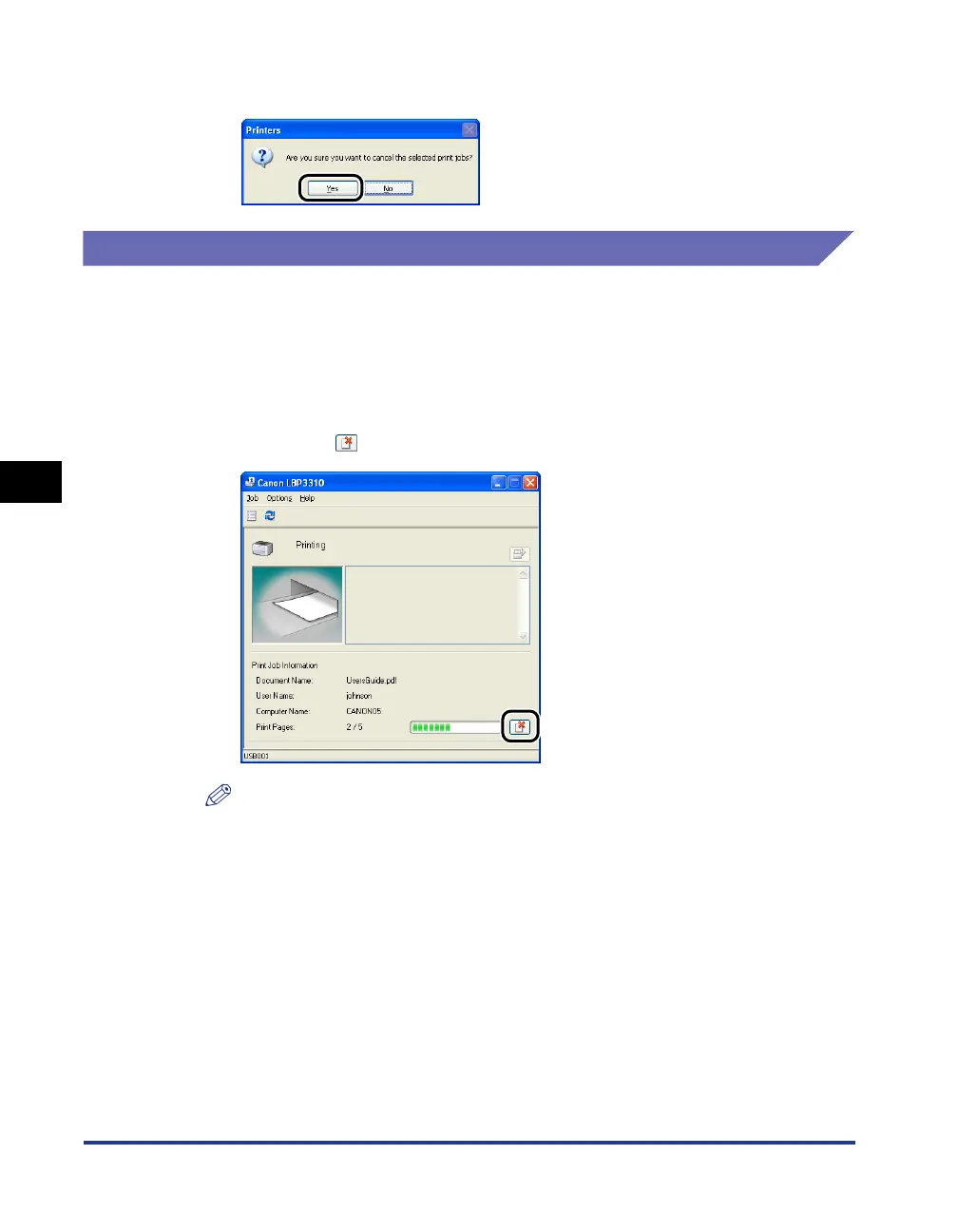
Clicking [Yes] cancels the print job.
Canceling a Print Job Using the Printer Status Window
1
Display the Printer Status Window.
For details on methods for displaying the Printer Status Window, see "Displaying
the Printer Status Window," on p. 5-35.
2
Clicking [ ] (Cancel Job) cancels the print job.
NOTE
While another user's job is being printed, you cannot cancel the job.
However, you can cancel the print job from the print server if the printer is shared
on a network.



 To Next Page