2-31
Installing the Printer
2
Connecting to a Computer
Using a LAN Cable
Precautions on Connecting a LAN Cable
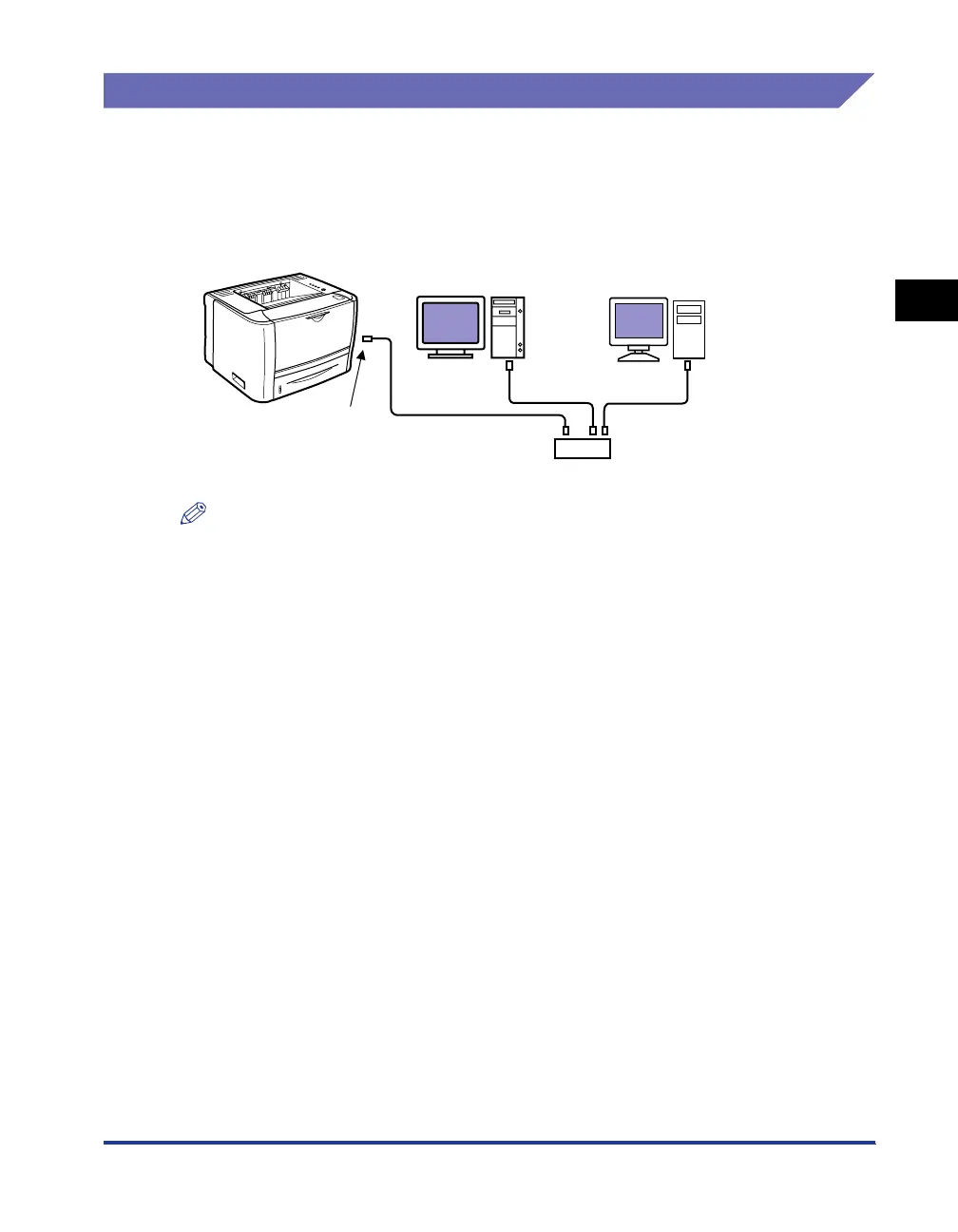
■ Network Environment
The optional network board supports 10BASE-T/100BASE-TX connections.
NOTE
•
For details on the procedure for installing the network board, see "Network Board," on p.
9-15.
•
This printer and the network board do not come with a LAN cable or a hub. Have cables
or a hub ready as needed.
Use a Category 5 twisted pair cable for the LAN.
•
If you want to connect the printer to a 100BASE-TX Ethernet network, all the devices to
be connected to the LAN (hub, LAN cable, and network board for computer) must
support 100BASE-TX.
For more details, contact your local authorized Canon dealer.
Computer that supports
100BASE-TX
Computer that supports
10BASE-T
Ethernet Cable
Hub
LAN Connector



 To Next Page