3-17
Loading Paper in the Paper Cassette
Paper Loading and Output Tray
3
Loading Paper in the Paper Cassette
The following paper can be loaded in the paper cassette.
IMPORTANT
•
For more details on usable paper, see "Usable Paper," on p. 3-2.
•
For details on handling the paper cassette, see "Precautions for Handling the
Multi-purpose Tray or Paper Cassette," on p. 3-12.
NOTE
Load paper in Cassette 2 (only if the optional paper feeder is installed) in the same
manner as you would load paper in Cassette 1.
Loading Standard Size Paper
1
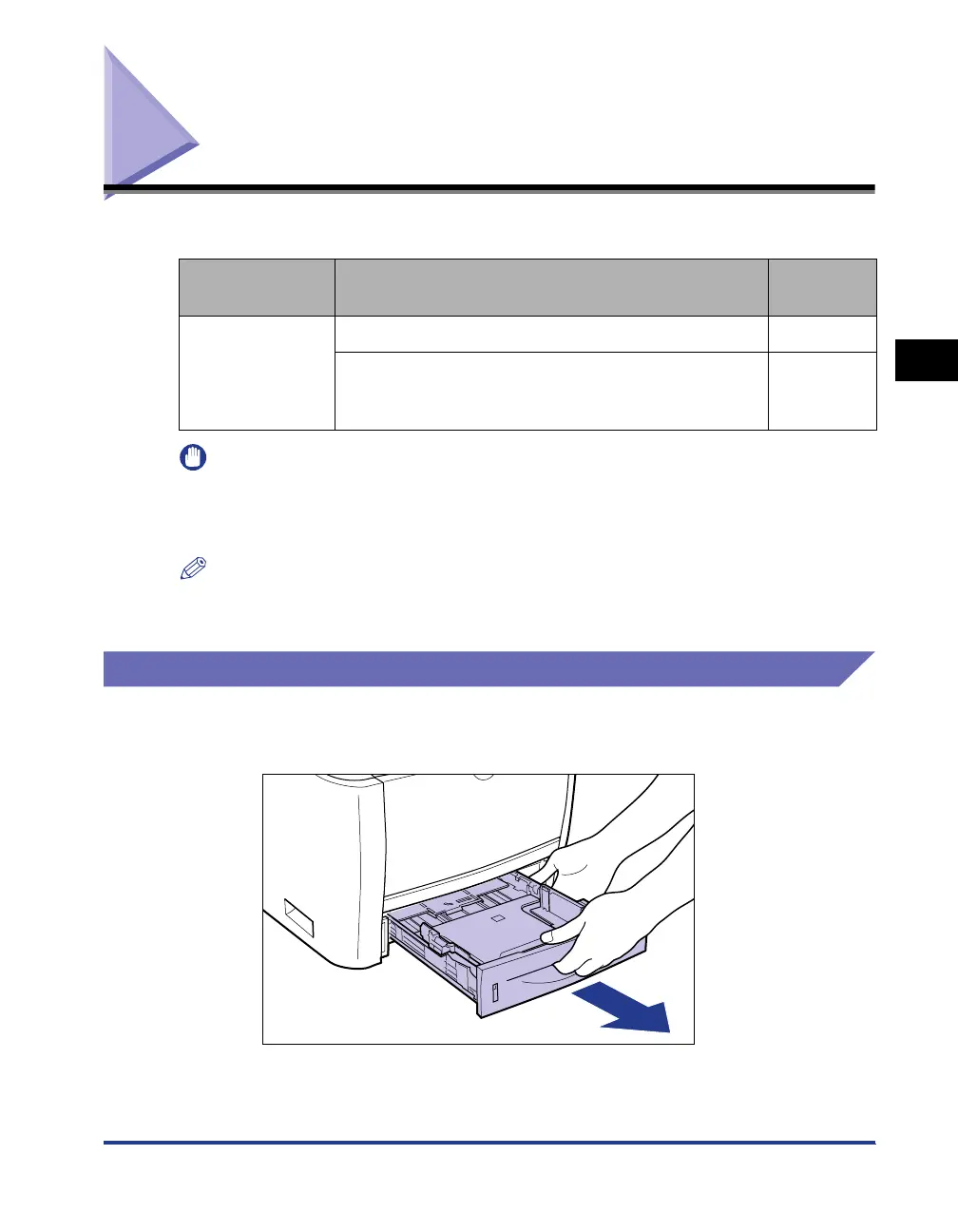
Pull out the paper cassette.
Paper Type Paper Size
Loading
Procedure
Plain Paper
(60 - 89 g/m
2
)
Heavy Paper
(90 - 120 g/m
2
)
A4, B5, A5, Legal, Letter, Executive p. 3-17
Custom Paper Size
(Width 148.0 to 215.9 mm; Length 210.0 to 355.6 mm)
16K
p. 3-23



 To Next Page