2-5
Installing the Printer
2
Installation Site
IMPORTANT
Do not install the printer in the following locations, as this may result in damage to the
printer.
- An environment where the temperature and/or humidity can change dramatically, or
where condensation occurs
-A poorly ventilated room (Ozone is generated by the printer in use, however, the
amount is too small to be harmful to the human body. However, if you are going to use
the printer for a long time in a poorly ventilated room or to perform a large amount of
printing, ventilate the room to keep the working environment comfortable.)
-A location near products that generate magnetism or electromagnetic waves
- In rooms such as laboratories where chemical reactions may occur
-A place where salt, corrosive gases such as ammonia, or toxic gases are found
-A platform that may warp from the weight of the printer and optional accessories, or the
printer is liable to sink (such as a carpet or mat)
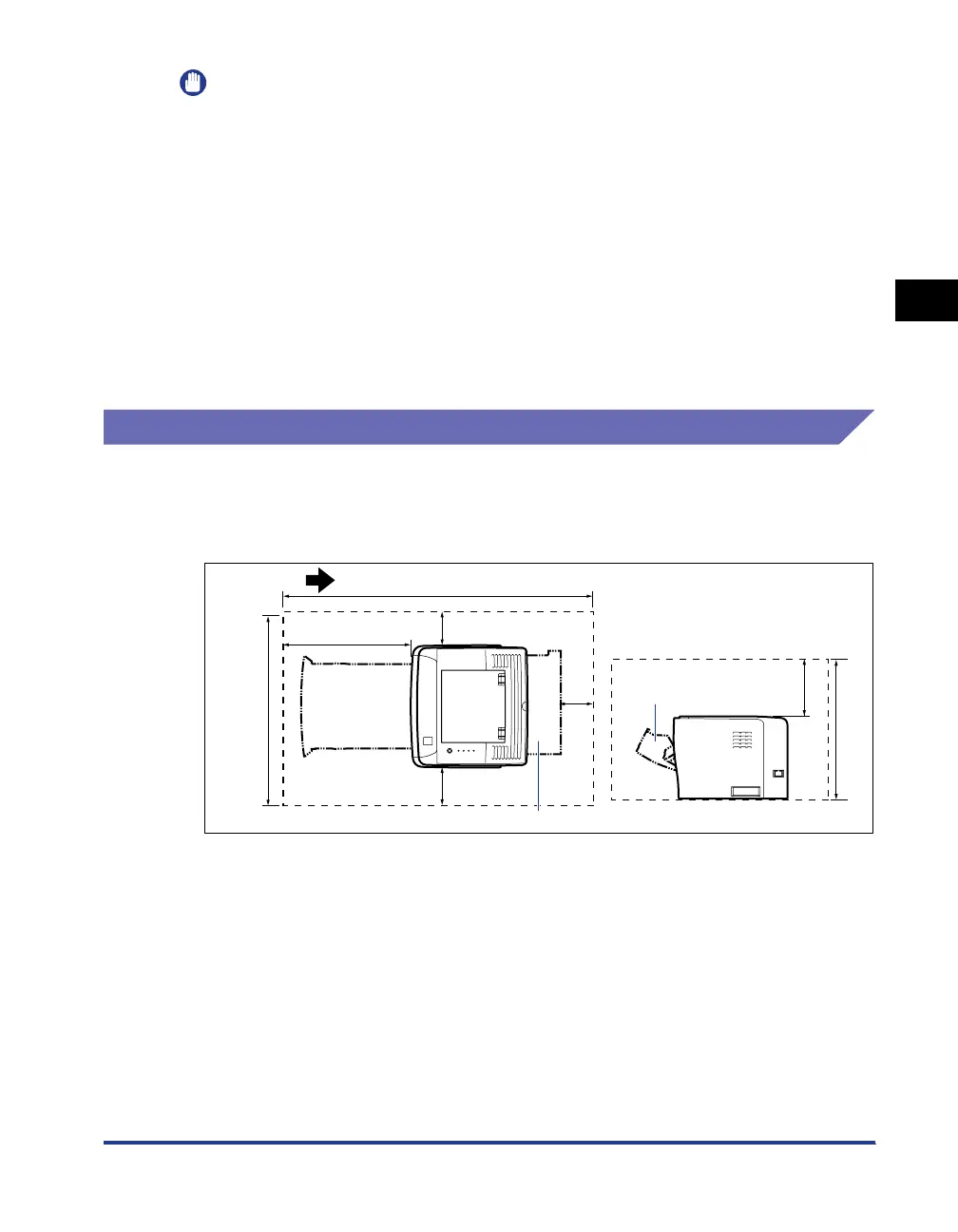
Installation Space
Required Peripheral Space
■ Standard configuration
(mm)
100
100 100
1072.9
500
599.7
200
458
Front Surface
Output selection cover
Paper cassette
Front cover



 To Next Page