7-7
Routine Maintenance
7
Replacing the Toner Cartridge
6
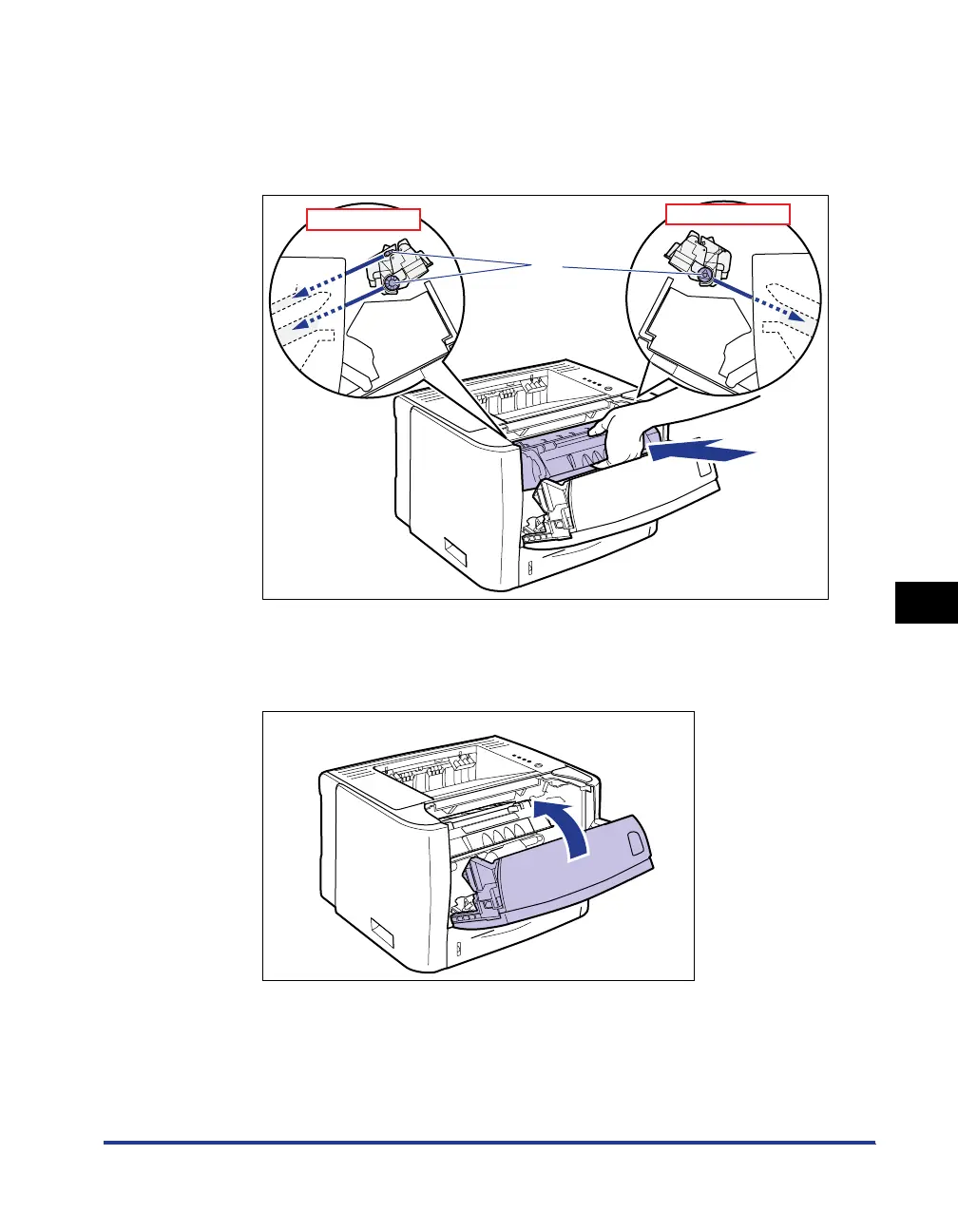
Install the toner cartridge.
Push the toner cartridge into the printer firmly until it touches the back of the
printer while aligning (A) on both sides of the toner cartridge with the toner
cartridge guides inside the printer.
7
Close the front cover.
Close the front cover gently and firmly.
(A)
Side View (Left)
Side View (Right)



 To Next Page