5-20
Canceling a Print Job
Basic Usage of the Printer
5
Canceling a Print Job
This printer allows you to cancel a print job using any one of the following methods.
• Using the print queue (See p. 5-20)
• Using the Printer Status Window (See p. 5-22)
• Using the (Cancel Job) key (See p. 5-23)
NOTE
If the optional network board is installed, you can also cancel a print job from the Remote
UI (the software that allows you to manage the printer using a web browser).
For details on the procedure for canceling a print job using the Remote UI, see "Chapter
3 Various Functions of the Remote UI," in Remote UI Guide.
Canceling a Print Job Using the Print Queue
1
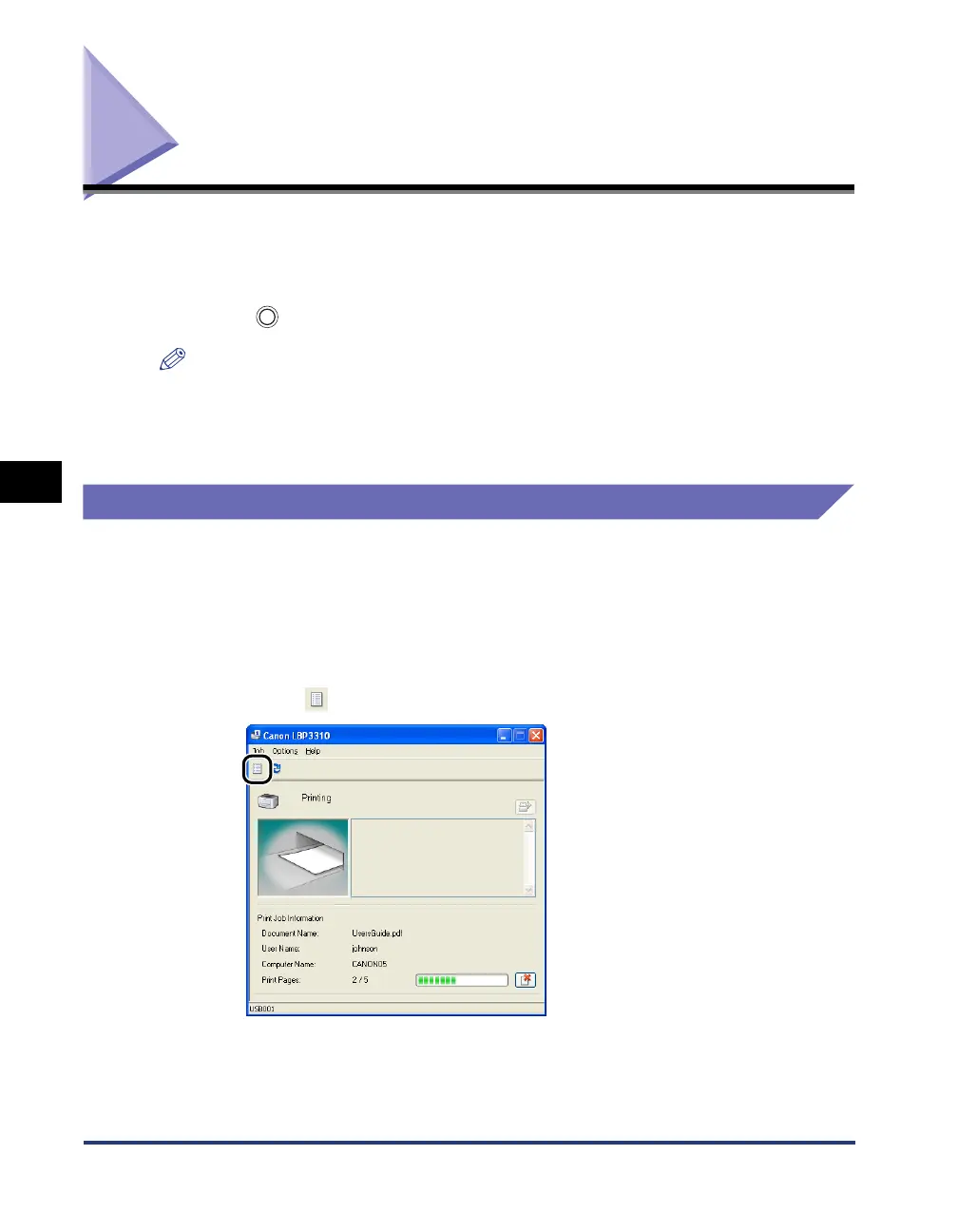
Display the Printer Status Window.
For details on methods for displaying the Printer Status Window, see "Displaying
the Printer Status Window," on p. 5-35.
2
Click [ ] (Print Queue).



 To Next Page